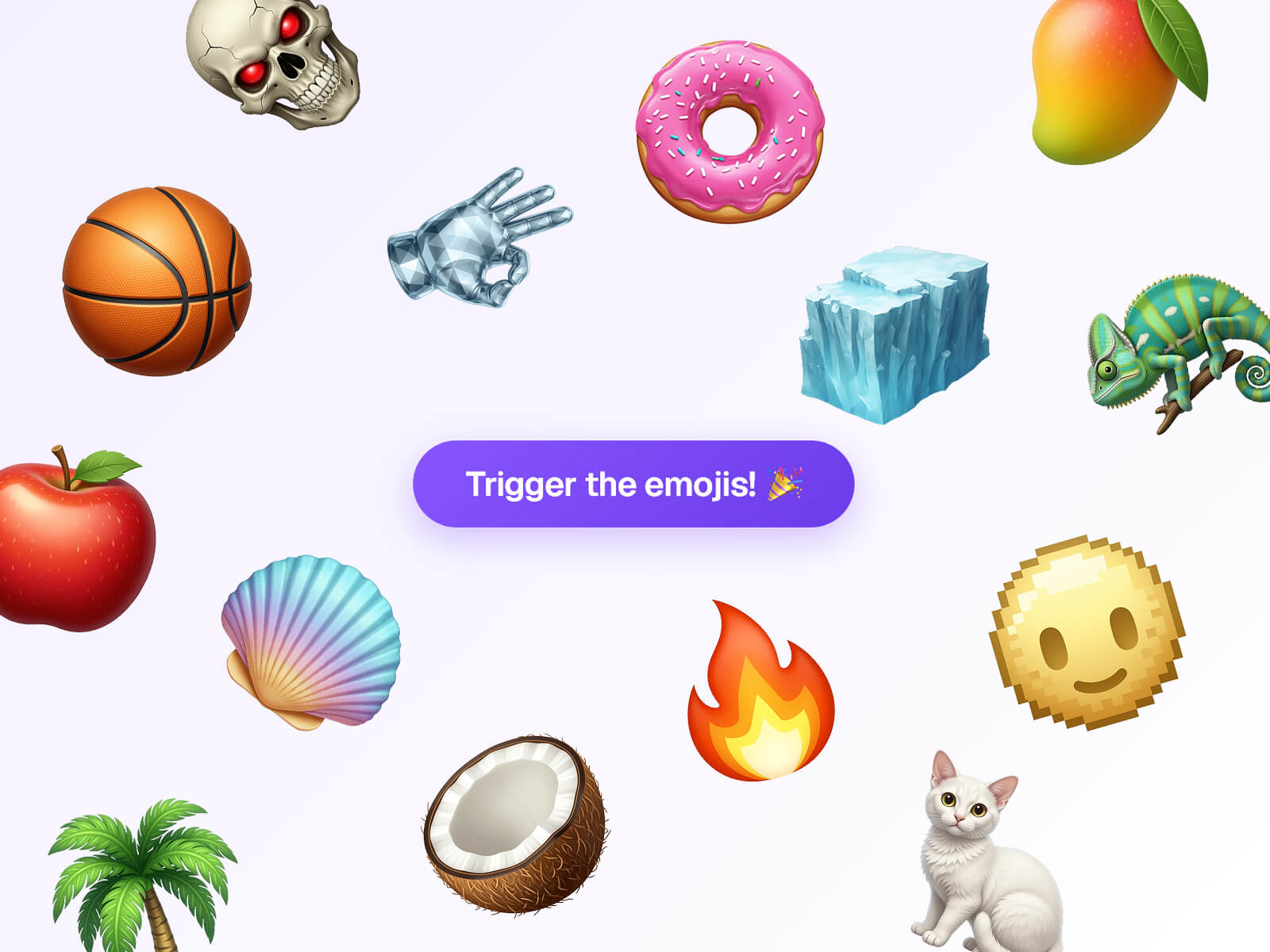
Emoji Confetti wraps any component and launches a burst of emoji or custom PNG/SVG images across the screen on click. The physics are a real particle simulation (gravity, drag, spin), not a canned GIF or Lottie file, so every burst looks a little different.
Choose native Emojis (sensible defaults included) or upload your own PNG/SVG images as confetti
Adjustable particle Size, Amount, and Speed
Spread control narrows or widens the burst cone
Native emojis are cached to a bitmap on first use, keeping large bursts smooth
Three Launch From patterns: Screen Sides, Screen Bottom, or Click Position
Auto-trigger fires confetti automatically on page load — great for a "thank you" page
On Trigger event handler fires on every launch — chain it to another interaction (overlay, variable, variant) in Framer's prototyping panel
Wraps any connected component as the clickable trigger
Shows a placeholder ("Connect to anything") until you connect something
Fully keyboard accessible (Enter/Space)
Confetti renders on a fixed full-screen canvas above your page, covering the whole viewport regardless of where the trigger sits. Keep custom images reasonably small (a few hundred pixels) — oversized files still work but take a moment to load. Native emoji appearance depends on the visitor's OS/browser emoji font, so it can vary slightly across devices.
Drag Emoji Confetti onto your canvas
Connect any component into the Trigger slot
Choose Emojis or Images as your content, and adjust Size, Amount, Speed, and Spread
Pick a Launch From pattern
Publish
All sales of digital products are final and non-refundable. Questions? Contact hellonostromostudio@gmail.com before purchasing. Enjoy!

Emoji Confetti wraps any component and launches a burst of emoji or custom PNG/SVG images across the screen on click. The physics are a real particle simulation (gravity, drag, spin), not a canned GIF or Lottie file, so every burst looks a little different.
Choose native Emojis (sensible defaults included) or upload your own PNG/SVG images as confetti
Adjustable particle Size, Amount, and Speed
Spread control narrows or widens the burst cone
Native emojis are cached to a bitmap on first use, keeping large bursts smooth
Three Launch From patterns: Screen Sides, Screen Bottom, or Click Position
Auto-trigger fires confetti automatically on page load — great for a "thank you" page
On Trigger event handler fires on every launch — chain it to another interaction (overlay, variable, variant) in Framer's prototyping panel
Wraps any connected component as the clickable trigger
Shows a placeholder ("Connect to anything") until you connect something
Fully keyboard accessible (Enter/Space)
Confetti renders on a fixed full-screen canvas above your page, covering the whole viewport regardless of where the trigger sits. Keep custom images reasonably small (a few hundred pixels) — oversized files still work but take a moment to load. Native emoji appearance depends on the visitor's OS/browser emoji font, so it can vary slightly across devices.
Drag Emoji Confetti onto your canvas
Connect any component into the Trigger slot
Choose Emojis or Images as your content, and adjust Size, Amount, Speed, and Spread
Pick a Launch From pattern
Publish
All sales of digital products are final and non-refundable. Questions? Contact hellonostromostudio@gmail.com before purchasing. Enjoy!
 Nostromo Studio