# Hero Deep Grid
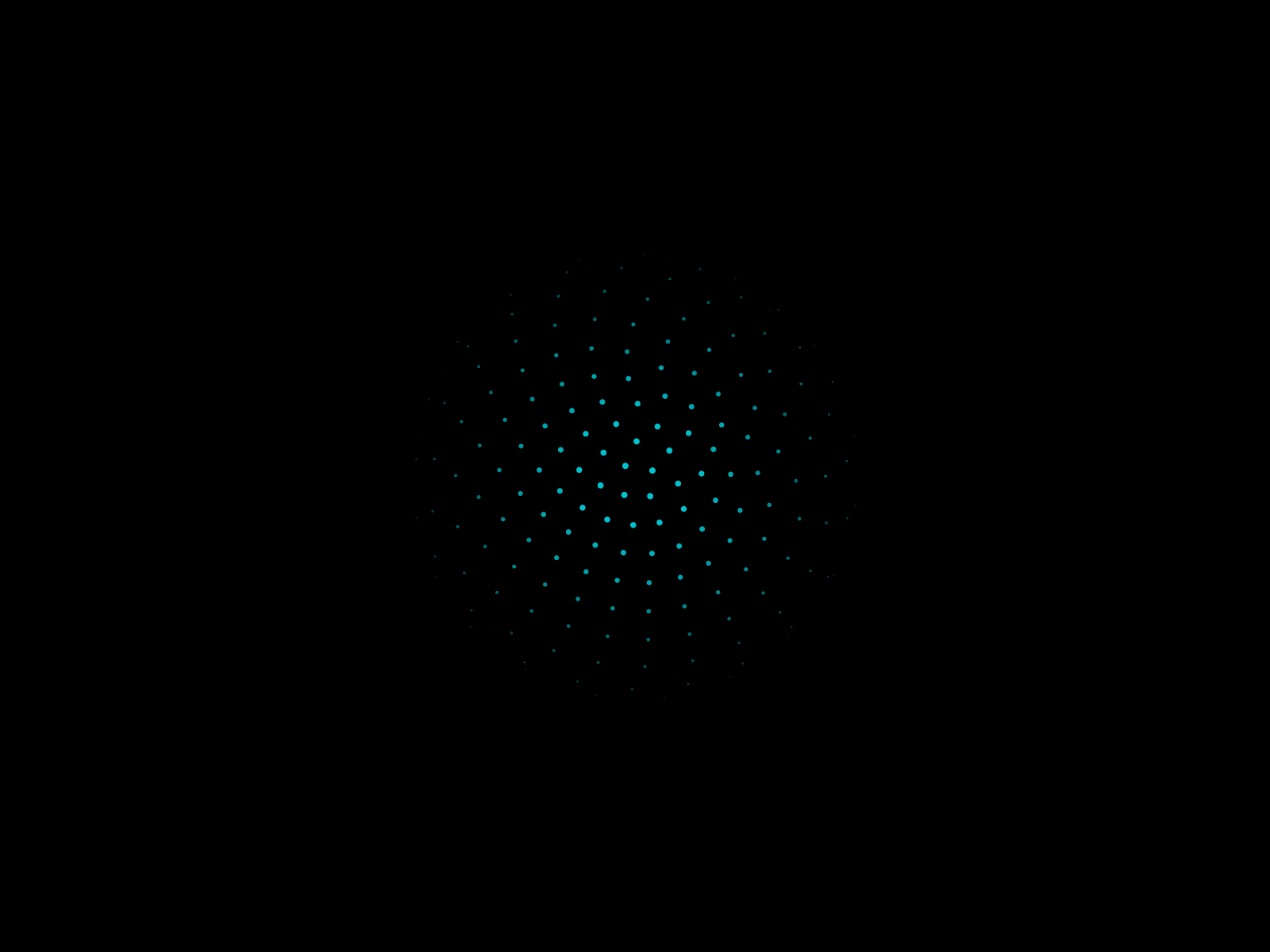
A dark, animated hero backdrop: a glowing wash over a subtle grid, with a retro 3D perspective floor scrolling toward the horizon. Drop it behind any hero and ship a landing page that feels alive.
## ✨ Features
- Retro perspective floor: animated 3D grid with adjustable speed, height, opacity, and an optional neon glow
- Soft radial glow: control color, size, position, and drift speed, or freeze it
- Subtle grid overlay: control color and spacing, or hide it
- Dark or Custom theme: ship the dark look instantly, or set your own background and grid color
- Show / hide toggles for the grid and floor, mix and match
- Respects reduced motion for accessibility
- Pauses when scrolled off-screen, easy on the CPU
- Lightweight, no dependencies, responsive at any size
## 🎛 Fully controllable
Everything is editable from Framer's properties panel. Tune the glow, grid, and floor to match your brand in seconds.
## 🚀 Install
1. Copy the component (or click Insert from the marketplace).
2. Paste it onto your Framer canvas and set it to Fill.
3. Customize from the properties panel.
## ✅ Requirements
- A Framer project that supports code components
Questions or requests? Reach out anytime, happy to help.