About Image Tunnel
About
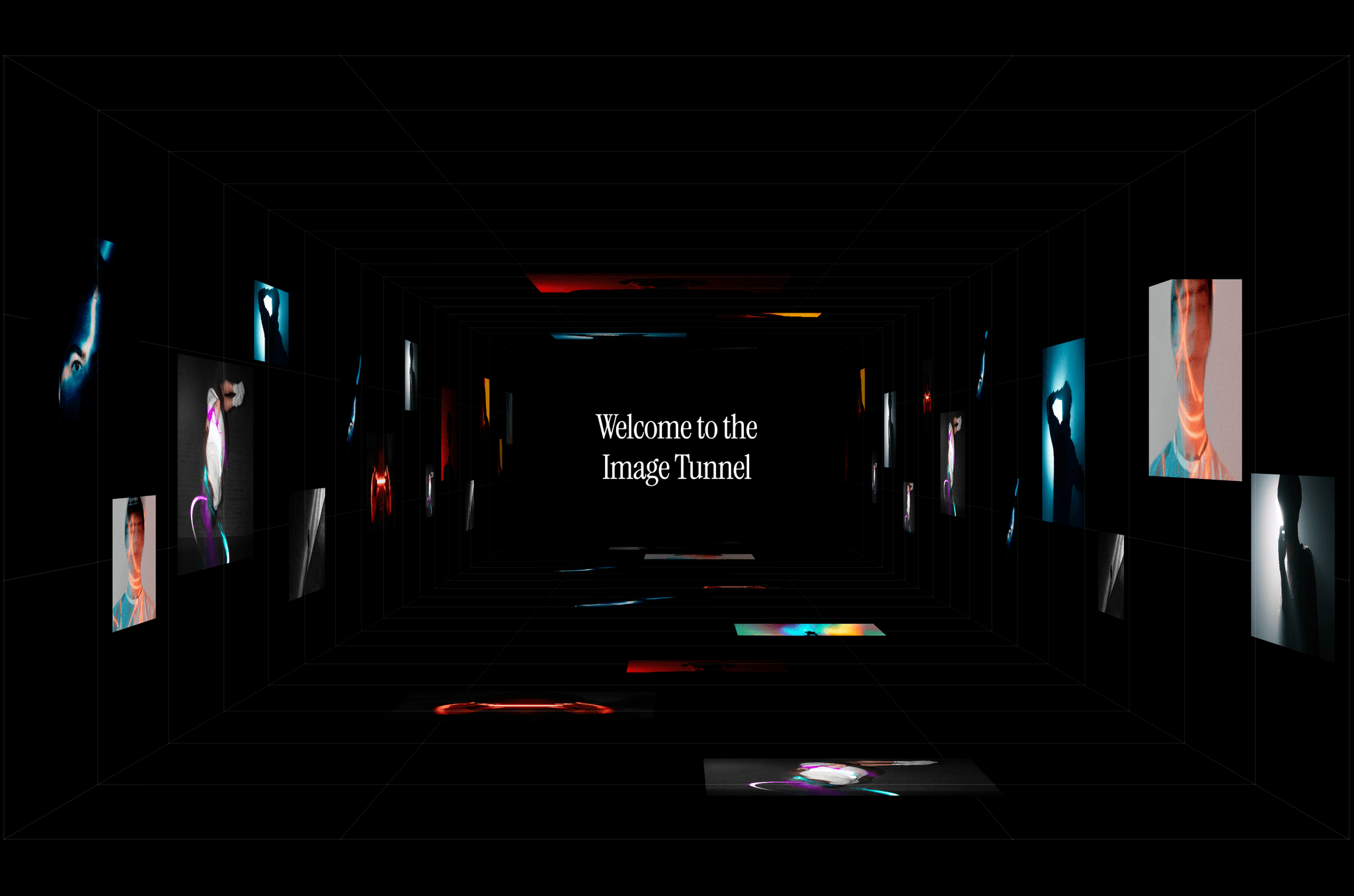
Infinite Image Tunnel turns a set of images into an endless perspective corridor: panels mounted on four walls, a receding wireframe grid, and a vanishing point that never arrives. It's built for hero sections, showreels, portfolio openers, and any moment where you want a visitor to stop scrolling.
Drop it on your Framer canvas, add your images, and it automatically composes the layout for you.
Features
Infinite recycling loop - No seam, no restart, no fixed length.
43-panel editorial layout across four surfaces, with automatic image cycling.
Interactiveness - Mouse parallax and click to pause
Responsive by default - Geometry, perspective, and panel density adapt to the container.
Optional wireframe grid - With full control over color, opacity, and line width.
Reduced Motion mode for accessibility-conscious builds.
Pause on hover and click to pause as independent toggles
Built for performance - The animation loop shuts down completely when the section scrolls off-screen or the tab is backgrounded, images are served at panel resolution via responsive
srcSet, and the render tree is tuned to avoid the oversized GPU textures that make 3D CSS scenes overheat laptops. It stays cool during long sessions.Renders a clean static frame on the Framer canvas, so editing your page stays fast.
Support
Questions, bugs, or a request for a variation? Reach out at hello@framerstacks.com
Know more about this component here.