About Slide Viewer
Slide Viewer
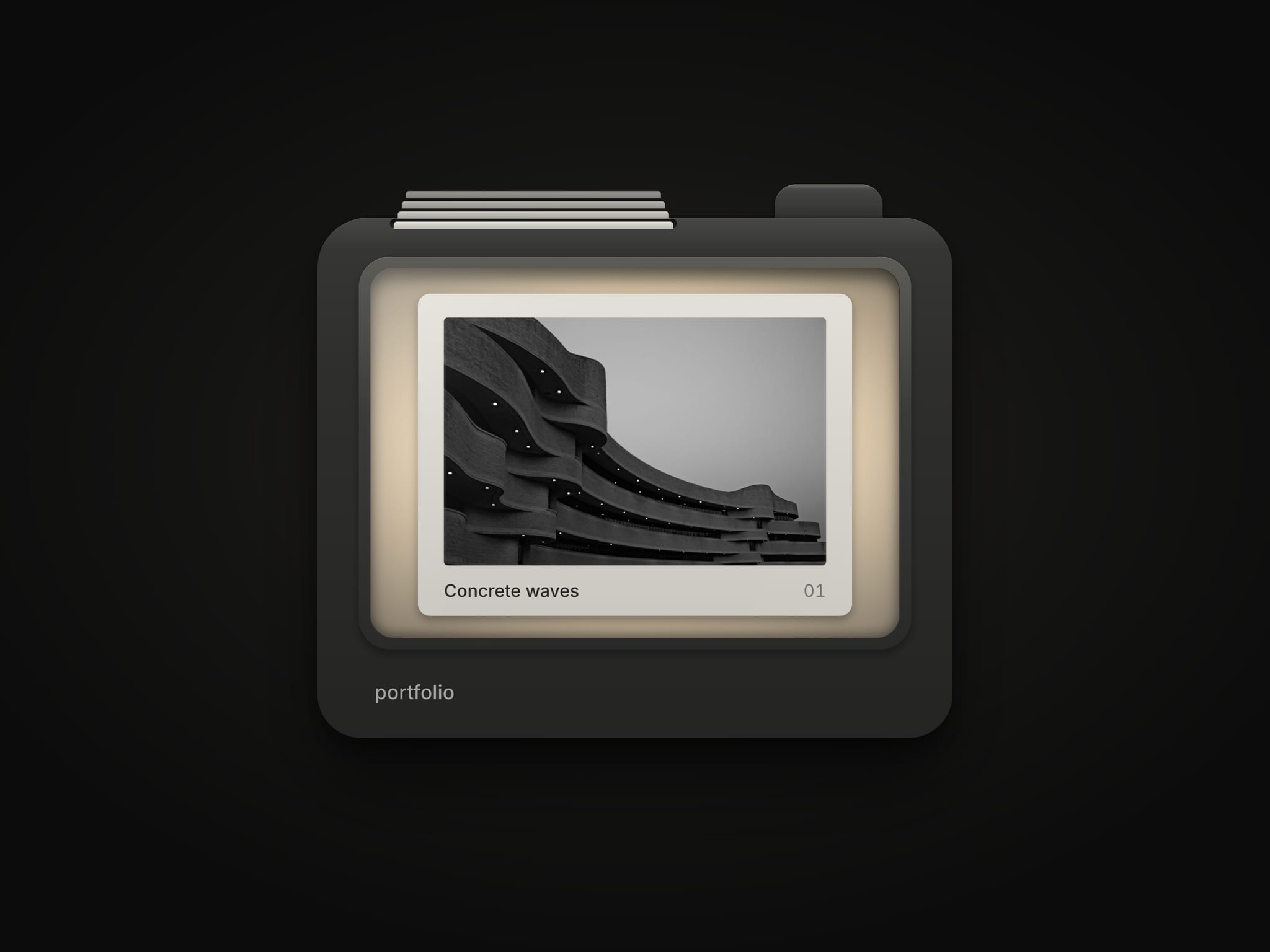
An image gallery inside a handheld 35mm slide viewer. Press the lever, click the window, swipe or use the arrow keys. The next slide drops in from the magazine on top and pushes the last one out, lit from behind like real film, with a soft mechanical clack.
What you can set
Slides: up to 24 images, each with a caption printed on its mount
Wordmark: engraved on the body, or leave it empty
Theme: Dark, Light or Auto, each with its own colours and shadow depth
Font: family and weight for the captions and wordmark
Slideshow: advances on its own and pauses while off screen
Sound and haptics: both optional
On change: run any interaction when the slide changes
Built to behave well
Fits any frame and keeps its proportions
Works with a keyboard and screen readers
Respects reduced motion
No libraries to load, the sound is made in the browser
Getting started
Drop Slide Viewer onto your page and set its width
Replace the sample images and captions with your own
Pick a theme and adjust the colours to match your site