About MDX_ContentNavigator
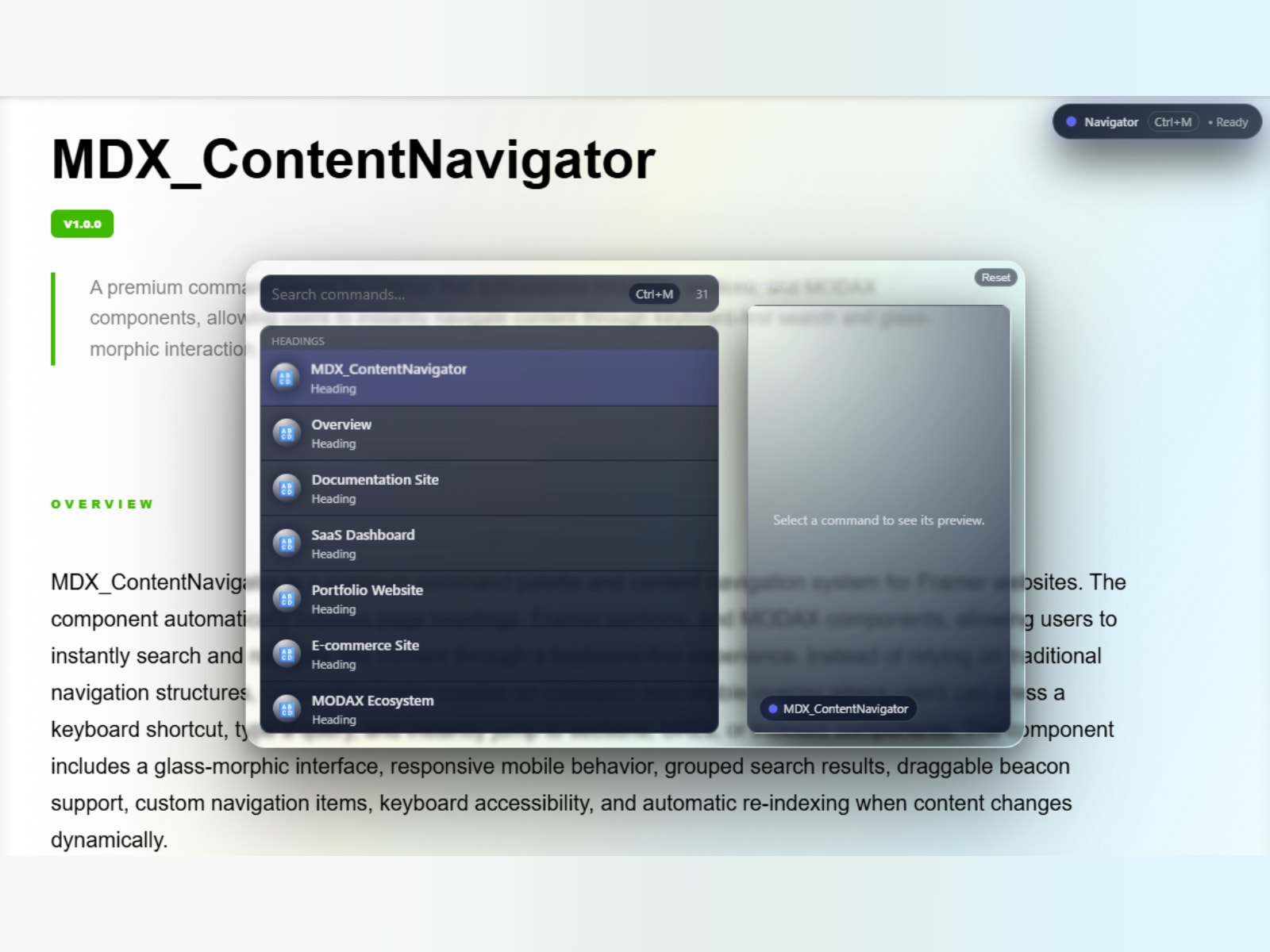
MDX_ContentNavigator A universal command center for Framer that lets users search, navigate, and perform actions from one intelligent interface. It allows your visitors to instantly search, discover, and jump to any section, heading, media file, or MODAX component on your page using a beautiful glassmorphic interface.
Why use it? Long landing pages and documentation sites create cognitive load. Standard anchor links are easily missed. MDX_ContentNavigator solves this by providing a floating, draggable "Beacon" that users can click (or trigger via keyboard ⌘M) to open a universal search bar. Behind the scenes, it automatically indexes your entire page.
Key Features:
🔎 Universal Auto-Indexing: Automatically detects H1-H6 headings, Framer Sections, and Media (Images, Videos, Audio) without manual configuration.
🧩 MODAX Ecosystem Integration: Uses data-modax-name attributes to identify, group, and specially render other MODAX components with a premium accent glow.
🖼 Split-View Media Previews: When browsing media commands, a side panel displays a live, high-fidelity preview of the image or video before navigating.
📱 Mobile Responsive: The split-view modal automatically stacks vertically on mobile, and the beacon collapses into a compact pill to save screen space.
⌨ Keyboard Navigation: Full Arrow/Enter/Escape support with body scroll locking to prevent background scrolling.
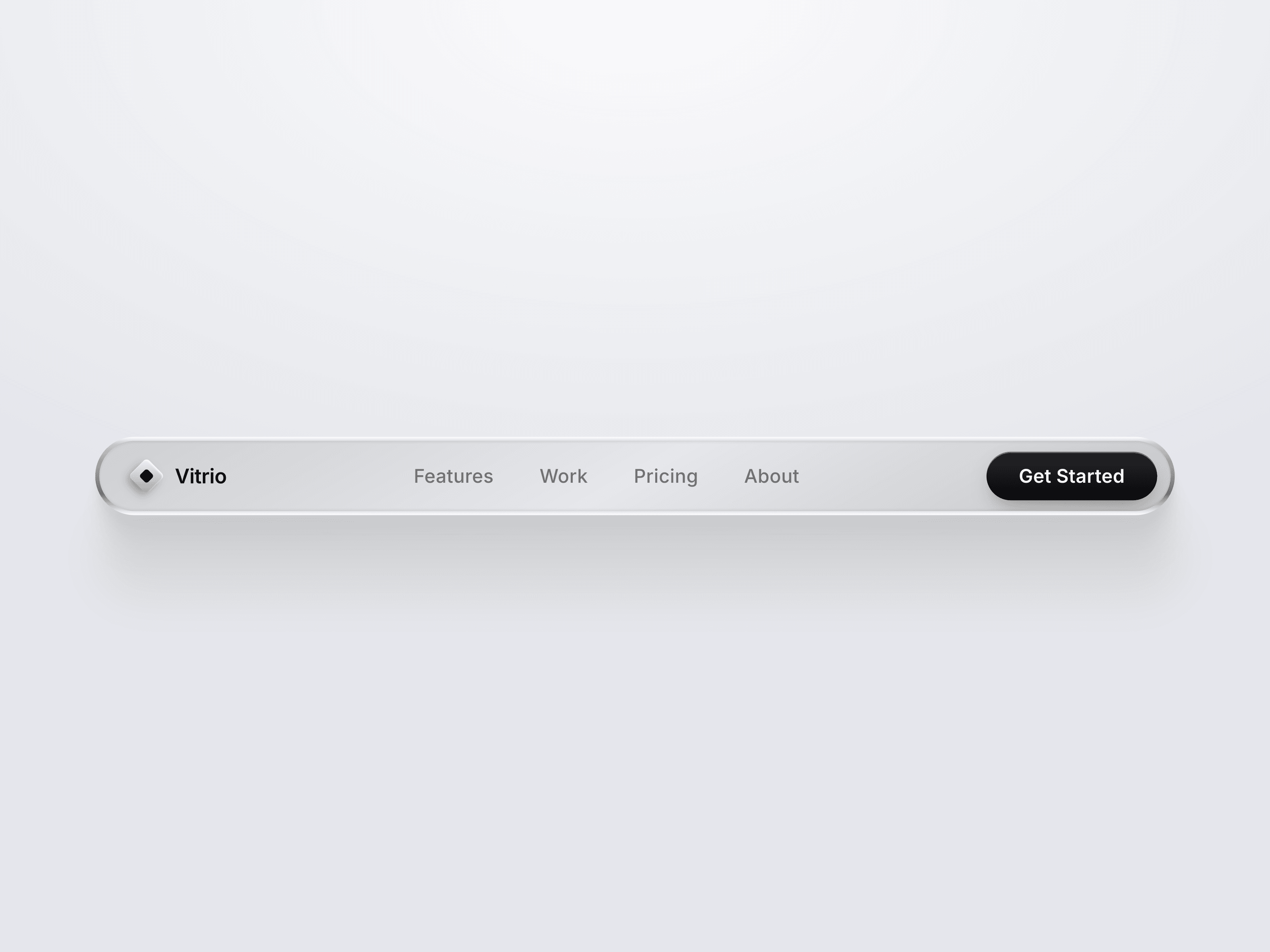
🪟 Glassmorphic Design System: Fully customizable blur, radius, glass intensity, and accent colors to perfectly match your brand.
🧠 Smart UI Heuristics: Automatically filters out decorative images (logos, icons, backgrounds) so your command list stays clean and relevant.
Designer Friendly: No complex wiring required. Just drag the component onto your canvas, set your desired scroll offset to account for sticky headers, pick your accent color, and you're done.
Built for designers. Refined with your feedback.