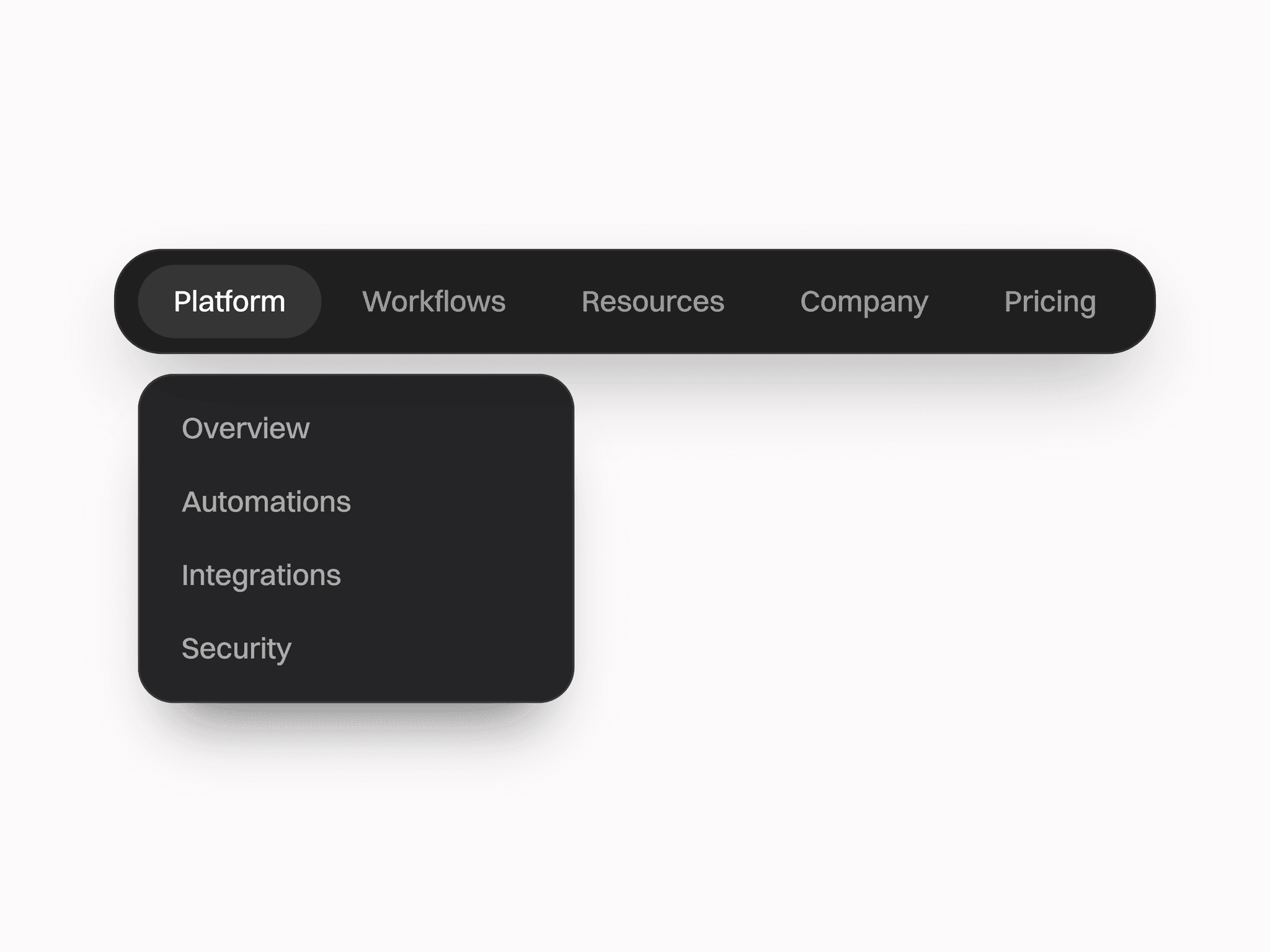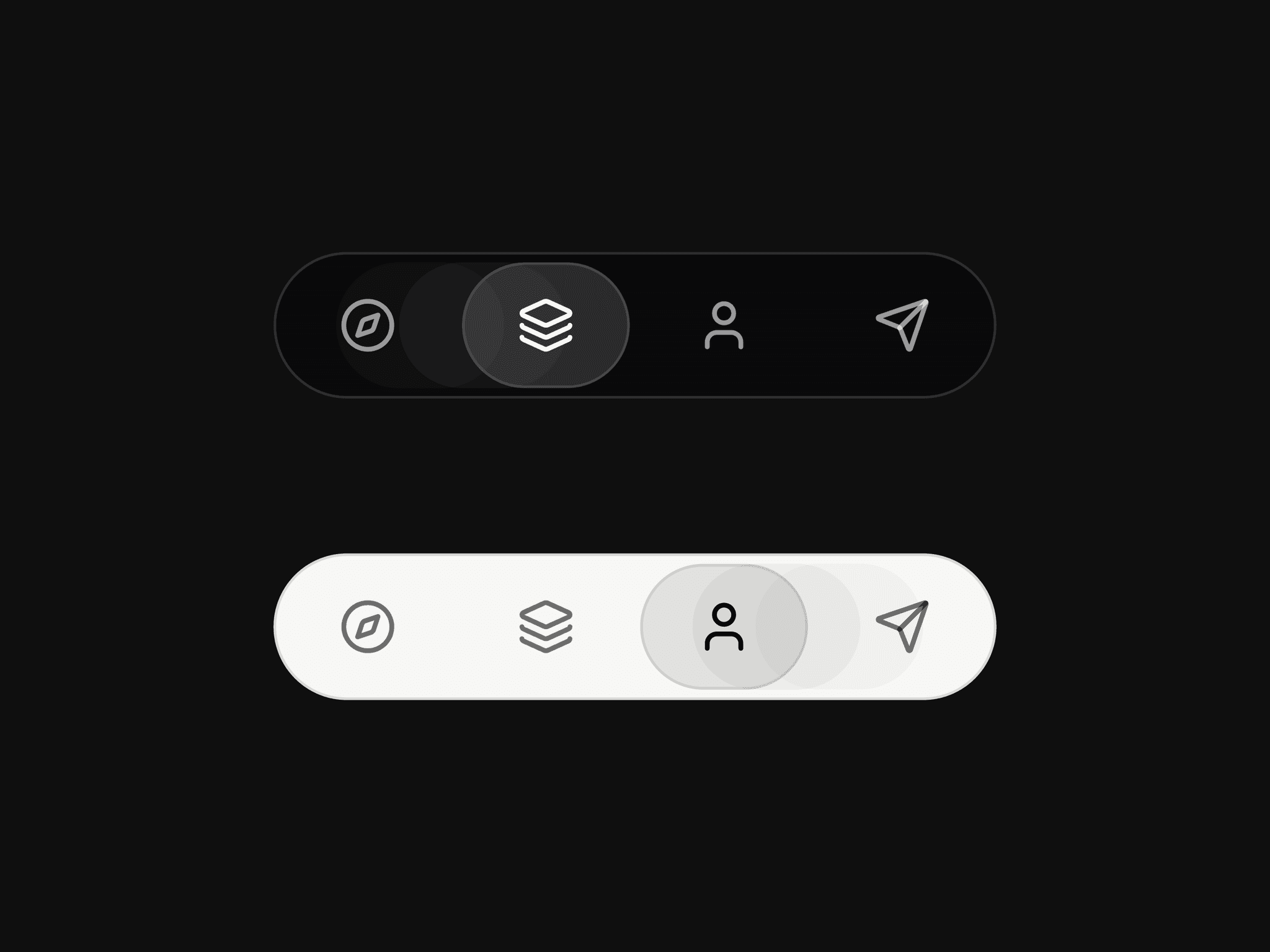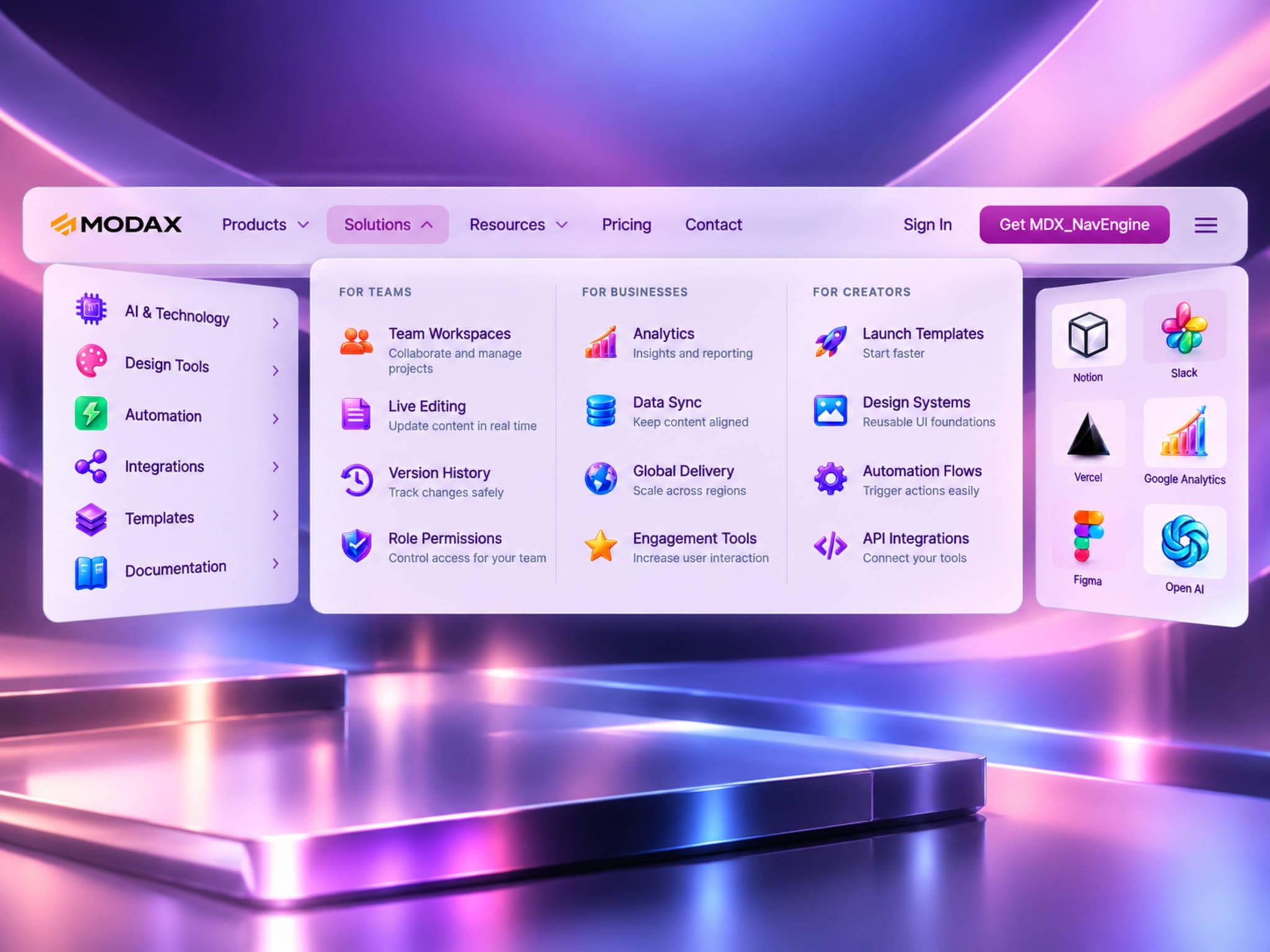
Stop fighting with nested frames and broken hover states. MDX_NavEngine is a production-grade navigation system built specifically for Framer. Drag it onto your canvas, configure everything from the Properties panel, and get a beautiful, functional navigation that works everywhere.
3 Menu Types: Single-column, multi-column, or icon grid — pick what fits your design or combined all
Infinite Nesting: Groups inside groups inside groups. No limits.
Auto Dark Mode: Follows your Framer light/dark mode automatically or Force specific theme.
Glass Morphism: Frosted glass effect with blur — looks premium
Mask Scroll: Gradient fades at edges — no ugly scrollbars
Smooth Scroll: Section links scroll smoothly (works on mobile too)
Fully Responsive: Desktop pills + mobile burger menu with accordion
iOS Safe Areas: Works perfectly on notched iPhones
Drag MDX_NavEngine onto your canvas. That's it.
⚠️ Important: Place it at the document root-level — not inside any frame or stack. This ensures Fixed positioning works correctly.
Open Nav Bar in the Properties panel → Logo Source → Upload your logo (or paste a URL). Add a Compact Logo for when the nav shrinks on scroll.
Nav Bar → Nav Items → Click the array to add items.
Step 4: Pick Your Colors
Visual DNA → Choose your Light/Dark colors:
Surface — Background color
Text — All text color
Accent — Hover background, active pills, CTA color
Switch to Preview mode. Hover over dropdowns. Resize to see mobile menu. Toggle light/dark mode in Framer.
You're done.
All settings are organized into 5 clean groups. No digging through nested menus.
If you want Regular Links (Pricing, Contact, Sign in) set "Has Items" to "No"
For Dropdown menu set "Has Items" to "Yes"
That's it.
Example: Pricing page, Contact section
Label: "Pricing"
Has Items: NO
Goes To: "Link" (or "Page Section" for smooth scroll)
URL: "/pricing" (if Goes To is set to link)
Section ID: #section-id (if Goes To is set to Section)
Scroll: Smooth/Instant (If Goes To is set to Section)
New Tab: Yes/No (if Goes To is set to Link)
Badge: Optional — "New", "Beta", etc.
The pill will now navigate directly when clicked.
Example: Products menu with items inside
Label: "Products"
Has Items: Yes
Layout: "Single Column", "Multi Column", or "Grid"
Items: Click to add what goes INSIDE the dropdown
Click the Items array. Each item can be one of two types:
Clickable link - IsGroup NO, Takes the user somewhere
Group header - isGroup YES, A collapsible category that contains multiple links
Is Group: NO
Name: "Wrist Watch"
Group: Empty for root-level — OR type a group name to nest inside
Goes To: "Link" or "Page Section"
URL: Where it goes
Hint: Optional short description (shown as hover caption or underneath the Name, based on the Visual DNA property "Show Hint: Below Item/On Hover"
Icon Source: Upload/URL
Icon Image: if "Icon Source" is Upload
Icon URL: If "Icon Source" is URL
NOTE: Icons are optional if its not a Icon Grid Menu, if provided it will show before the Name
Is Group: YES
Group Name: "CellPhones"
Parent Group: Empty for root-level — OR type a parent group name to nest inside
Icon Source: Upload/URL
Icon Image: if "Icon Source" is Upload
Icon URL: If "Icon Source" is URL
Groups expand inline with smooth accordion animation. Unlimited nesting depth.
Best for: User accounts, settings panels, simple navigation
Full-width dropdown. Each group becomes a column header. Configure up to 6 columns per row.
Best for: E-commerce, documentation sites, SaaS products
Card-based layout with icons. Three sizes: Small (80px), Medium (110px), Large (140px).
Best for: Integration directories, app launchers, partner ecosystems
MDX_NavEngine works at both the top and bottom of the viewport. Everything flips automatically.
Placement Top - Top of viewport, Opens downward
Placement Bottom - Bottom of viewport, Opens upward
Navbar sticks to bottom of screen, Dropdowns Open upward. Announcement bar appears below navbar. Compact on scroll, compacts when scrolling UP.
Below 810px (or when burger is clicked on desktop):
Pills - Hidden automatically
Burger button - Appears
Menu - Slides in from the right
Navigation - Vertical accordion
CTAs - Primary + Secondary at bottom
Scroll lock - Page behind cannot scroll
Safe areas - Works on notched iPhones
Screen readers - ARIA labels on all interactive elements
Keyboard navigation - Tab, Enter, Escape support
Focus management - Focus trap in mobile menu
Q: Does this work with my existing font?
A: Yes. The component inherits font from its parent frame. Change your frame's font in Framer's text properties.
Q: Can I change the hover effect?
A: Yes.
Q: How many nav items can I have?
A: Unlimited. Long menus scroll.
Q: Can I have nested groups inside nested groups?
A: Yes. Unlimited nesting depth.
Q: Does the mobile menu close when I click a link?
A: Yes.
Q: What if Fixed Position isn't staying fixed?
A: Check if any parent has transform, filter, or perspective. Toggle the page container's padding-top. This is a Framer rendering quirk — your component is correct.
"This component saved me days of work. The multi-column dropdown alone is worth the price."
"Finally — a navigation component that actually works."