About Softly Count
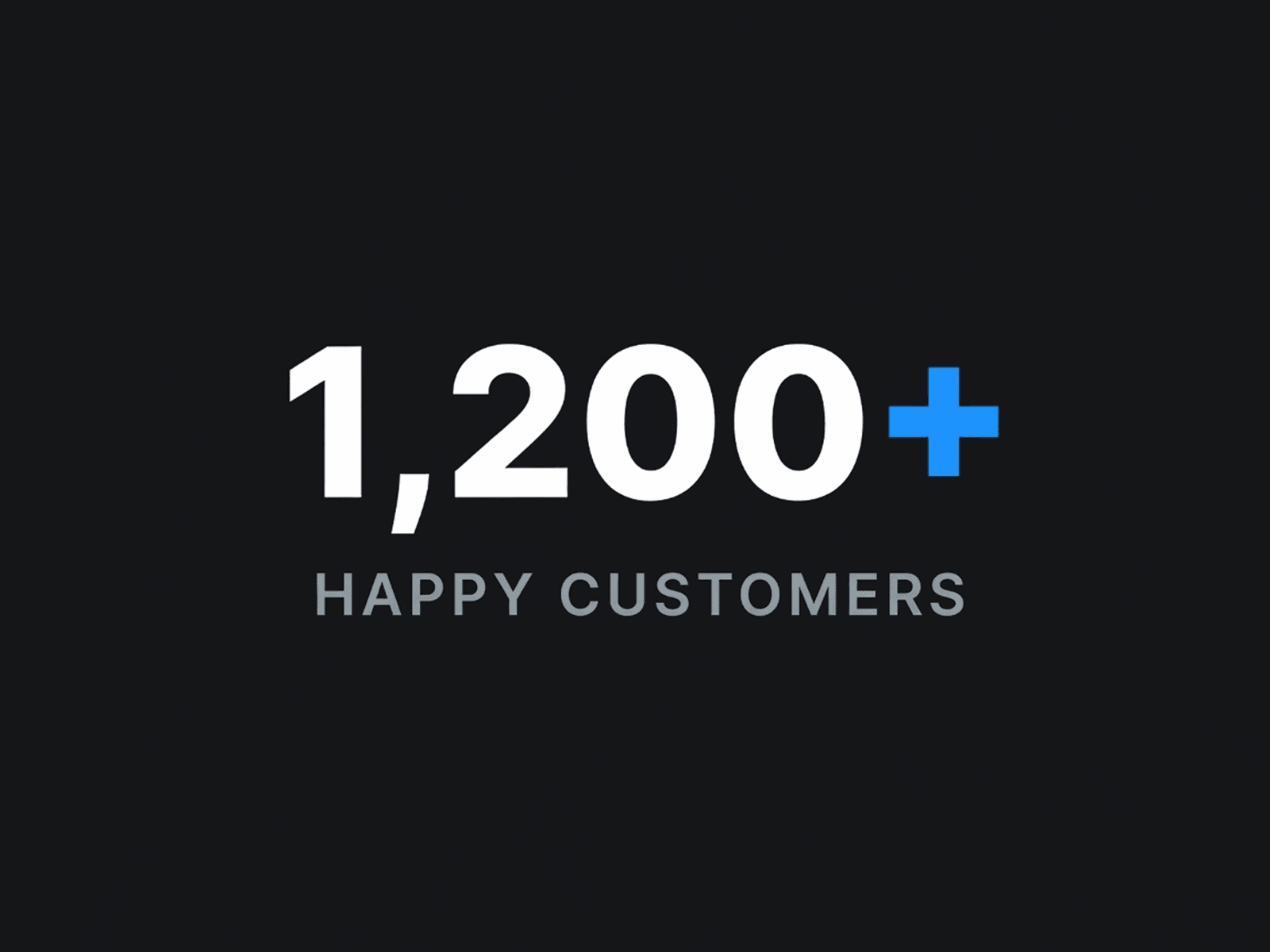
A number that animates up from zero when it enters the screen — great for stats and metrics. Custom target, duration, prefix, suffix, separators, and font. Single .tsx file — installs in one paste.
How to install
1. Click “Copy Component” (or use the Component URL).
2. Open your Framer project.
3. Paste directly on the canvas (Cmd/Ctrl + V).
4. Select the component and customize it in the right-hand properties panel.
Important
The Component URL is an install link, not a normal webpage. Opening it in a browser only shows version info — it must be pasted inside Framer.
Need help?
Questions or custom tweaks — we usually reply within 72 hours.
More from Softly Supply
Free & paid Framer components: https://softly.supply