About Venetian Blinds
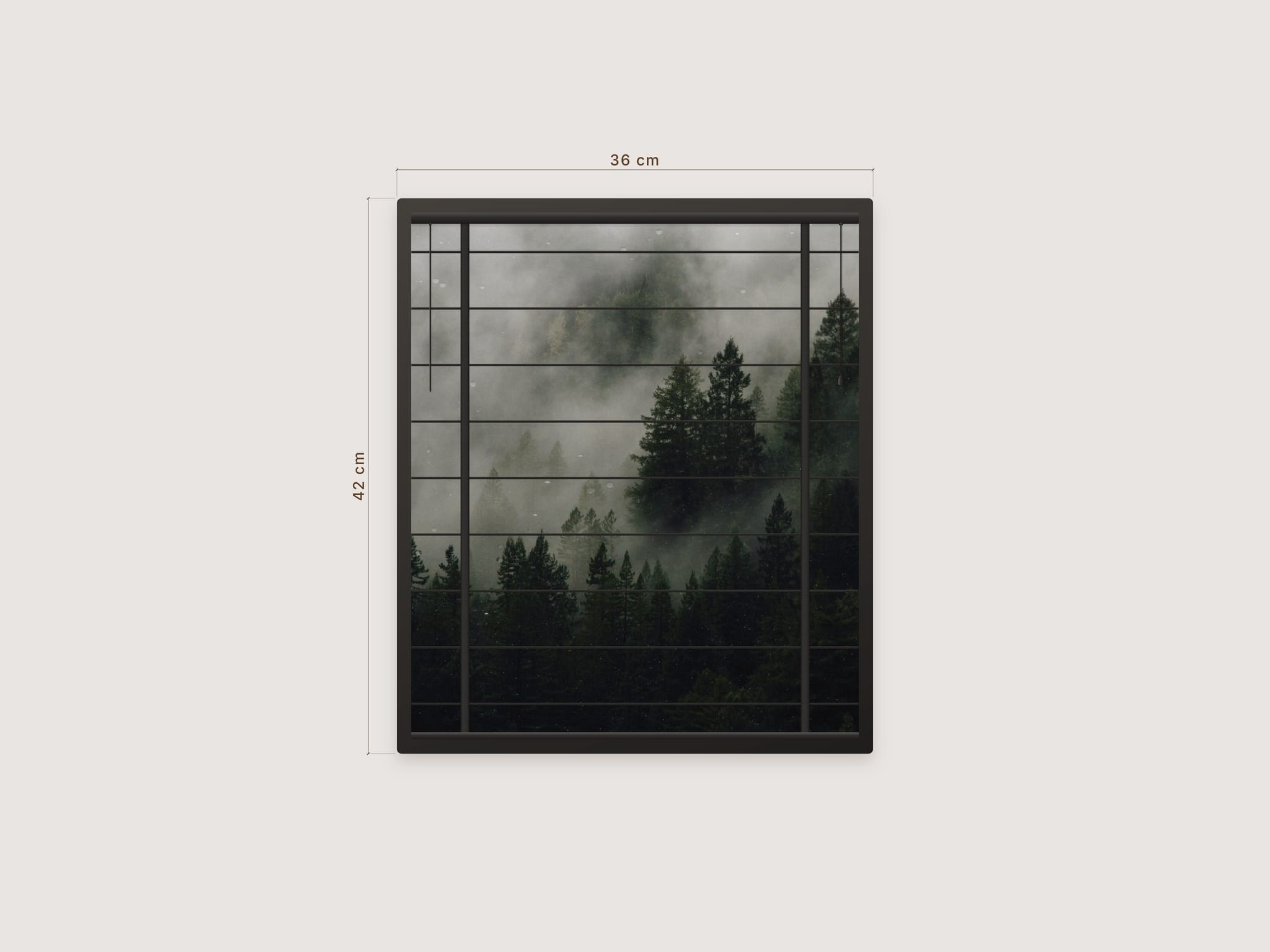
I wanted blinds on a website that actually feel like blinds. Visitors twist the wand to tilt the slats, pull the cord to raise them, and the light coming through changes as they go.
How it works
Twist the wand to tilt the slats
Pull the cord or drag the bottom rail to raise or lower
Tap the wand or cord to open or close fully
Triggers
Manual, Hover, On scroll or Scroll-linked
Action: tilt the slats or raise the blind
Direction: open or close
Section ID: let another section drive the blind, great for sticky layouts
Layout
Slat Count: Auto sizes slats like a real blind, or set your own
Scale: real cm per pixel
Wand side, Cord or Cordless
Style
Material: Walnut, Oak, White, Black or Custom
Ladders: cloth tapes or thin cords
Frame: optional, with color and width
Cast: optional light and slat shadows on the page
Rain: optional subtle drops on the glass
Dimensions: optional live width and height in cm, mm or in
Behavior
Speed and a soft slat sound
Setup
Drop it on the canvas and resize
Add an image for the view behind the glass
Pick a material and a trigger
For Cast or outside Dimensions, turn off Clip Content on the parent
Good to know
Calm photos with big shapes work best
The canvas shows a still preview. Motion, rain and sound run in Preview and live
Sound plays after the visitor's first click