About React Export
Framer to React Exporter
Warning: To use this plugin you need React development knowledge. This plugin also requires a $50 (personal hobby plan) or $250 (commercial use plan) monthly subscription. If you are an open source project or non-profit organization you can get a discount by sending a message to the email on the right.
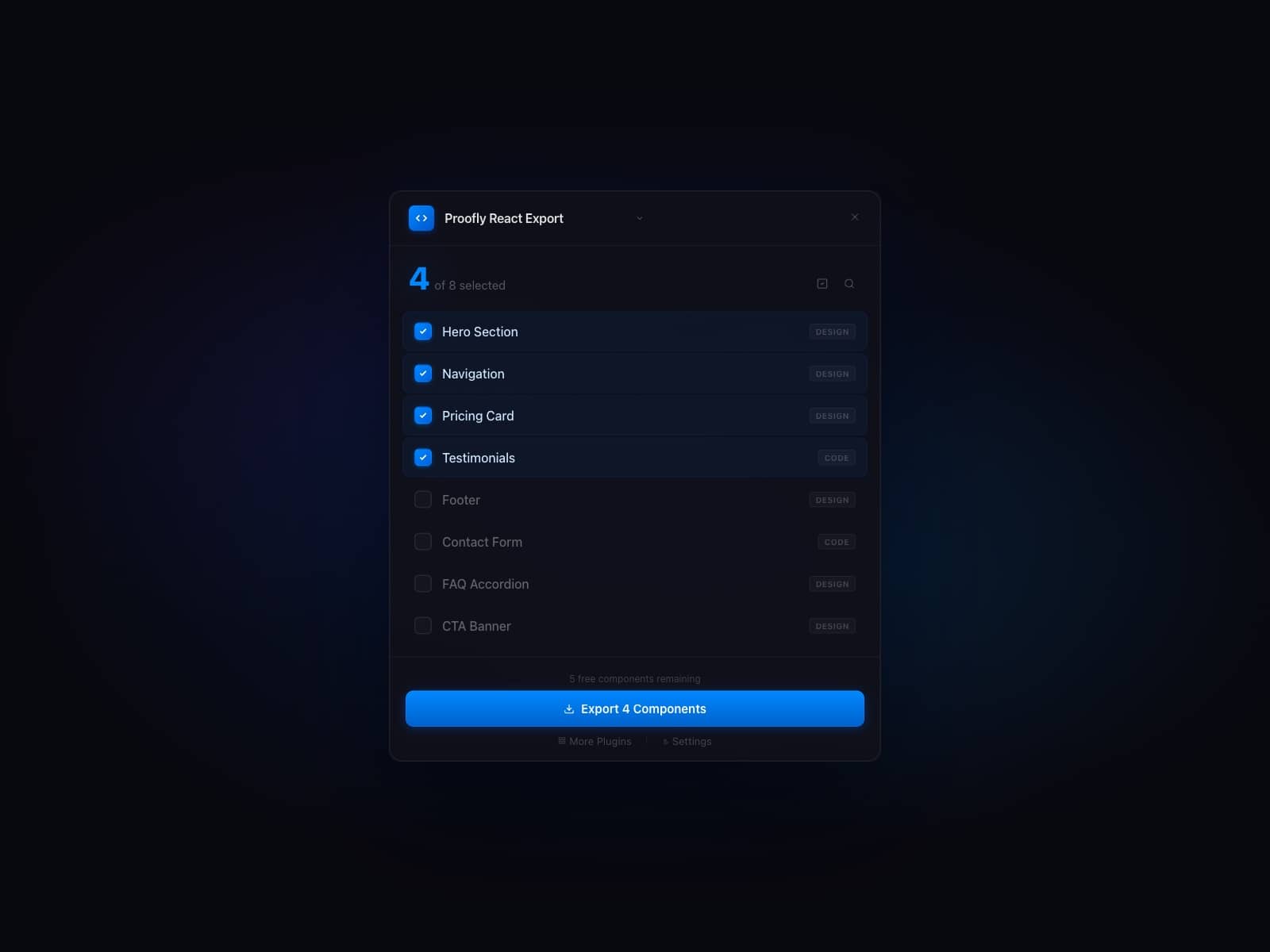
Framer to React Exporter is a powerful plugin that bridges the gap between Framer’s intuitive design environment and your production-ready React codebase. By selecting components directly in the Framer interface and then running the `unframer` CLI, you’ll instantly have fully typed React components—ready to integrate into your Next.js, Remix, or any other modern React framework.
Key Features
Full Type Safety
Auto-Completed Props & Variables
Responsive Breakpoints
Reusable Across Frameworks
How It Works
1. Design in Framer:
Start by crafting your UI in Framer’s visual editor—create headers, footers, banners, hero sections, and more.
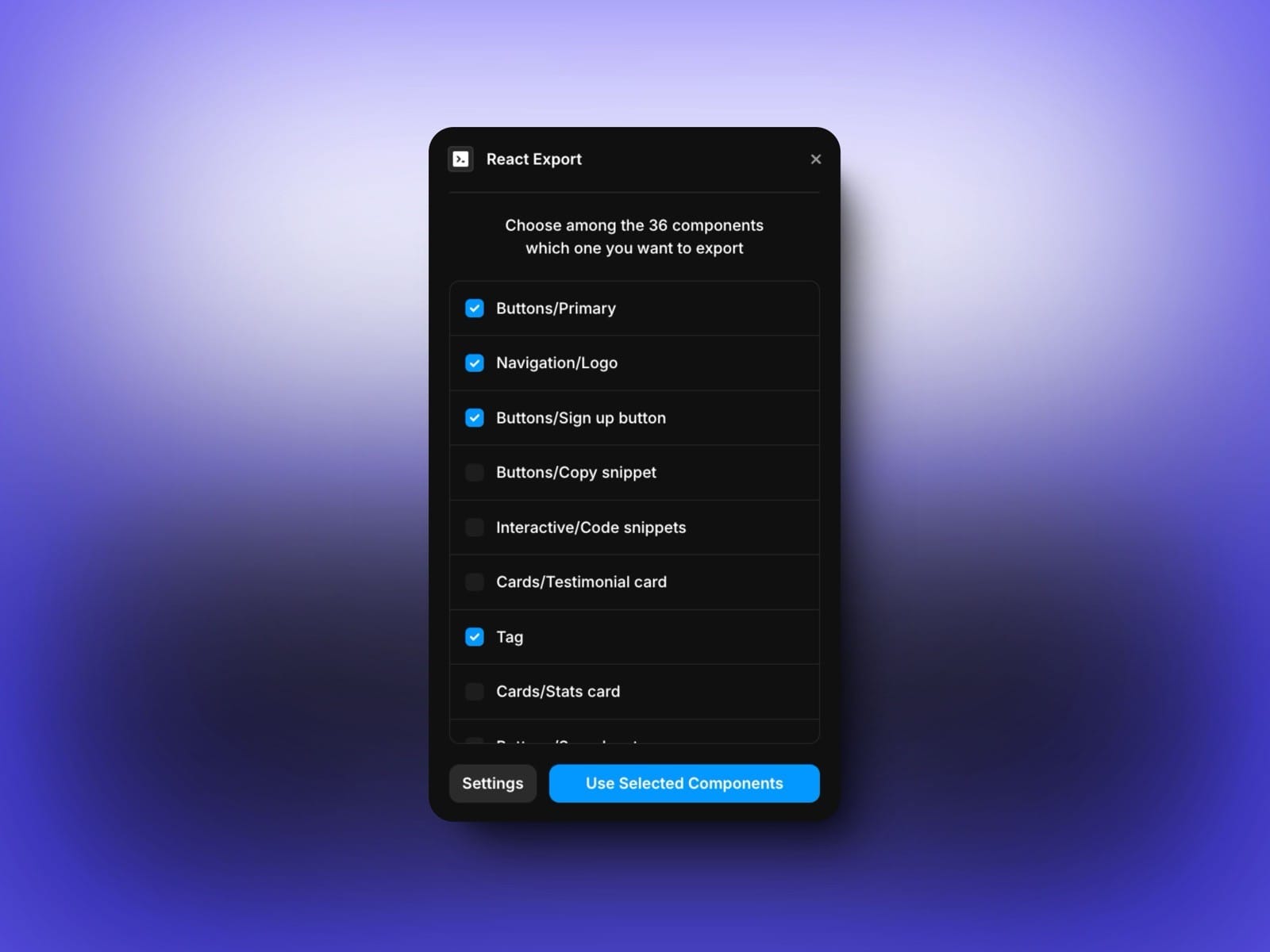
2. Select Components to Export:
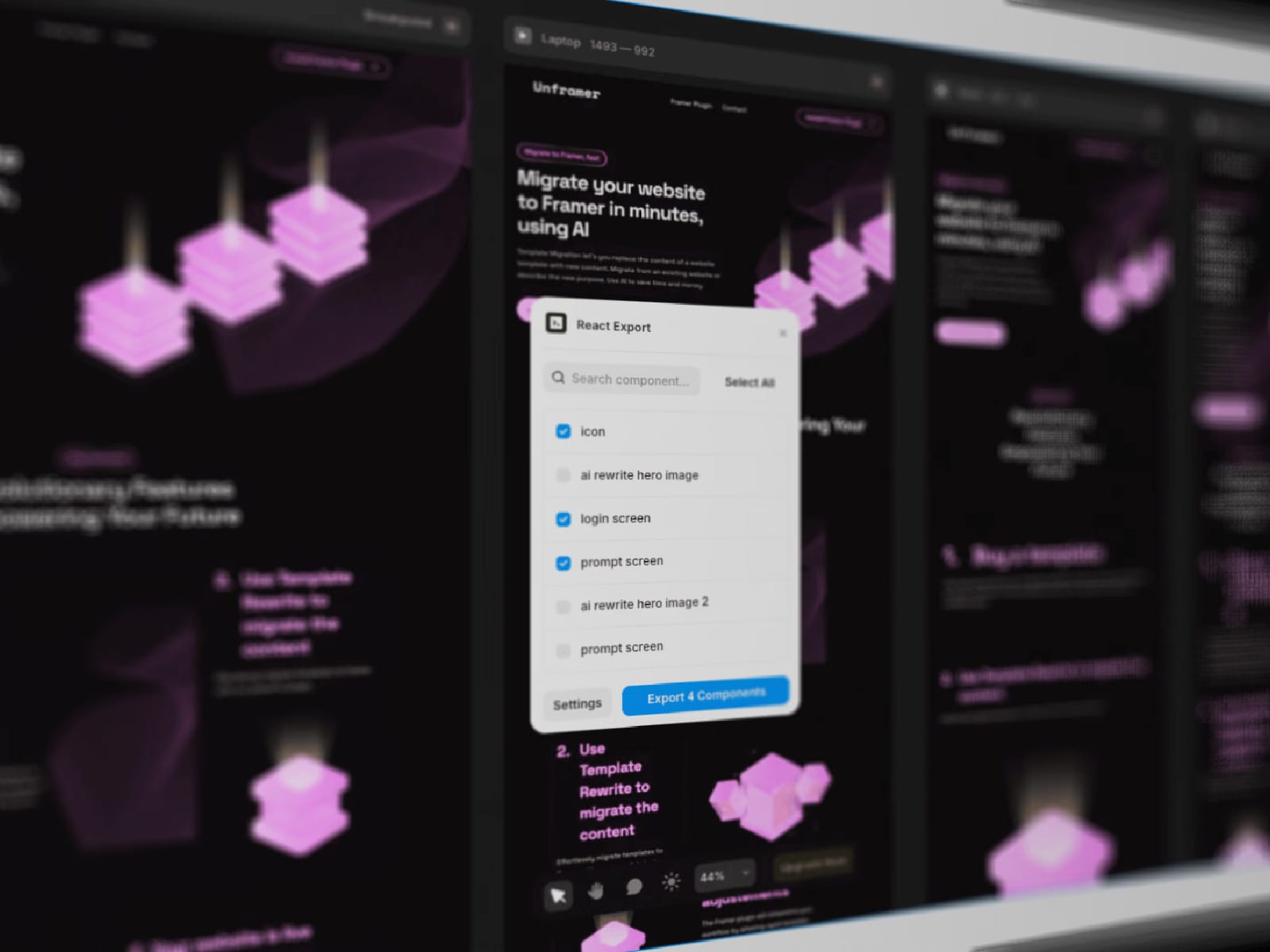
Pick which components you want to bring into your codebase. This can be an entire section of your site or just a small UI element.
3. Run the `unframer` CLI:
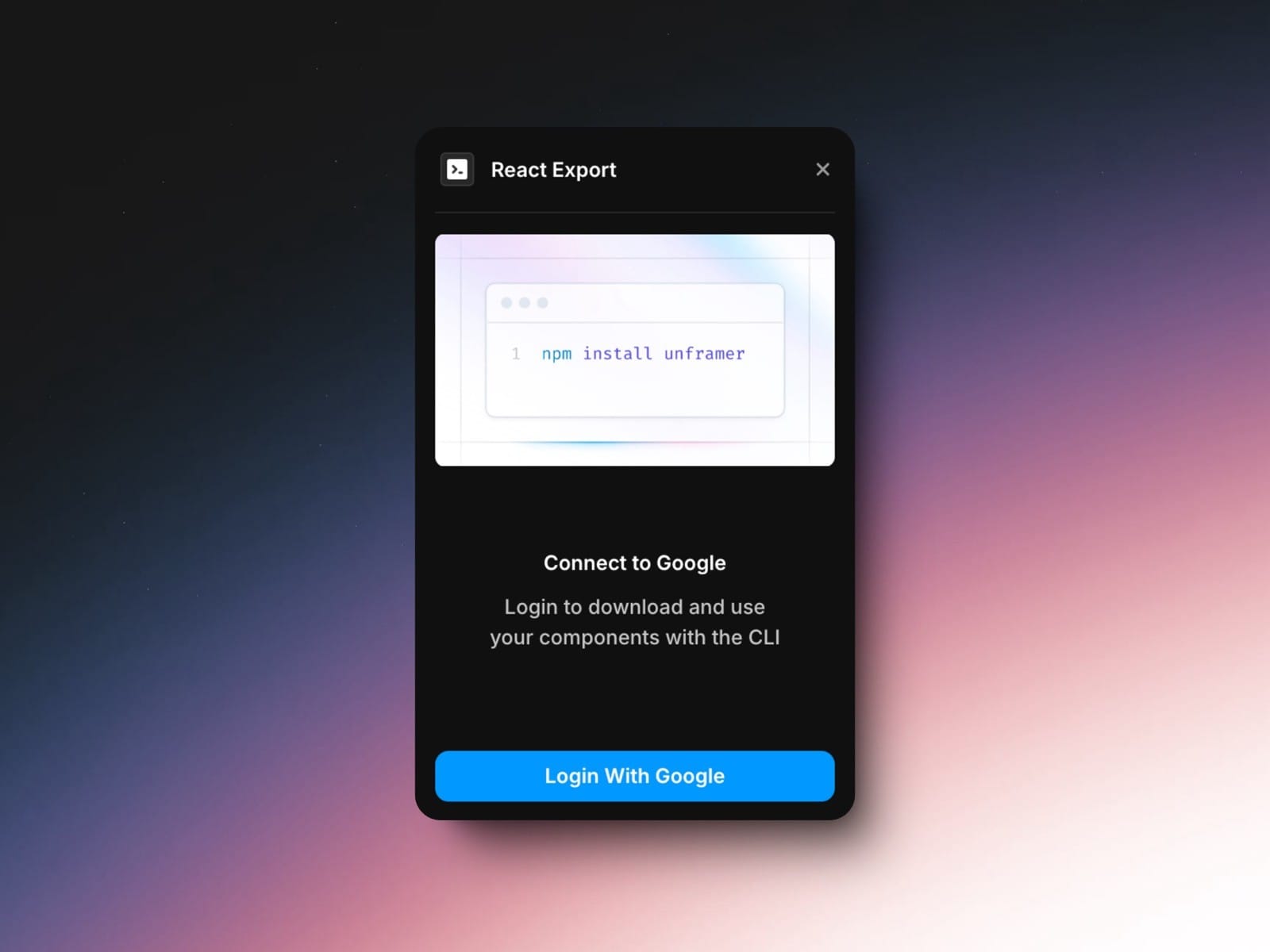
Using the CLI, download the components as React files, accompanied by their `.d.ts` files for strict type checking and smooth developer experience.
4. Integrate into Your Project:
Import the generated components into your React project. You can fine-tune their styling, integrate them into your SSR setup, or even attach event handlers—like `onClick` or custom callbacks—directly in your code.