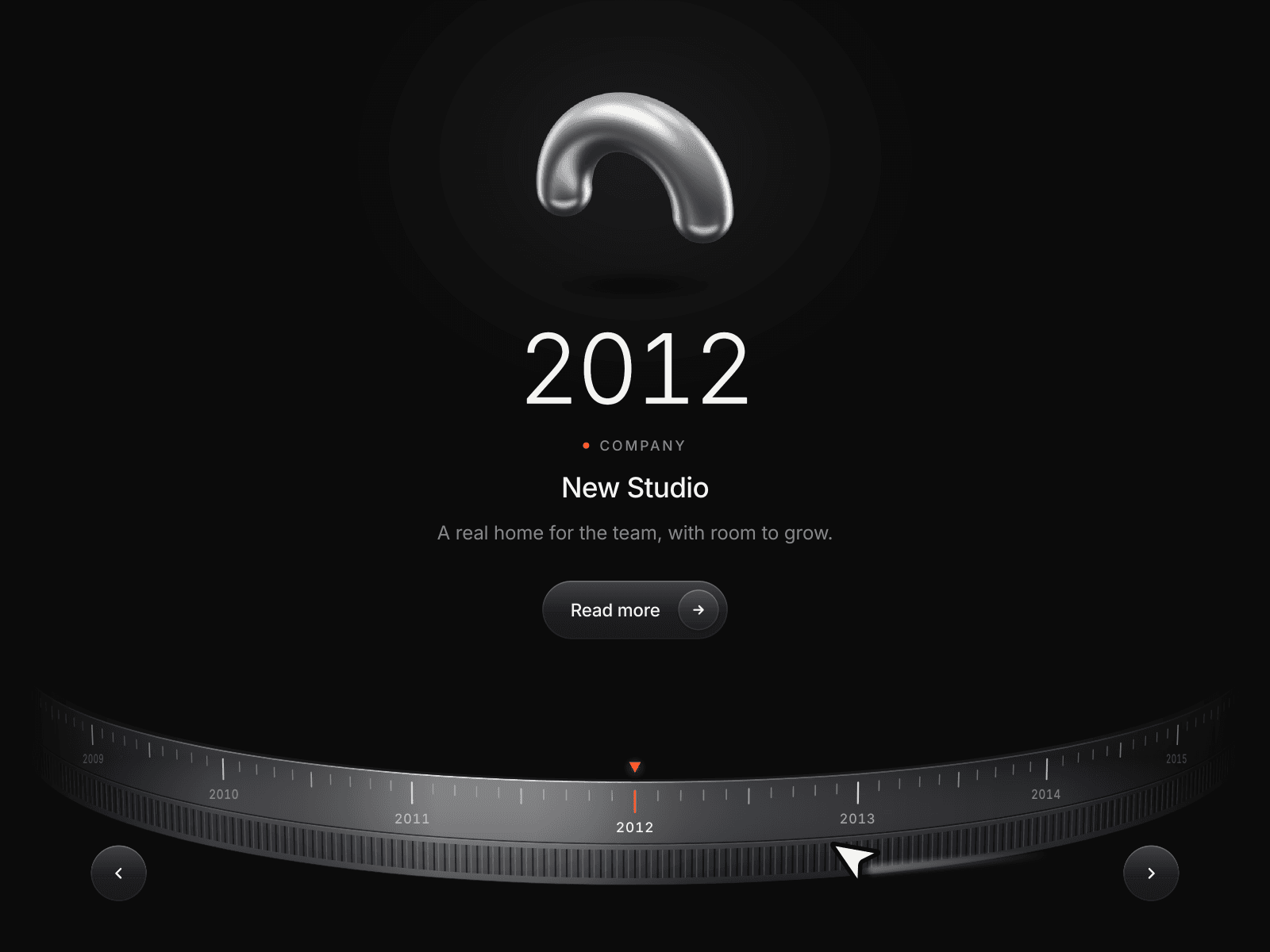
About 3D Dial Timeline
About
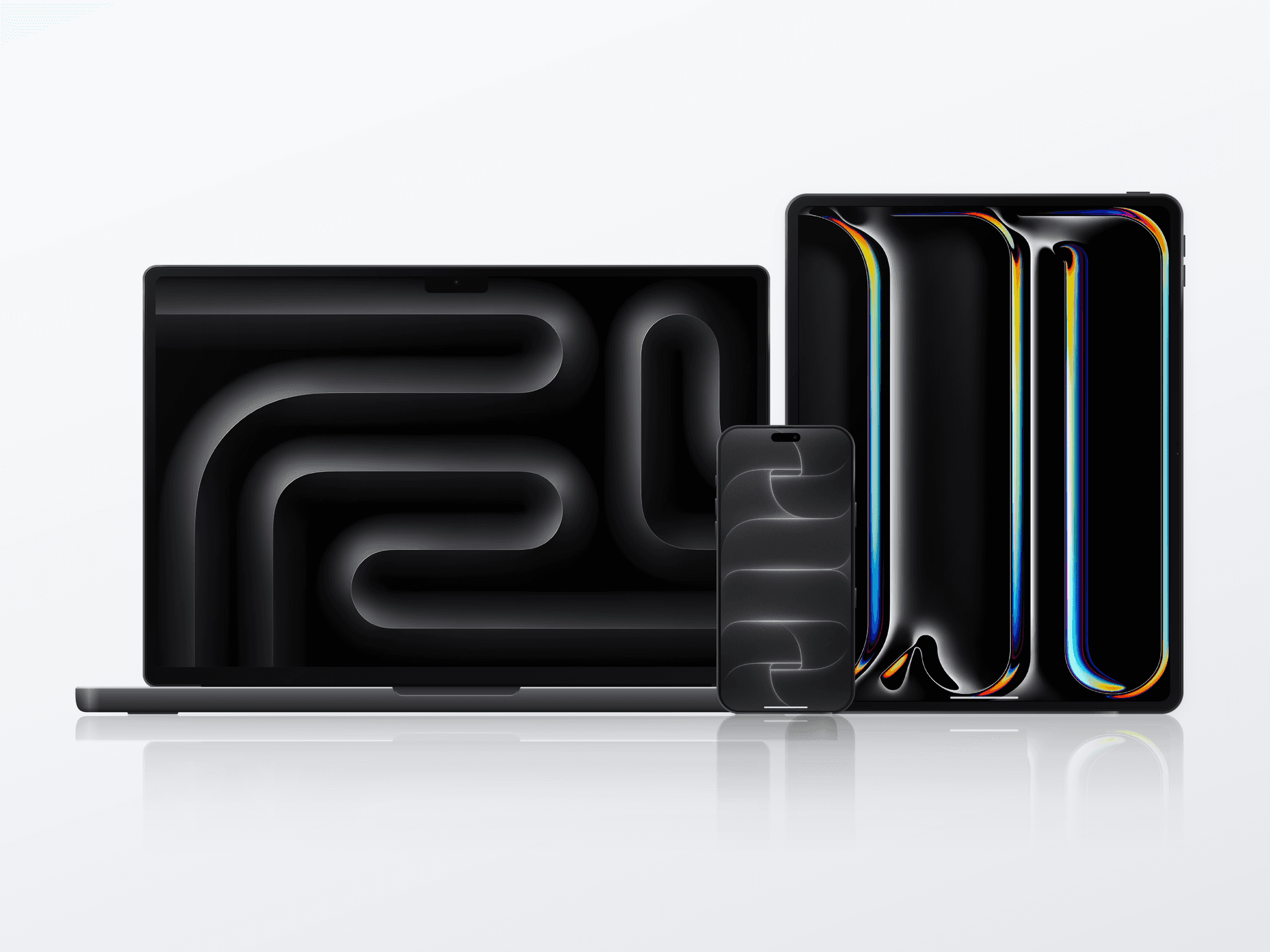
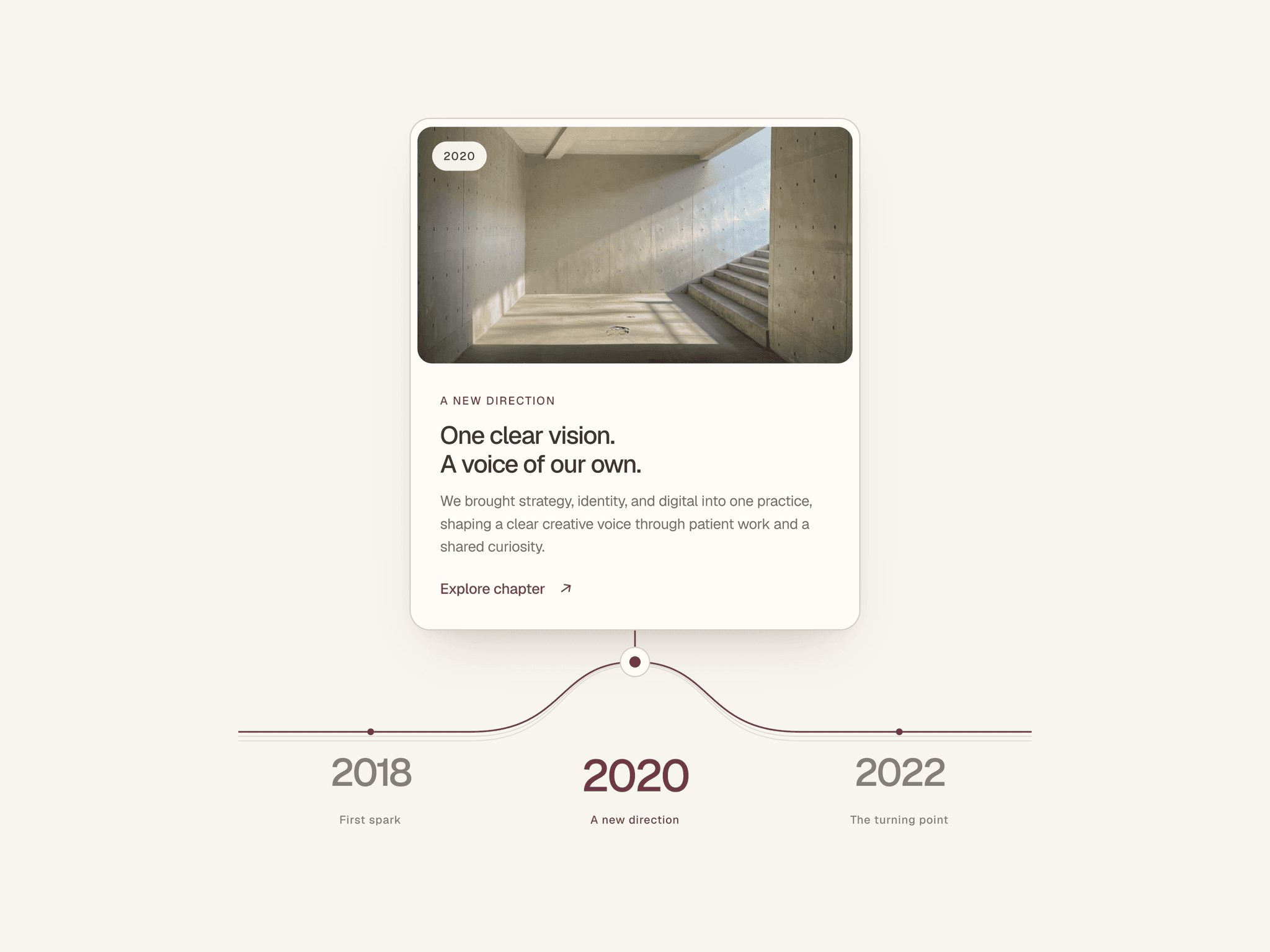
3D Dial Timeline is an interactive Framer timeline that puts company history and product milestones on a perspective metal dial. Turn the ring like a camera focus ring: years roll digit by digit as the outgoing image or object blurs and the next milestone comes into focus.
Drag, swipe, use a horizontal trackpad gesture, tap a year, or navigate with arrows and keyboard. The ring snaps into place, with optional mechanical clicks. Each milestone can link to a project, article or chapter, letting visitors move from the overview into the full story.
What you can customize
Framer property controls let you add up to 40 milestones with dates, labels, titles, text, images and links. Use your own images or 22 included aluminium 3D renders. Change fonts, colors and spacing for a quiet light look or an expressive dark one.
Shape the ring with curve, tilt, ticks and grip controls. Tune focus blur, media size, float and shadow; adjust snapping and rolling years. Choose pill or text links, arrow placement, looping and autoplay. Set the starting milestone and open the story with an optional intro turn. The width-aware layout adapts to smaller screens and respects reduced-motion preferences.
Great for (examples)
Give a dated sequence its own place to explore:
Company histories and “Our Story” pages
Product evolution and release histories
Manually updated product roadmaps
Awards and brand achievements
Portfolio milestones and career journeys
Design and innovation retrospectives
Share your build
If you ship something cool with it, post it on X and tag me @Matthias_Oel, or send it over. I’d love to see what you create.
Need help?
Questions or feedback? Reach me anytime: matthias@lmvision.de or on X @Matthias_Oel.
Need a matching component?
Explore more ways to present milestones and processes: