About 3D Mesh Morph
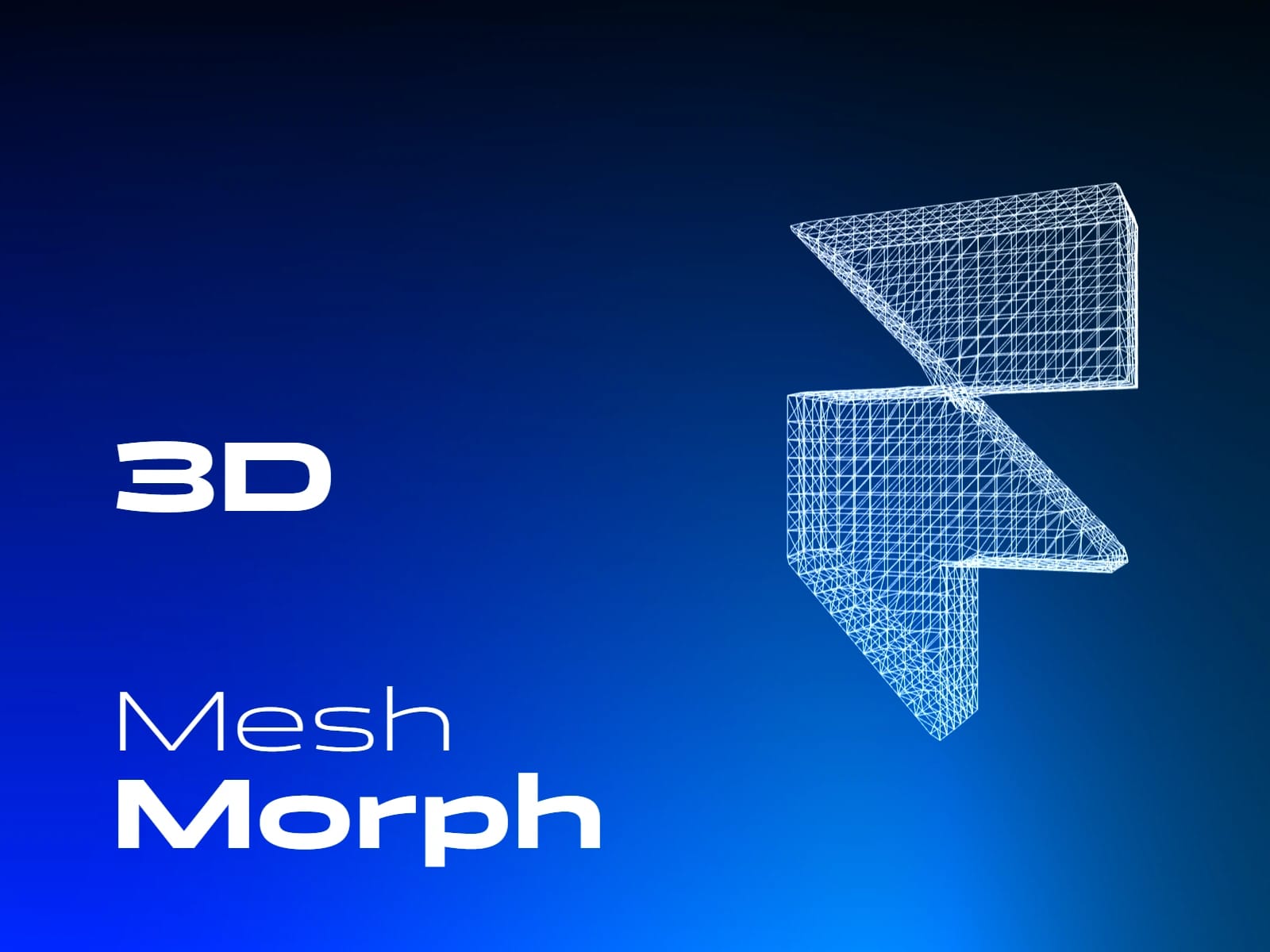
A Framer WebGL code component that turns a preset primitive shape (sphere,cube, pyramid) into a 3D mesh from an uploaded SVG on page scrolling.
Highlights:
Adjustable mesh detail for anything from subtle wireframe motion to bold 3D transformations.
Scroll‑driven animation controls that let you sync the morph to sections, reveals, or full‑page narratives
Color options to match minimal, tech, or creative brand aesthetics.
Built‑in responsiveness so the mesh feels smooth across different frame sizes and layouts.
Controls:
Start Shape — Chooses the initial 3D form: Sphere, Cube, Rounded Cube, Capsule, Octahedron, or Pyramid.
End SVG — Uploads the SVG silhouette that the mesh morphs into.
End Mesh Detail — Controls the density of the final mesh; higher values add more geometry and detail.
End Depth — Sets the SVG shape’s depth in 3D space.
End Bevel — Softens the final SVG shape’s outer edges.
End Edge Softness — Adds further smoothing around the final SVG’s edge transitions.
Preview Progress — Sets a fixed morph position for editing and static previews.
Scroll Distance — Defines the total scroll runway used for the morph.
Morph Start — Sets where the morph begins along the scroll runway.
Morph End — Sets where the morph completes along the scroll runway.
Fill Height — Sets how much of the component’s height the mesh occupies.
Color Start — Wireframe color at the start of the morph.
Color End — Wireframe color at the end of the morph.
Opacity Start — Wireframe opacity at the start of the morph.
Opacity End — Wireframe opacity at the end of the morph.
Rotation Speed — Controls how quickly the starting shape rotates.
Background — Sets the component background color.
Support:
Questions, feedback, or setup issues? Reach out and I’ll help you get the component working nicely in your Framer project.