About 21 Magnetic Dock
What it does
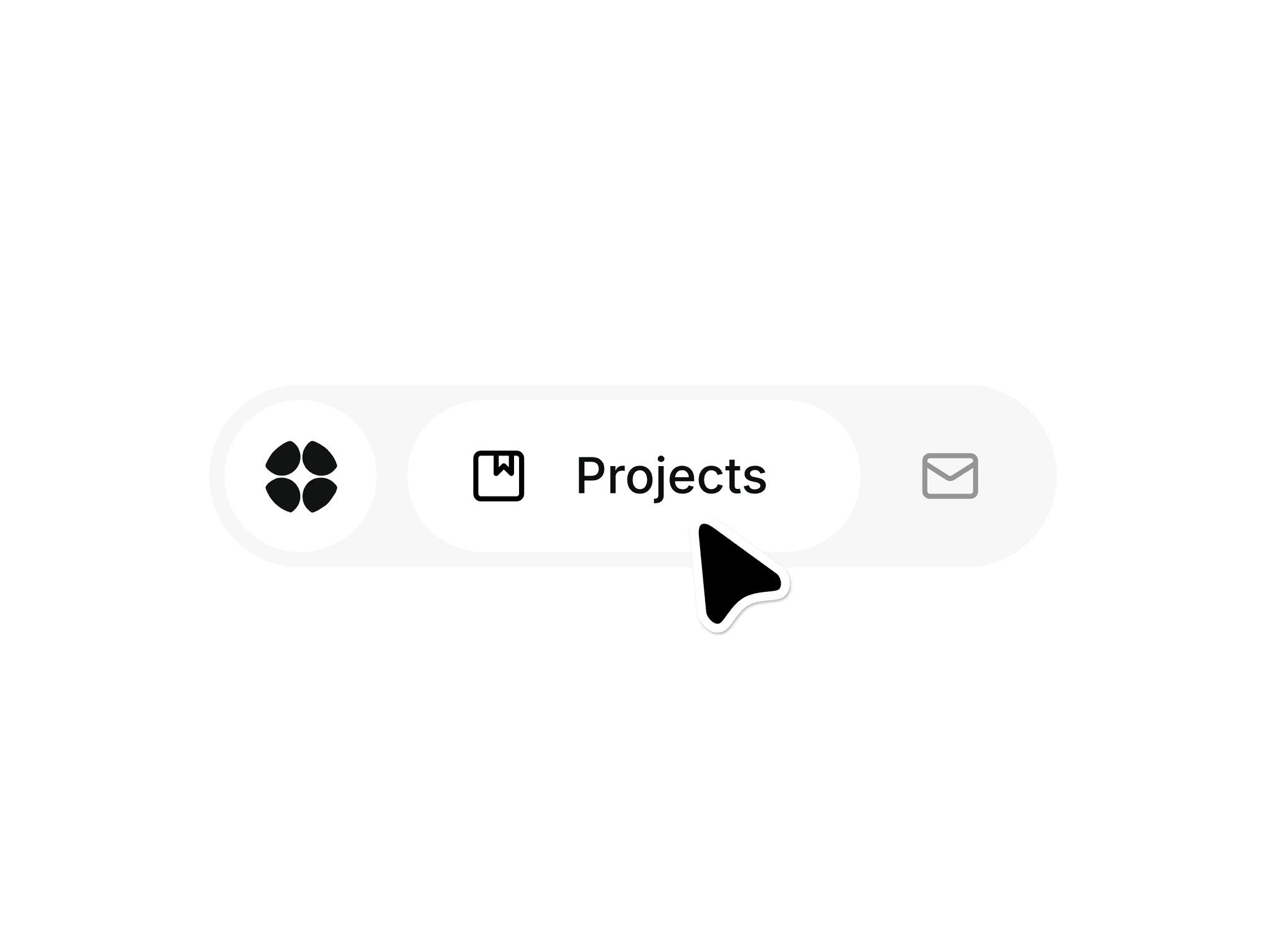
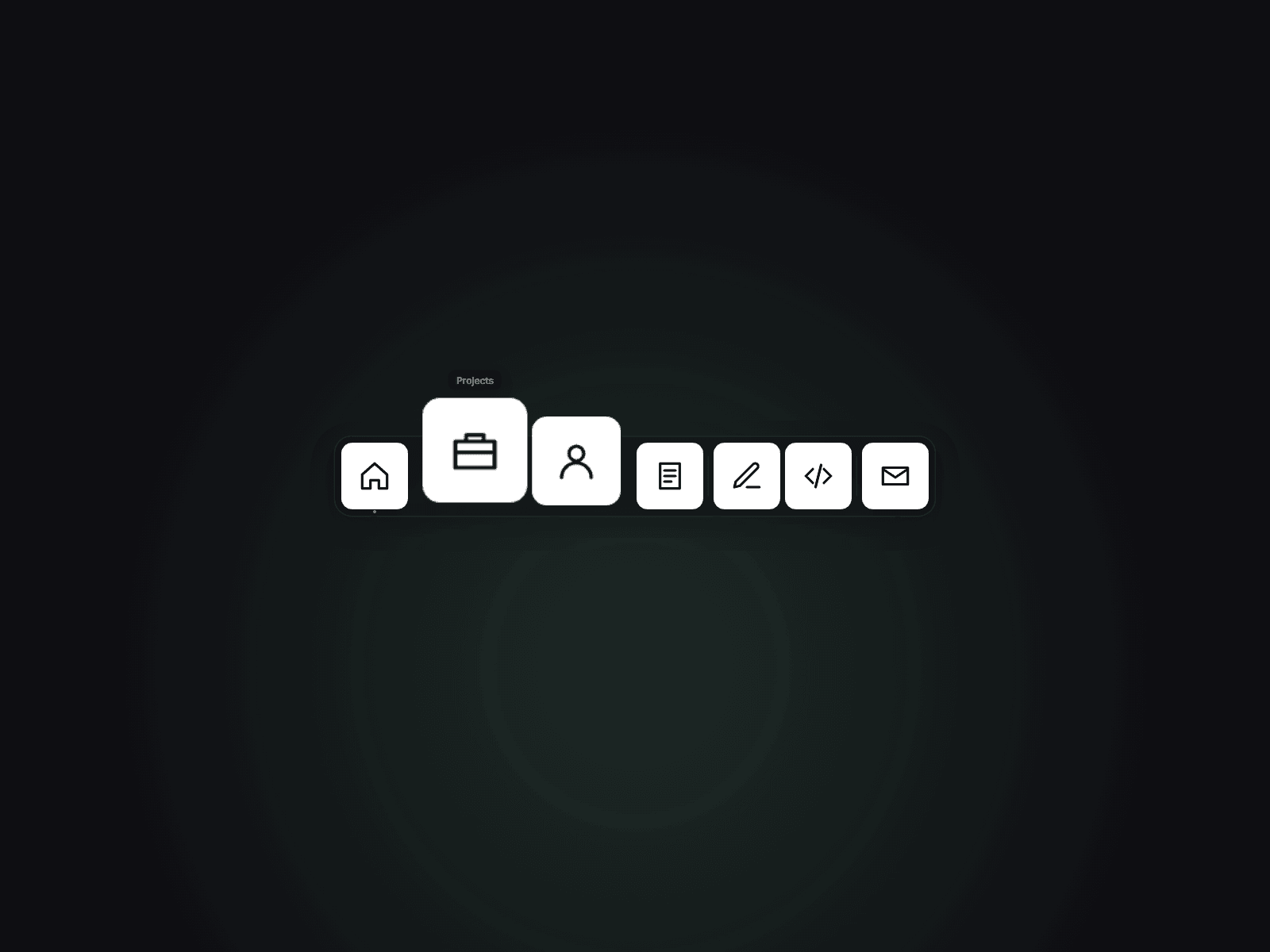
Magnetic Dock turns a row (or column) of icons into a macOS-style dock. As the cursor approaches, nearby icons grow with a smooth distance falloff, get pulled toward the pointer and lift off the bar — so the whole dock feels alive, not just the icon under the mouse. A tooltip pops up above the closest icon and a click opens its link.
It works in four positions — Bottom, Top, Left or Right — so the same component is a footer dock, a top app bar or a vertical side rail. Add an Active dot for the current page, drop in separators, and use icon images or the built-in glyphs (Home, Projects, About, Blog, GitHub, Dribbble, Contact and more — anything else gets a clean initial tile).
Customizable properties
- Up to 16 items: icon image or glyph, label, link, new tab, Active dot, separator
- Position, Icon Size, Magnify (1–2.5×), Range, Magnet pull, Lift, Speed, Gap, Padding
- Tooltips, Touch mode (Tap to Magnify or Static), Dock Style (Glass, Solid or None)
- Background, border, radius, tile and glyph colors, accent ring, font, Canvas Preview pose
Why this component
- Magnify + magnetic pull + lift in one motion model — most docks only scale
- Real vertical mode (Left/Right rails), not just a bottom bar
- Keyboard focus magnifies too: Tab or arrows move, Enter opens, visible focus ring
- Touch behaviour is a choice, not an afterthought
- No animation library; the loop stops at rest and pauses off-screen
Need help?
hello@brandingupstudio.com — we usually reply within 72 hours. Custom edits from $75/hr. More components: https://brandingupstudio.com
Unlink is not provided so we can keep delivering updates — just click Update on the component.