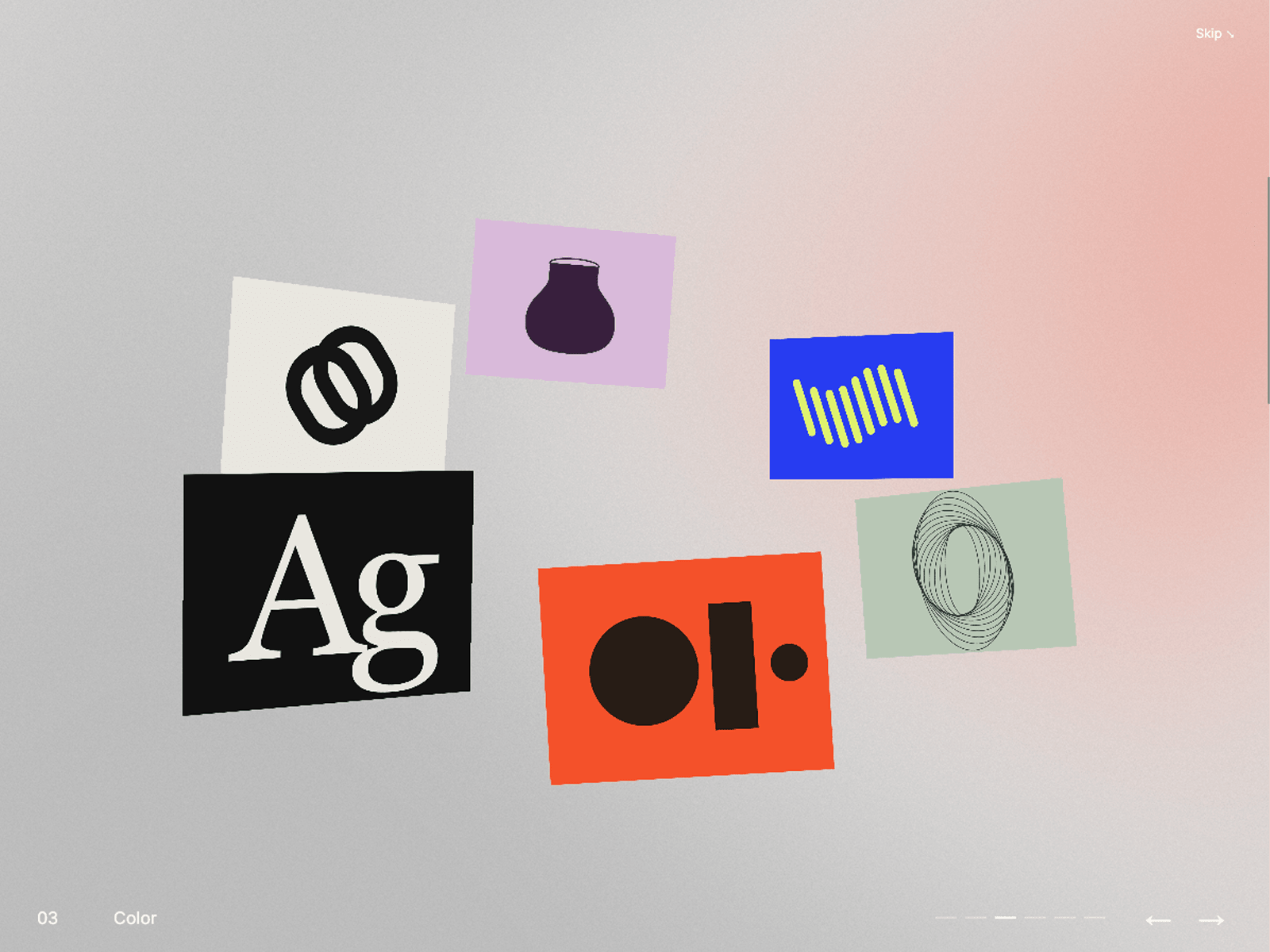
About Orbit Snap Gallery
Turn your hero section into a floating 3D gallery. Images and videos move through space as visitors scroll, then smoothly snap into a fullscreen view when scrolling stops. Add individual project links to turn your gallery into an interactive portfolio or visual showcase.
Choose between Page Scroll, which moves through your items before continuing down the page, and Infinite Gallery, which lets visitors explore a continuous loop. In Page Scroll mode, items automatically distribute across the available scroll distance based on your container height.
Customize everything directly in Framer:
Media: Add and reorder up to 12 images, videos, or demo artworks. Set individual titles, video posters, background colors, cover/contain fitting, and links.
Motion: Adjust Floatiness, Snap Speed, Fullscreen Speed, and the delay before snapping.
Gallery appearance: Control the orbit tilt and card size.
Intro: Enable an optional opening headline and description, with an adjustable display duration.
Styling: Customize typography, gallery background, and intro text color.
Navigation: Show or hide navigation controls and the page-scroll progress bar. Customize link, skip, navigation, and scroll-hint labels.
Includes responsive layouts, touch and keyboard navigation, reduced-motion support, and muted looping video with pause/play controls.