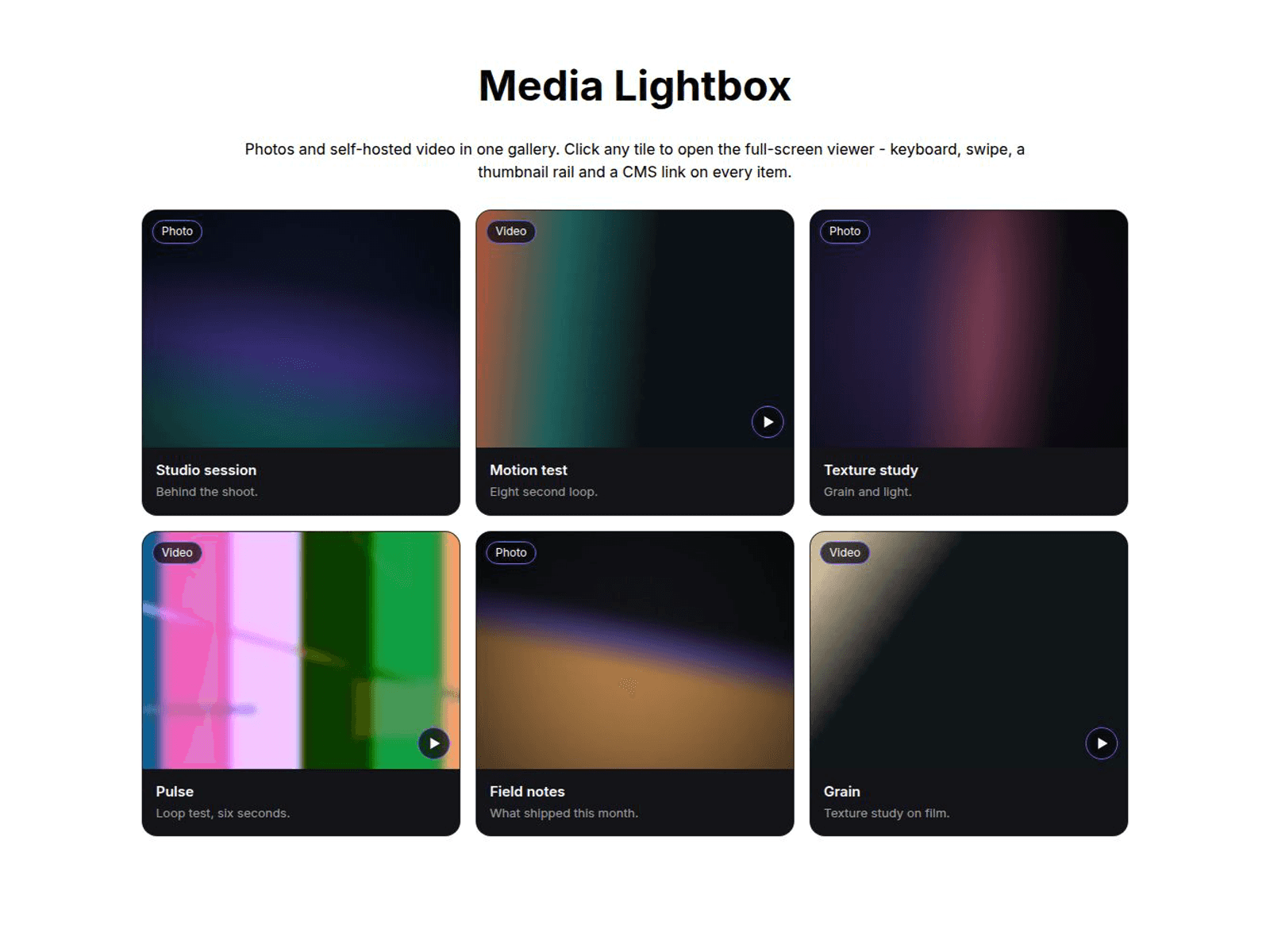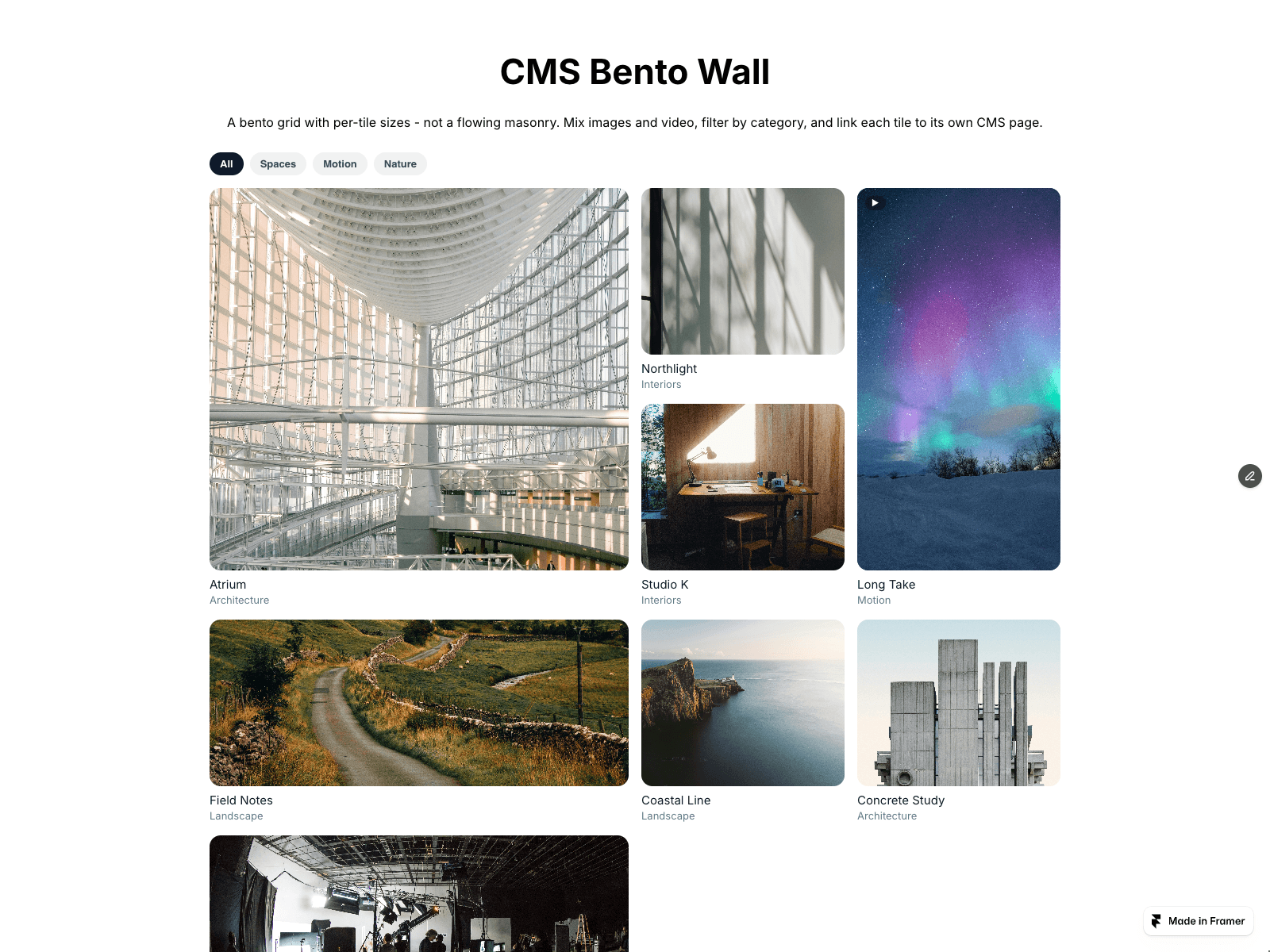
About Aisol Pan Canvas
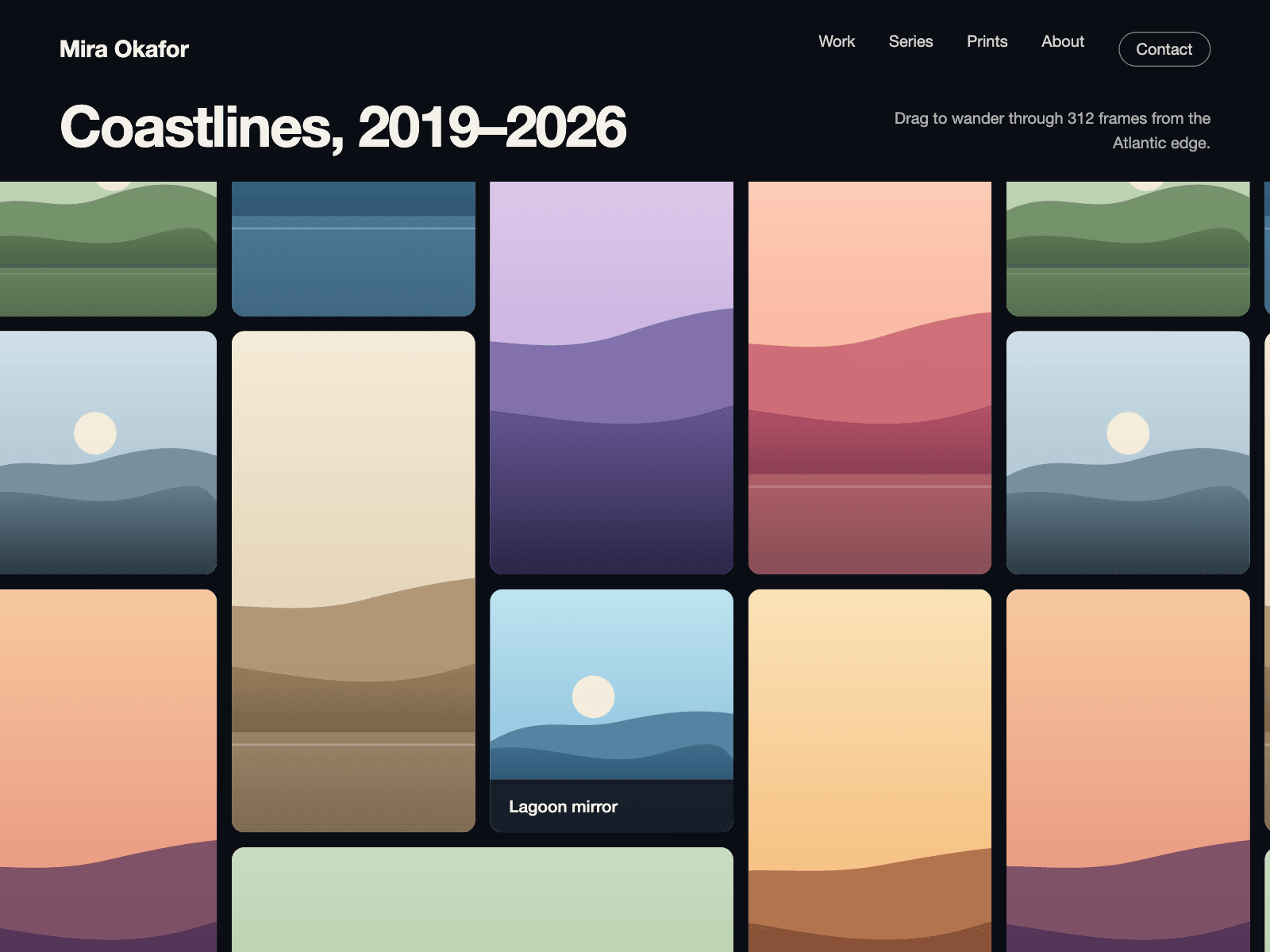
Aisol Pan Canvas is an endless wall of images that repeats in every direction, so visitors can drag it around and it glides on with momentum.
Images come from a Collection List or the panel, each can link to a page, and a light drift keeps the wall alive until someone touches it.
Arrow keys pan it for keyboard users, the page still scrolls normally on phones, and reduced motion shows a still, centred wall. When Drift is on, a pause button stops the motion; with reduced motion, dragging, arrow keys and swipes still pan the wall.
- Tiles of three sizes are packed in a repeating block so the wall never shows an edge.
- A click opens the tile's link; a drag never triggers a click.
- Without images it draws a colour wall with captions, so it is complete on drop.
What you control
• Images from a Collection List or the panel (image, caption, link)
• Tile size, gap, radius
• Drift speed and direction, momentum
• Wheel panning on or off
• Caption style and colours
Limits: works best with 8 to 30 images; very large images slow older phones, so keep them under about 1600 px; the wall pans inside its own frame, it does not take over the page; with a Collection List the Canvas shows a short note and the wall appears in Preview and on the published site (copy the records into CMS tiles for a still wall on the Canvas too); long captions are cut to three lines.