About Aisol Stat Counters
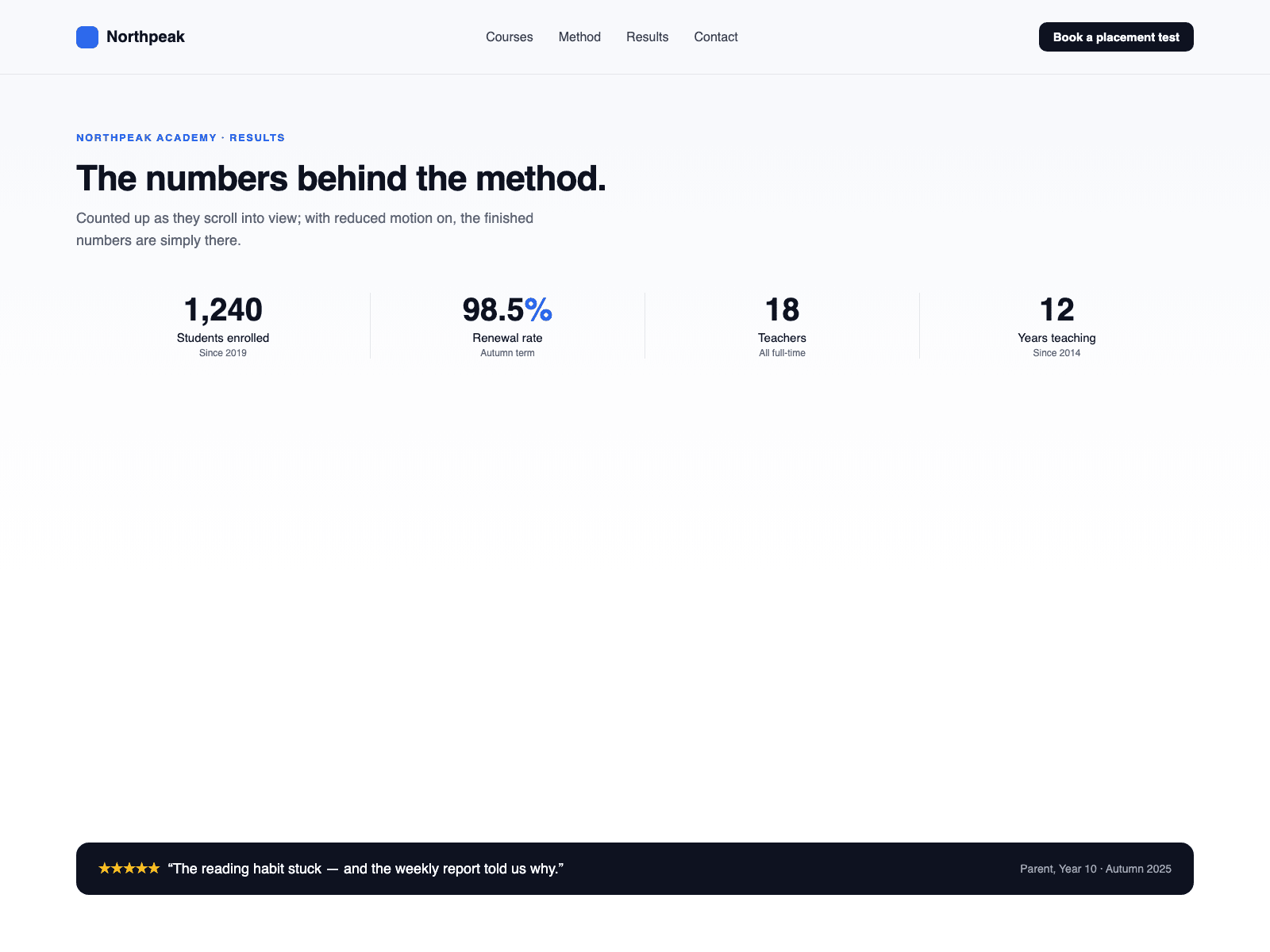
Count up numbers from your CMS in three steps. Drop a Collection List into the Stats (CMS) slot and turn off its Pagination. In the item, name the text layers Value, Label and Note. Each CMS item becomes a counter that counts up when scrolled into view.
The component reads each item's Value, Label and Note layers and draws its own counters. Your list is hidden, never changed, so a Load more button is not shown. CMS counters use this component's typography and colours; card backgrounds, borders and hover effects from your item design are not carried over. A link on the CMS item (or inside it) is placed on the counter's label. Initial count shows only the first N numbers from the Collection List with a Show more button that reveals N more per click; 0 shows all.
Values stay text. "$1.2M", "98%" and "12,400+" count up and keep the text around the number, ending exactly as typed. A value such as "24/7" is shown as typed.
On a CMS detail page, bind fields to Value 1–4, Prefix, Suffix, Label, Note and Link instead. Without CMS, type numbers into the Numbers list.
Style CMS Layers gives CMS counters the text and muted colours set here; turn it off to let them follow the page text colour. Layer names can be changed in the panel.
One to four columns that step down on narrow screens.
Screen readers hear the final figure once. Reduced motion shows the final numbers with no animation. The canvas shows the finished numbers; CMS items become counters on the live site.