About Arc Flow Carousel
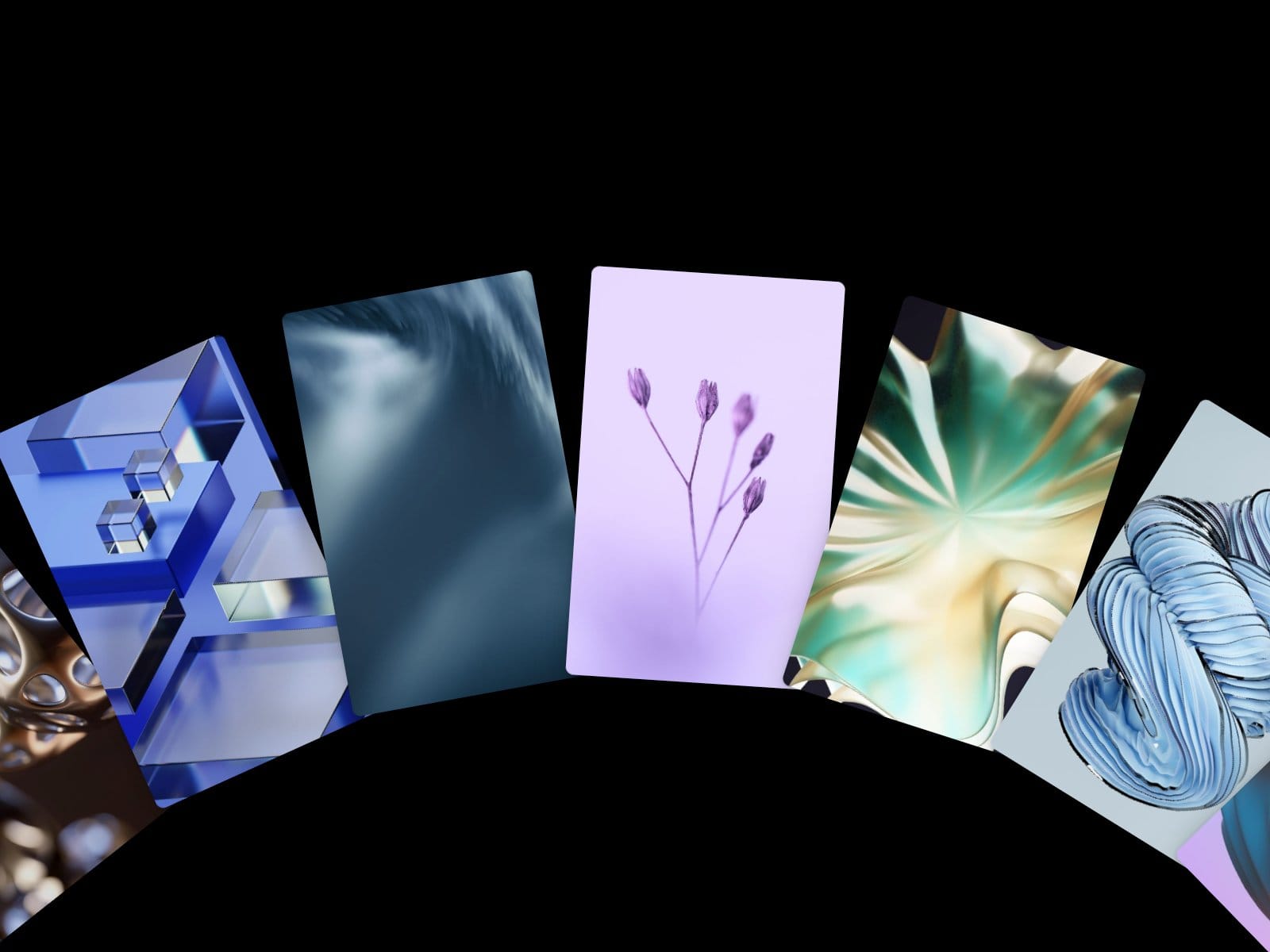
Image cards arranged along a wide arc. Drag or flick to spin them; cards further from the one you grab follow with a slight lag. Also works with the trackpad or mouse wheel and the arrow keys.
Key features:
Drag and flick with adjustable momentum
Optional snap to the nearest card
Wheel control: horizontal only, both directions, or off
Arrow keys when focused
Optional slow auto-rotation that pauses on hover
Hover captions (title and description), can be turned off
Adjustable arc radius, arc position, card size, aspect ratio, overlap and corner radius
Up to 20 items; the cards repeat endlessly
Items without an image show a gradient or solid placeholder
Pauses off-screen; reduced motion removes the lag, the fling and the auto-rotation
How to use:
Drop it into a frame; it fills the frame.
Add images, titles and descriptions in Items.
Tune the arc and card size.
Choose wheel behaviour and snap.