About Hyperiux Strip Slide
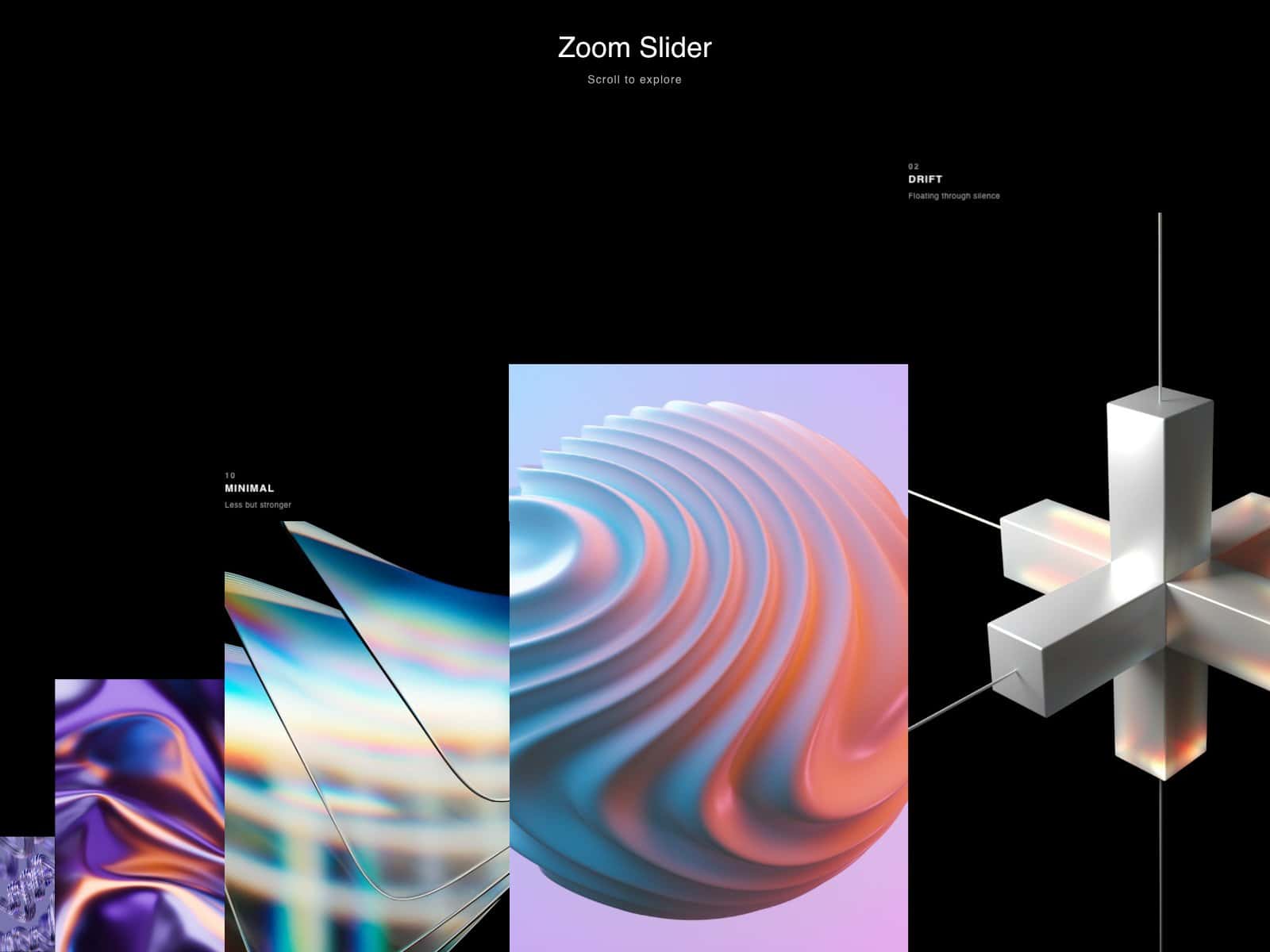
A full-bleed image slider. Clicking the left or right half of the frame moves to the previous or next slide.
The transition splits the incoming image into vertical strips that reveal in a staggered wipe, while the image scales in from a configurable zoom level. A thin progress bar at the top fills to match the current position.
Each slide shows a small chapter label and a large title; when the slide changes, the title's characters animate in individually. A counter (e.g. "01 / 03") is shown in the corner.
A custom circular cursor follows the pointer and rotates its two lines to indicate which direction a click will go - left or right. It's hidden below the tablet breakpoint, where the click zones remain but the cursor UI doesn't apply.
Strip count, reveal duration, stagger timing, zoom amount and duration, and accent color are all exposed as property controls, along with toggles for the progress bar, counter, click controls, and a hint pill (with editable text). Autoplay is available but off by default.
Respects prefers-reduced-motion - all transitions and the cursor animation are skipped in favor of instant state changes for users who've asked for less motion.