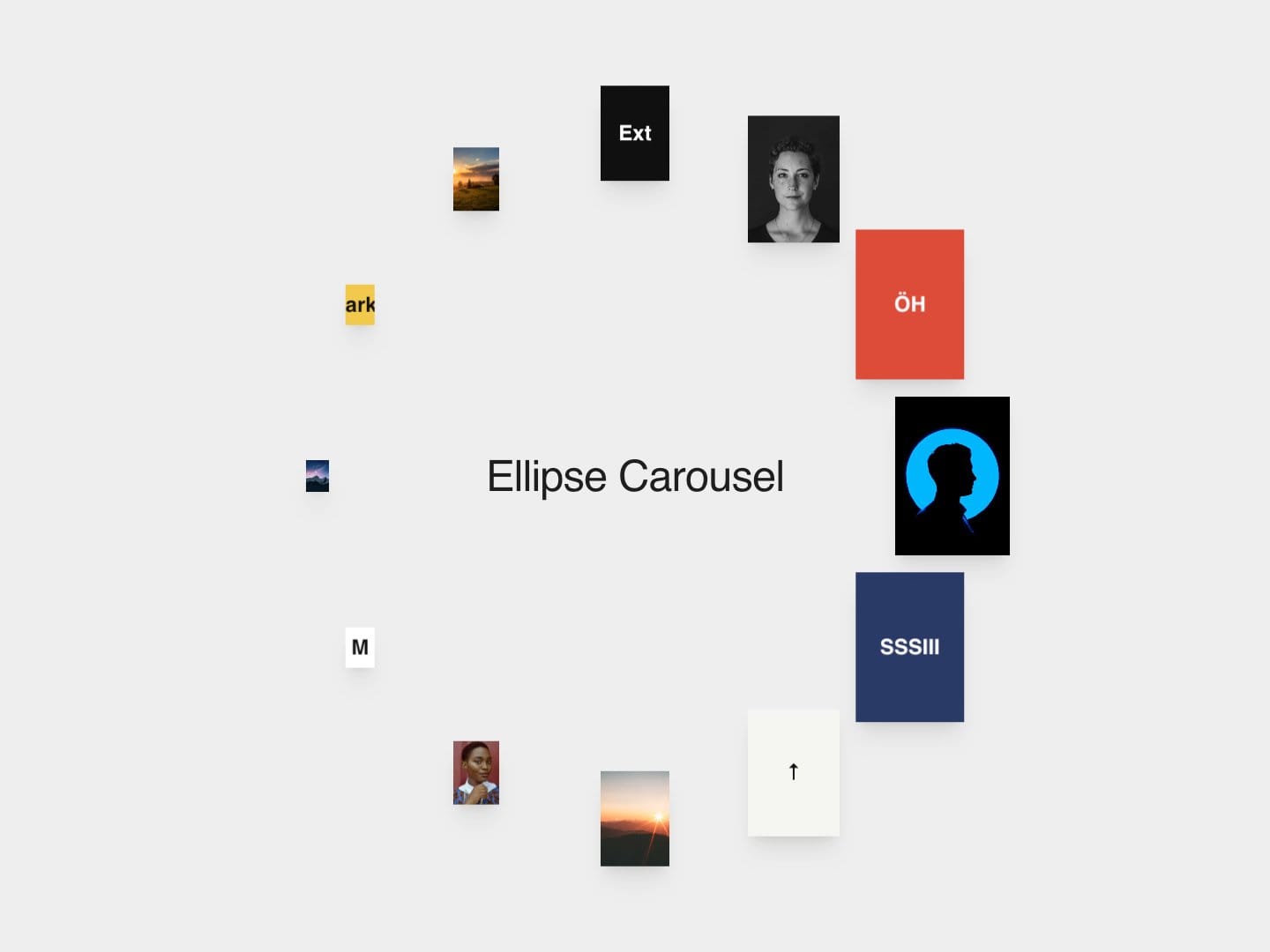
About Ellipse Carousel
Cards travel around an ellipse, growing as they reach the right side and shrinking toward the left, with an optional label in the centre. It steps one card at a time on autoplay, and you can drag it around; it snaps to the nearest card when you let go.
Key features:
Autoplay with adjustable hold time, step duration and 5 easing presets
Drag around the ellipse; snaps to the nearest card on release
Pauses on hover (optional)
Each item can be an image, a text tile (title, subtitle, fill and text colour), or a placeholder
Adjustable ellipse width and height, card size, corner radius and far-card scale
Optional centre label with editable text and colour
Up to 30 items
Pauses off-screen; reduced motion turns off autoplay and snaps without animation
How to use:
Drop it into a frame; it fills the frame.
Add images, or titles for text tiles, in Items.
Set the ellipse size and card size.
Adjust autoplay timing or turn it off.