About Ascii Portrait
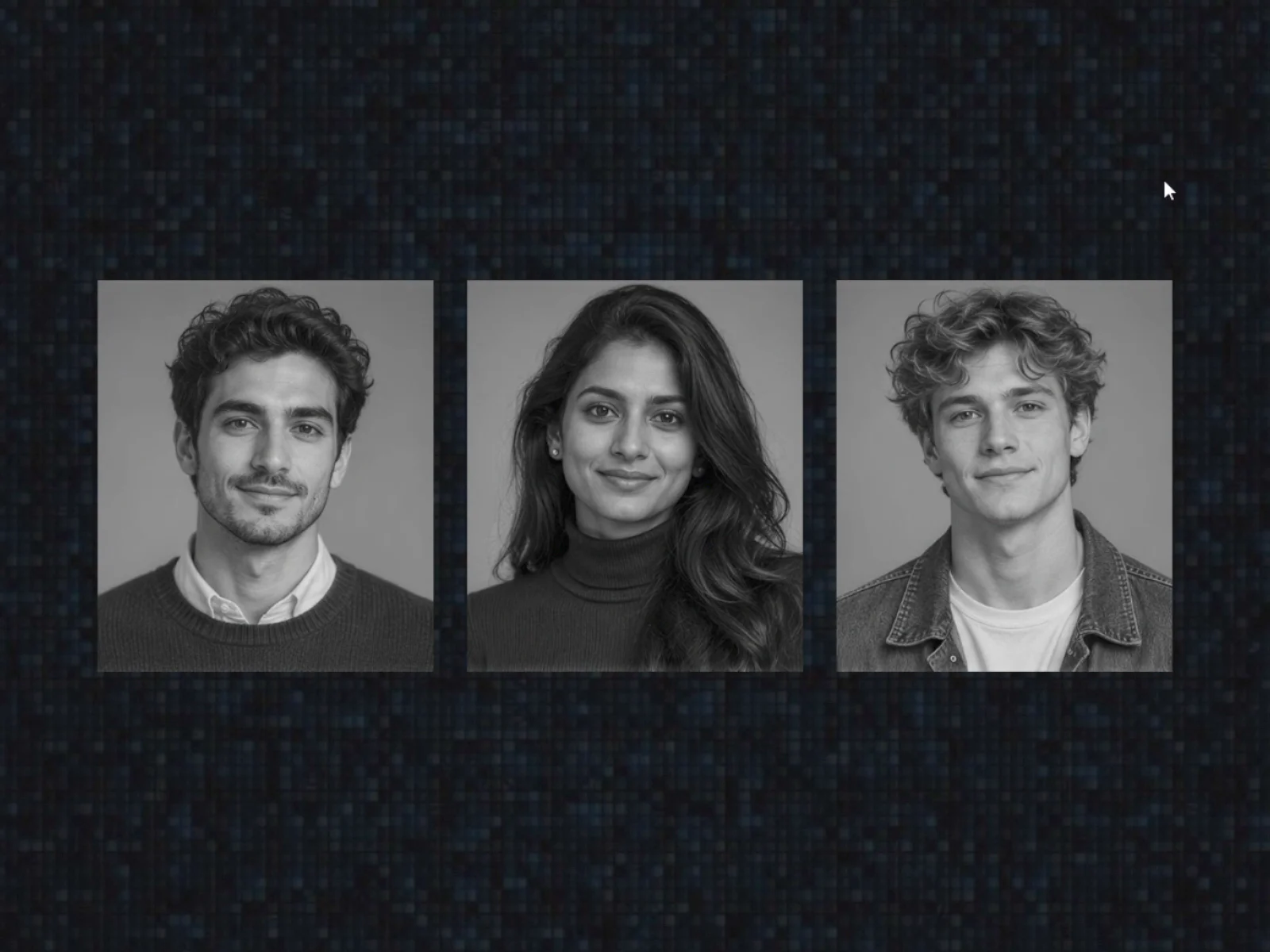
ASCII Portrait turns any photo into ASCII art the moment someone hovers it. Nothing is pre-rendered: the art is generated live from your own image, so you just drop in a photo and it works. Great for team pages, portfolios, speaker grids and anywhere a plain photo feels flat.
Features:
Three dissolve patterns: Diagonal, Bottom to Top and Ripple. Each one plays in reverse too.
Plays the same way in and out, so a ripple leaves the way it arrived.
Two triggers: hover on its own, or controlled by your component's hover variant. That makes it easy to use inside cards.
Any colors: pick the ink and paper colors. Light ink on dark paper is handled automatically.
Blocks or characters: use dithered blocks, or your own character set such as .:-+*#%@.
Adjustable duration, cell size, contrast and grayscale.
Touch screens: on phones it plays as the photo scrolls into view, or you can turn that off.
Lightweight: it draws once, then only updates the cells that change. Idle cards cost nothing, and it skips work while off screen.
Accessible: it respects reduced-motion settings and keeps your photo's alt text.
Canvas preview: switch on Effect On to see and style the ASCII state right on the canvas.
How to use
Drop ASCII Portrait onto your page and choose a photo.
Pick a direction, colors and charset.
Publish. Hover does the rest.
To use it inside a component card, set Trigger to Variant and turn Effect On on in the card's hover variant.