About Attribution Capture
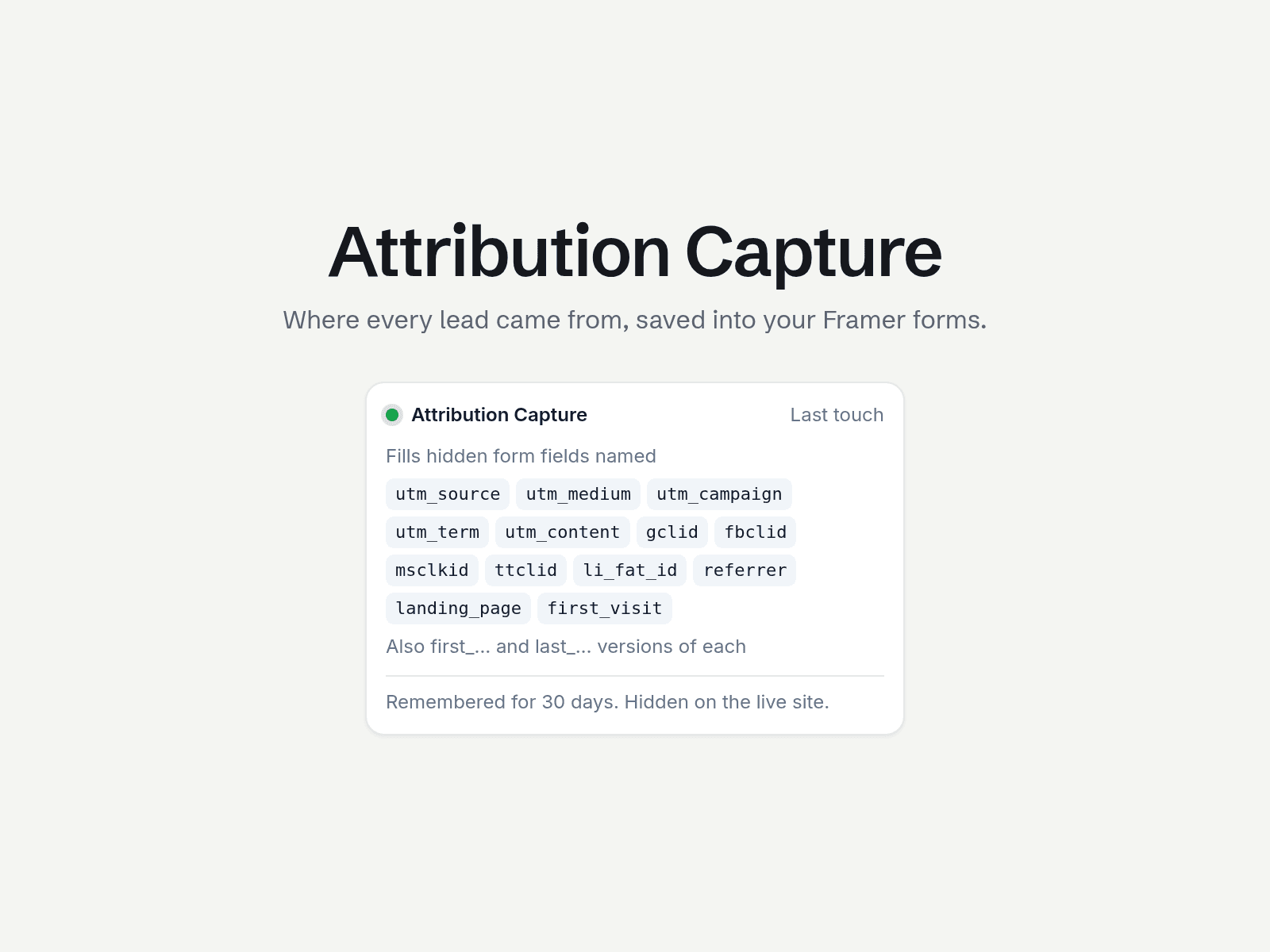
Know where every lead came from. Attribution Capture remembers how a visitor found your site and writes it into the hidden fields of your Framer forms, so each submission arrives with its source attached.
What it captures
- UTM tags: utm_source, utm_medium, utm_campaign, utm_term, utm_content
- Click IDs: gclid, fbclid, msclkid, ttclid, li_fat_id
- Referrer, landing page URL and first visit time
Why it's different
- First and last touch: fill both (first_utm_source, last_utm_source).
- Survives browsing: remembered across pages and visits for as long as you choose.
- Works with native Framer forms: no code, and it fills forms that load later.
- Consent-aware: waits for your cookie banner's event or a global flag and stores nothing until consent.
- Badge on the canvas, invisible on the live site.
Setup
1. Drop it on the page root, not inside a stack.
2. In your form, add Inputs with Hidden on, named utm_source, gclid, referrer and so on. Use Hidden, not the Visible toggle.
3. Optional: add first_ or last_ versions.
4. Publish and test with ?utm_source=test.
Add it to every page visitors can land on (a shared layout is easiest).
Settings
- Fill with last touch or first touch
- Prefixed first_ / last_ fields
- Remember for 1 to 730 days (default 30)
- Consent: none, window event or global flag
- Rename any field, or leave it blank to turn it off
- Badge: auto, light or dark
Good to know
- Data stays in the visitor's browser (localStorage) until the form is submitted.
- Ad blockers that strip URL tags still win.
- No consent withdrawal: clear the framer-attribution-v1 key yourself if needed.
- The landing URL includes its query string, so keep personal data out of links.
- It never overwrites what a visitor types.
- Free, with no dependencies.
Live demo: https://jj-components.framer.website/attribution-test