About Best Page Transition
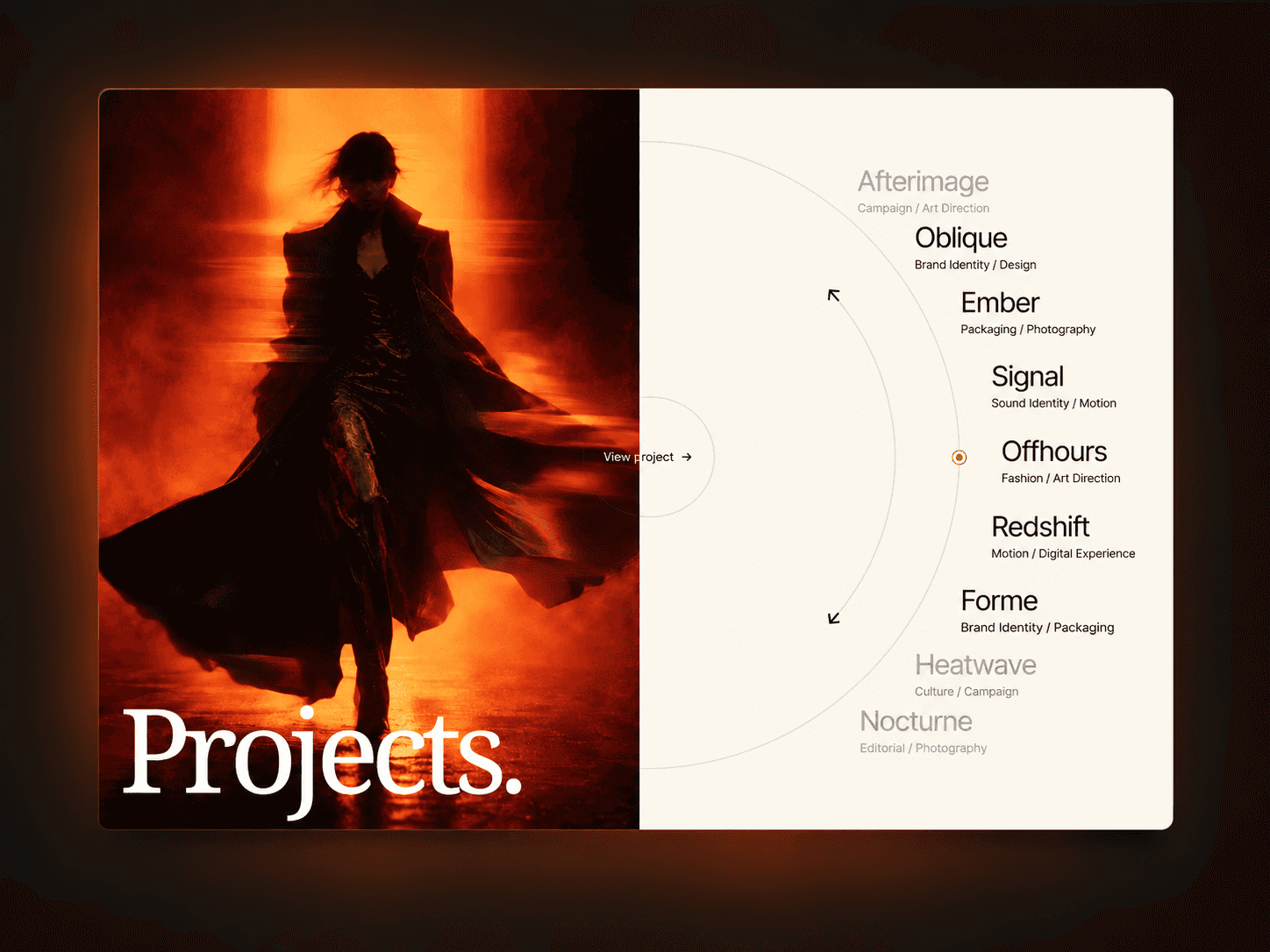
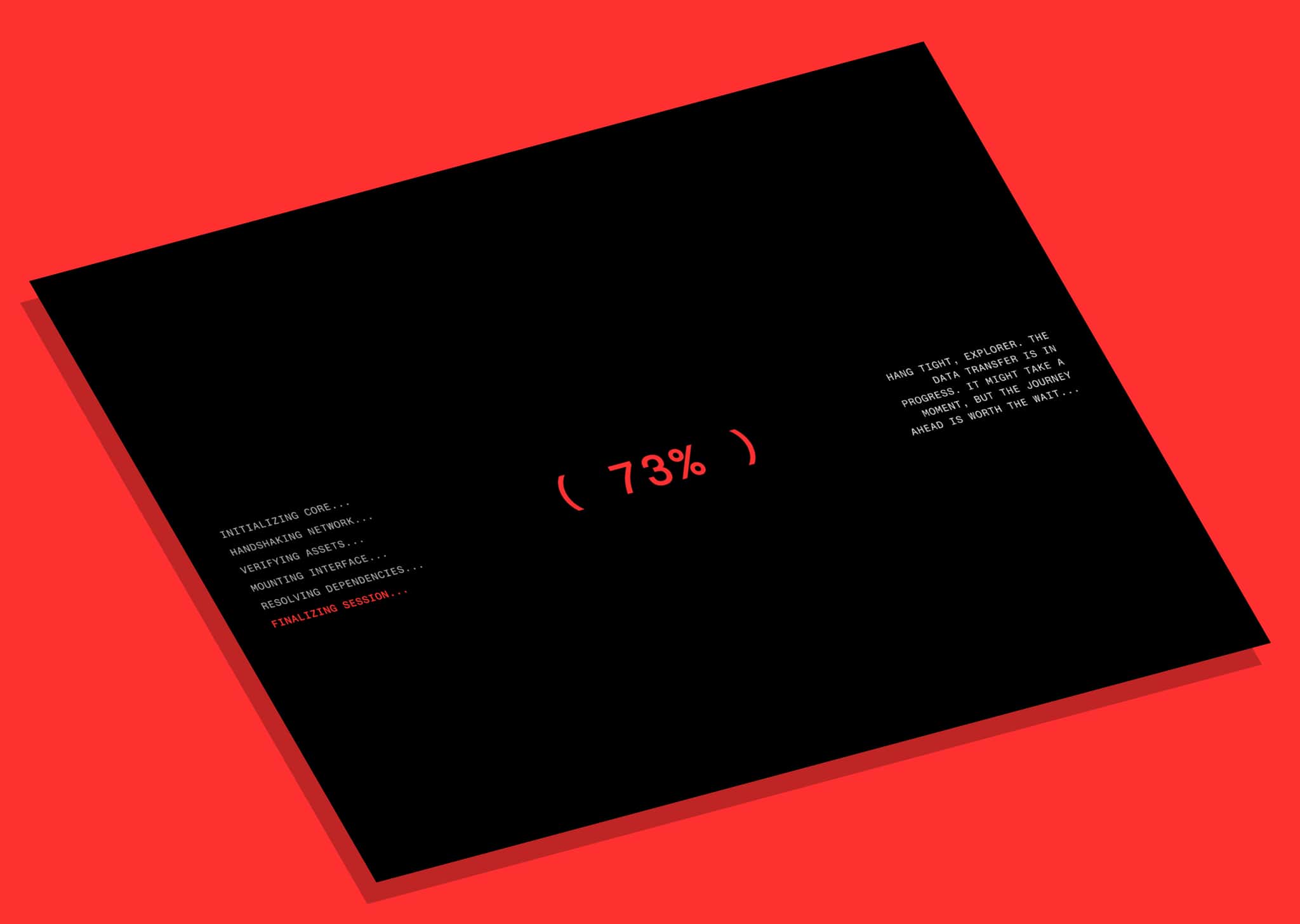
Page Transition Studio adds animated transitions between internal pages in Framer. Designed for portfolios, agency websites, and other sites where motion shapes the browsing experience, it covers the screen during navigation and reveals the next page.
Choose from ten styles: Split Slide, Vertical Strips, Horizontal Strips, Grid Tiles, Diagonal Panels, Circular Reveal, Curtain Wipe, Horizontal Split, Opposing Slide, and Center Split.
Customize the transition through Framer’s properties panel. Adjust panel colors, duration, easing, and covered pause. Supporting styles also offer two-color panels, direction controls, strip counts, grid dimensions, and stagger timing with Forward, Reverse, Center Out, or Edges In ordering.
The component uses an invisible 0 × 0 controller and a separate overlay that automatically fills the viewport. An optional Reveal on Load adds an entrance when the component mounts. Reduced Motion is enabled by default to skip animation when visitors request less motion.
Requirements and limitations
Add one instance to a layout template used by your destination pages, or one instance on each page.
Keep the component visible and Enabled. Select the invisible controller through Layers.
For newly inserted instances inside a Stack, set Framer Position to Fixed or Absolute to avoid wrapper gaps.
Transitions activate through ordinary internal links to a different page path. External links, same-page anchors or query changes, downloads, and new-tab clicks bypass them. Browser Back/Forward and programmatic navigation do not trigger the cover.
The overlay uses z-index 999. Higher layers and browser top-layer dialogs can appear above it.
Refund Policy Due to the digital nature of this product, all sales are final. If you run into any technical issues after purchase, don't hesitate to reach out at hello@struxent.com and we'll make it right.