About Best Signature Pad
Signature Pad for Framer
What it is?
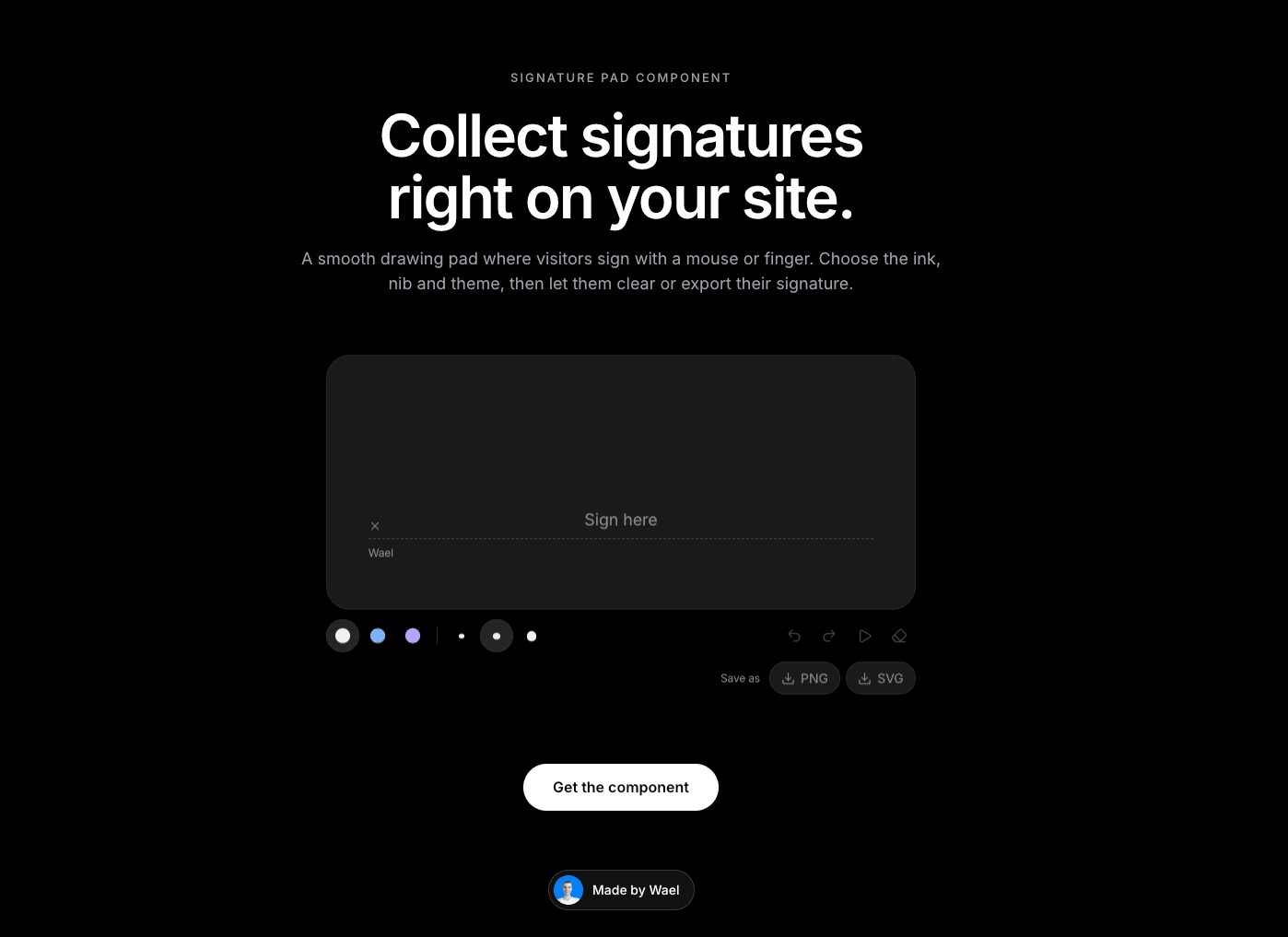
A smooth signature pad for your site. Visitors sign with a mouse or finger, then undo, clear or download their signature. Use it for contracts, forms, guestbooks, waivers and agreements.
Why you need it?
It feels natural. Strokes are smooth with a choice of nib sizes (fine, medium, bold) and ink colors (black, blue, violet).
It gives visitors control. Undo, redo and clear are built in, and visitors can save their signature as a PNG or SVG file.
It fits your brand. Set the signer’s name, the hint text, the file name, the font, and a Light or Dark theme. You can hide the toolbar or the export buttons.
It connects to your design. It can trigger an action when the signature changes, is cleared or is saved.
How to use it?
Drop the component onto your page.
Set the signer name and hint text.
Choose the default ink, nib and theme.
Decide whether to show the toolbar and export buttons, then publish.
Need help?
Email me at wailelmachti6@gmail.com and I’ll help you get set up.
Built something with it?
Share it and tag me on X: https://x.com/Waeldesignz. I’d love to see it.
Made by Wael!💙