About Fisheye Component
Fisheye Gallery for Framer
What it is?
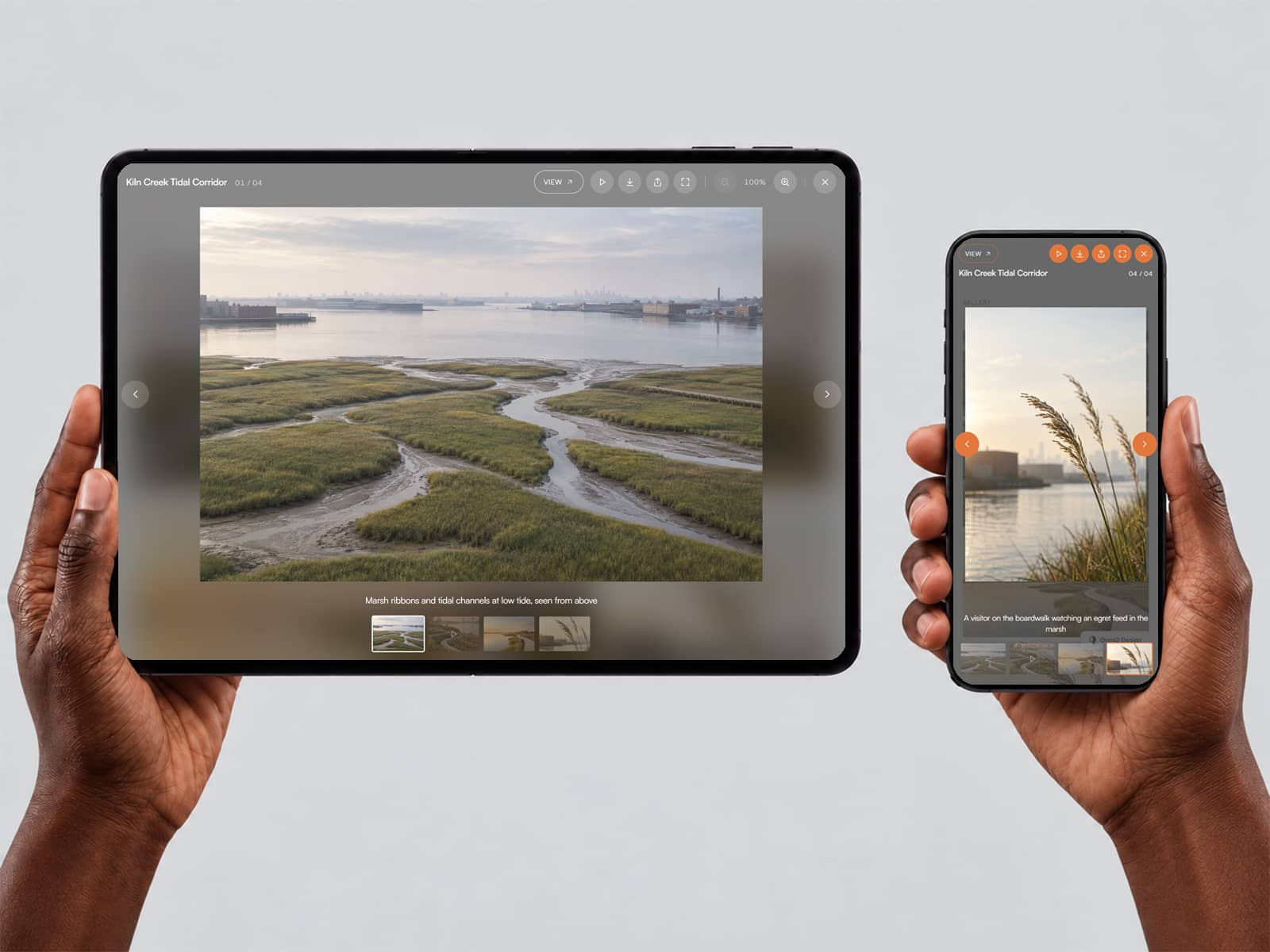
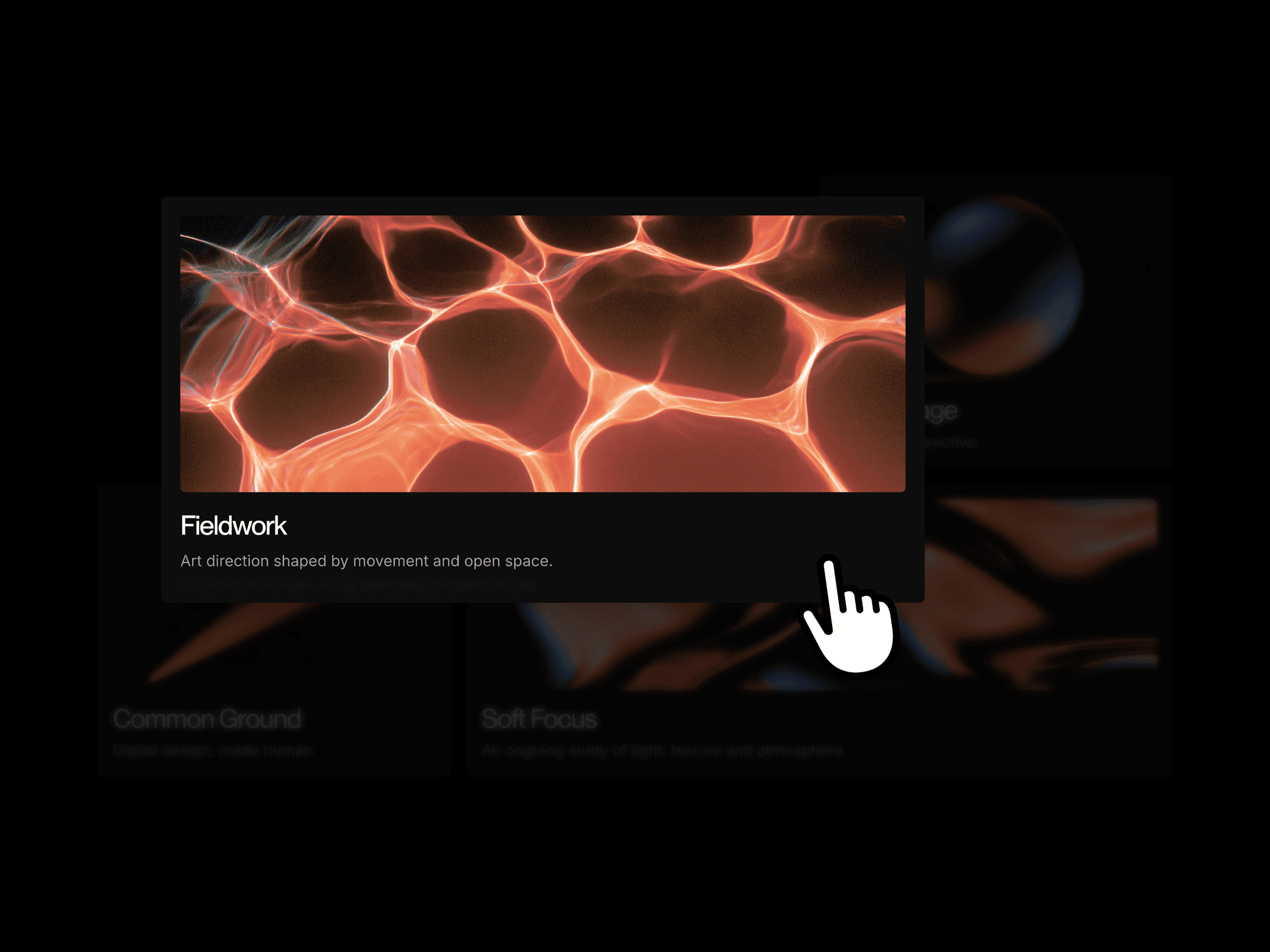
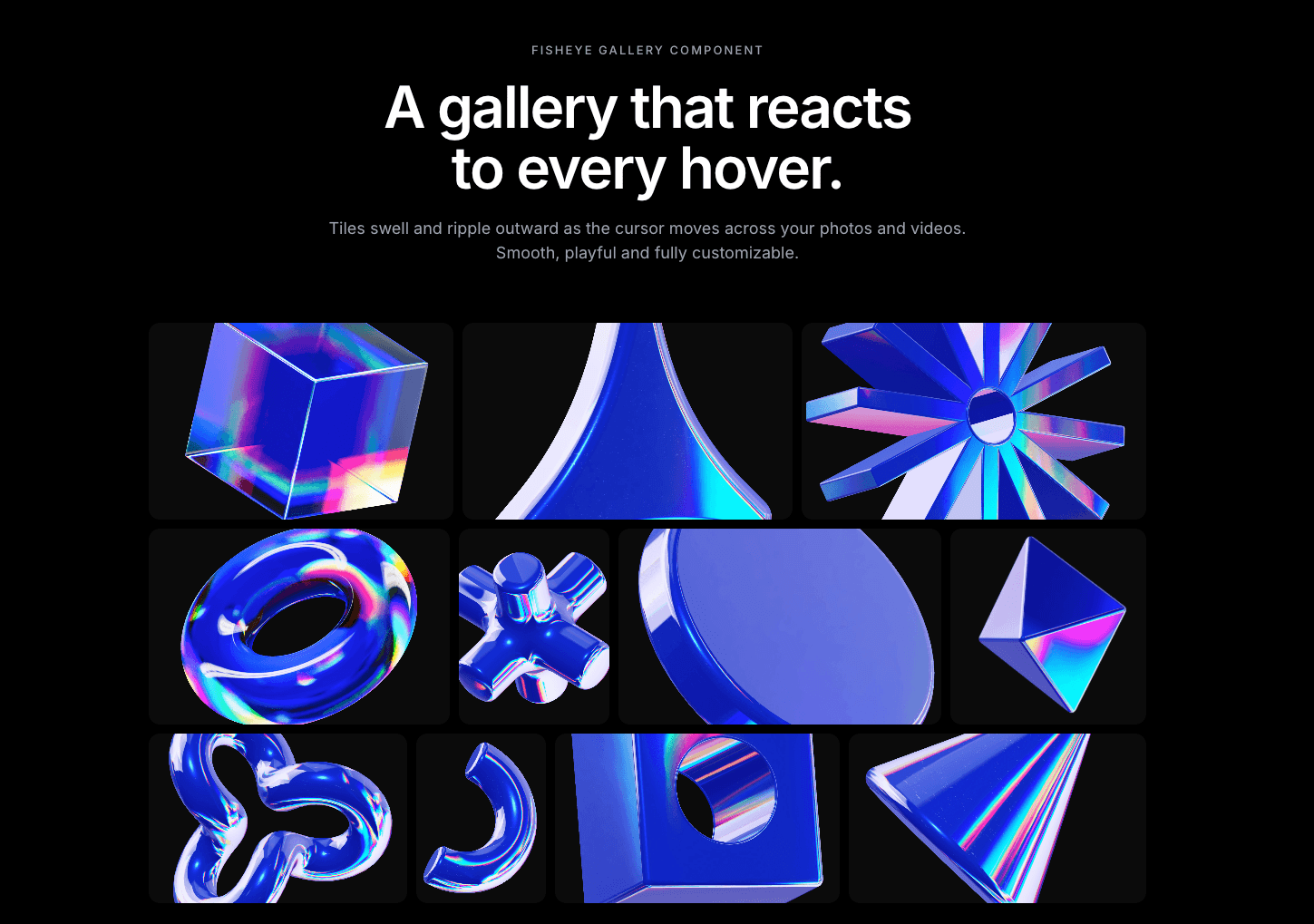
An interactive image and video gallery. The tile under the cursor swells and the tiles around it ripple outward, like a fisheye lens. Use it for portfolios, galleries, product shots and showreels.
Why you need it?
It makes a gallery feel alive. The hover motion invites people to explore instead of scroll past.
It works with photos and videos. Videos can play on hover, and each tile can link to a page.
You control the layout. Set how many tiles go in each row (for example “3, 4, 4”), plus the gap, corner radius and background. You can also set each tile’s width. You can fill the section, set a fixed height, or use an aspect ratio, with a separate ratio for mobile.
You control the feel. Set how much tiles and rows grow, how strong the ripple is, the physics (spring or ease), the duration and the easing curve.
How to use it?
Drop the component onto your page.
Add your images or videos, with alt text and optional links.
Set your row pattern, sizes and spacing.
Tune the hover effect to your taste, then publish.
Need help?
Email me at wailelmachti6@gmail.com and I’ll help you get set up.
Built something with it?
Share it and tag me on X: https://x.com/Waeldesignz. I’d love to see it.
Made by Wael!💙