About Panel Dock
Dock for Framer
What it is
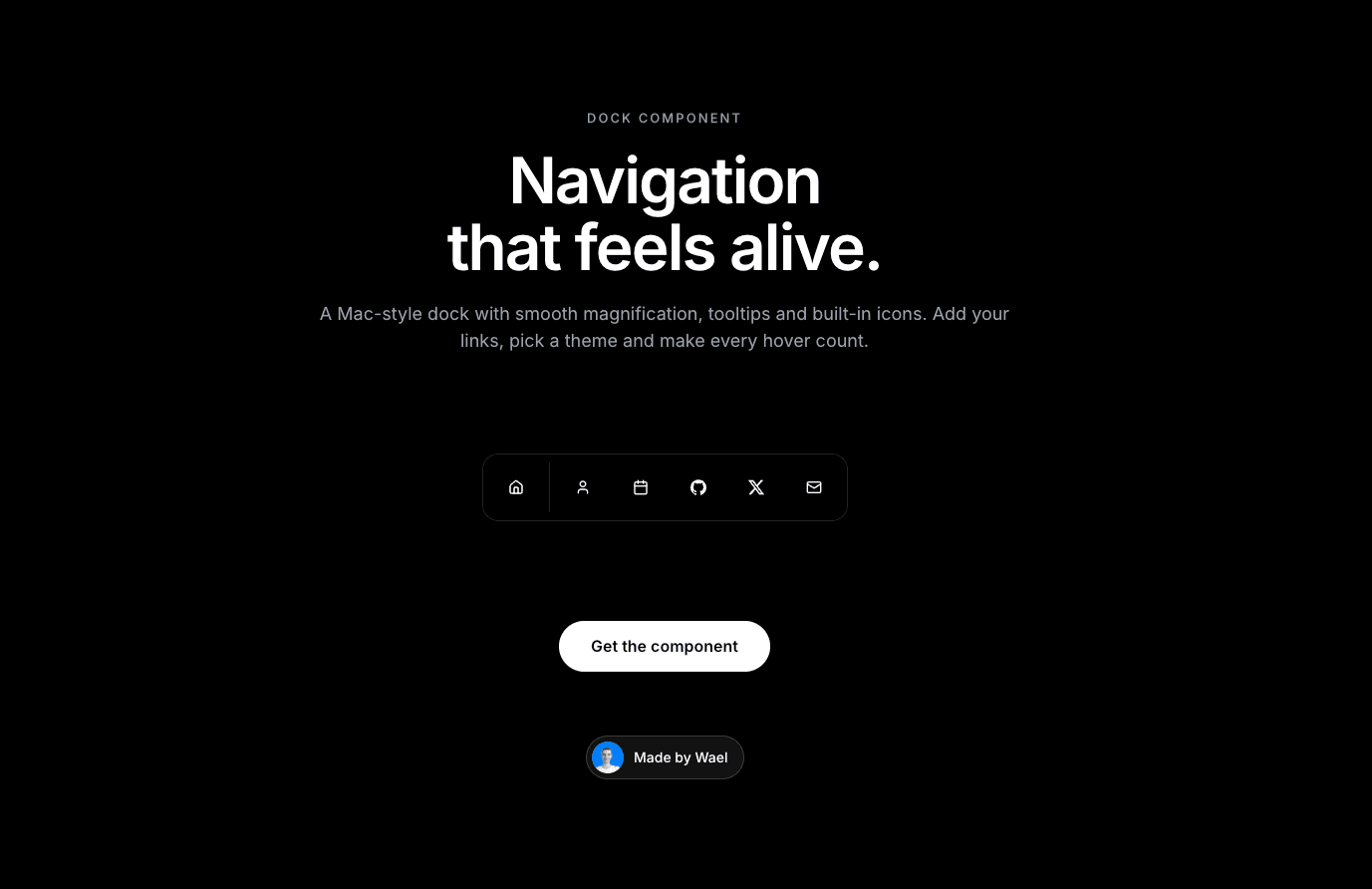
A Mac-style dock for your site. The icons grow smoothly as the cursor moves across them. Use it as a navigation bar, a social links bar or a quick-actions menu.
Why you need it
It feels alive. Smooth, springy magnification and tooltips on hover make a normal menu stand out.
It’s ready to use. It comes with built-in icons for Home, Search, Calendar, GitHub, LinkedIn, X, Email, YouTube, User, Settings, Heart and Pencil. You can also upload your own icon images.
You control the look. Set the icon size, magnification, distance, corner radius, Light or Dark theme, colors and font. You can add a divider between groups of icons.
Every icon can be a link. Add a URL, open it in a new tab, or trigger an action when someone clicks.
How to use it
Drop the component onto your page.
Add your items: icon, label and link.
Adjust the size, magnification and theme to match your brand.
Publish.
Need help?
Email me at wailelmachti6@gmail.com and I’ll help you get set up.
Built something with it?
Share it and tag me on X: https://x.com/Waeldesignz. I’d love to see it.
Made by Wael💙