About Brimful
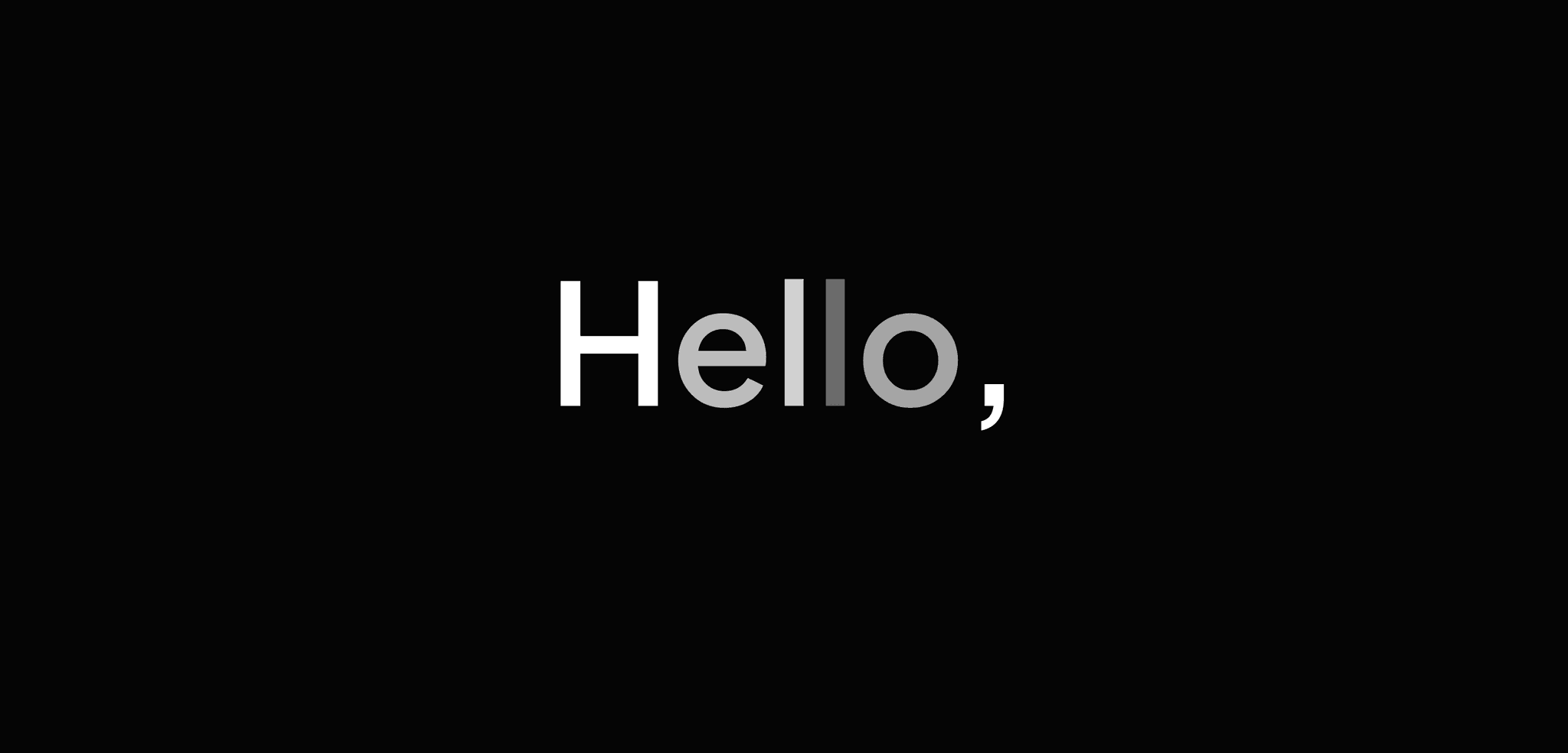
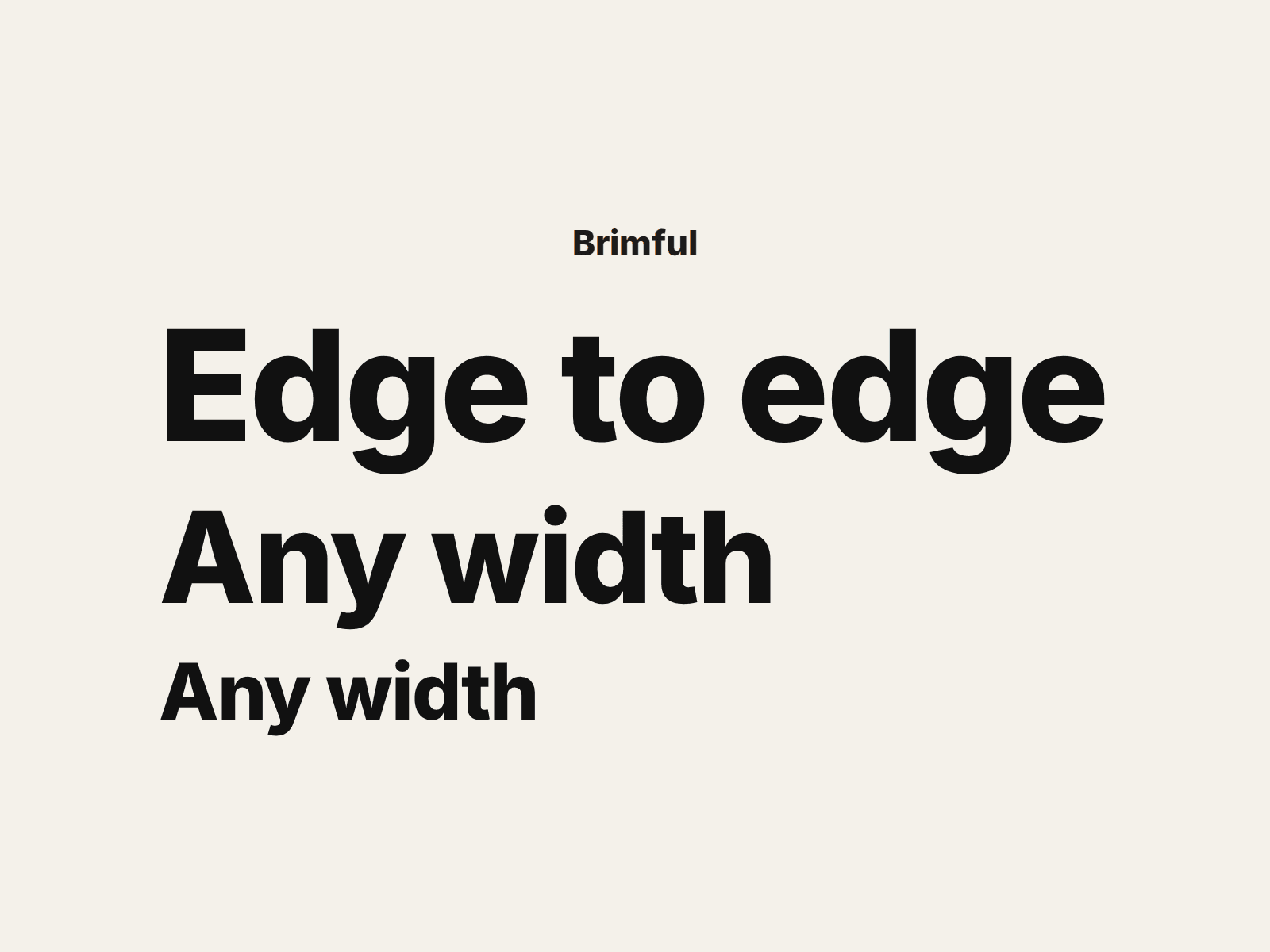
Brimful sets one line of text so it fills the width of its layer, whatever that width is. Drag the layer wider or narrower and the type grows or shrinks with it, never running past the edge. Made for footer wordmarks, hero words, big numbers and sign-style headers.
It measures the real text instead of guessing, so the fit stays exact when the font finishes loading late, when the text changes and when the page is resized. Until the font arrives it shows a close estimate, then settles on the measured size.
Set it up in the properties panel. Text is the line itself. Font opens the usual font picker, so any font you use in Framer works, with its weight and style. Color takes a color or a color style. Tracking spaces the letters from -0.1 to 0.3 em, and the space after the last letter is left out so the line ends at the edge. Line height runs from 0.6 to 1.4. There is no font size: the layer width sets it. It runs on its defaults (Inter Extra Bold, "Edge to edge"), so you can drop it on a page and try it first.
Good to know: set the layer width to Fill or a fixed number; the height is automatic. The text stays on one line, so a long text becomes small type. Some fonts change width in small steps, so the line can end a few pixels short of the edge. One file, nothing fetched. Works in any Framer plan. Free for personal and commercial projects.
The preview shows the component on its own, so you can see it fill layers of different widths without a whole site around it. It was built for our Refract template: https://www.framer.com/marketplace/templates/refract-studio/