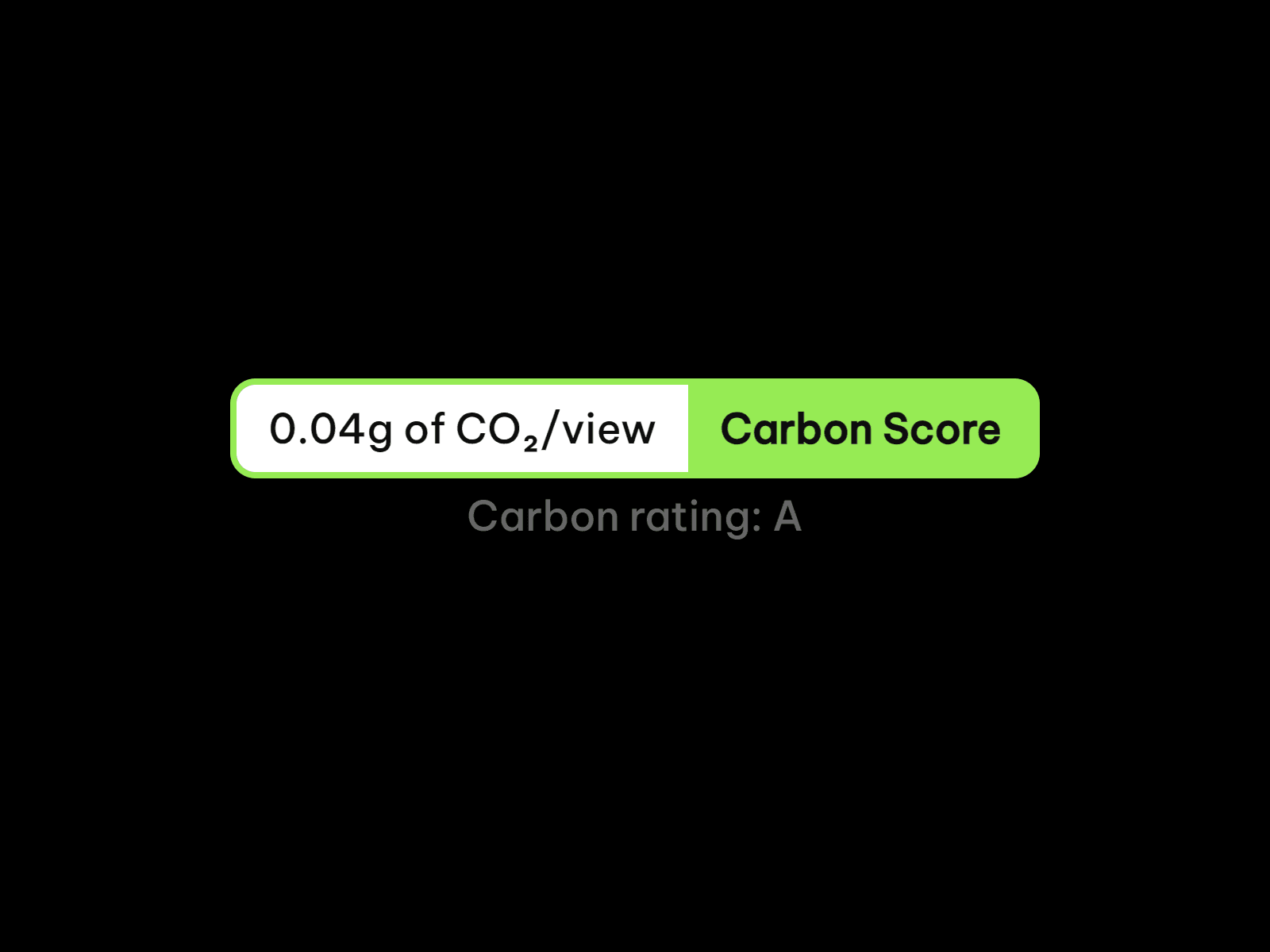
About Carbon Score
Carbon Score adds a live CO₂ badge to your site: it measures how much data each page loads and turns it into grams of CO₂ per view, with a carbon rating from A+ to F. No API, no account, no external service: everything runs in your visitor’s browser, so it works on any Framer site, published or not.
Made to Match Your Site
Every part of the badge is yours to style: accent, label, background, value and rating colors, font, radius, and spacing. Hide the label for a minimal look, or the rating to keep it compact. Padding scales with the font size, so the badge keeps its proportions at any size, on light or dark designs.
Key Features
Measurement
Real page weight, measured on load in the visitor’s browser
Grams of CO₂ per view, plus an A+ to F carbon rating
Green Hosting toggle if your host runs on renewable energy
Works on any page, no setup and no API key
Style
Accent, label, background, value and rating colors
Optional label with custom text
Optional rating line with adjustable gap
Native radius control and full font settings
Canvas
Shows a sample score while you design
Lightweight and dependency-free: it only reads data the browser already has
Good to Know
The score is calculated with the Sustainable Web Design model, as implemented in CO2.js by the Green Web Foundation. It is an estimate, designed to give a clear sense of your page’s footprint rather than a certified measurement. The badge takes about two seconds to measure after the page loads, which is why it fits best in your footer or lower on the page.
How to Set Up
Drag Carbon Score onto your canvas, ideally in your footer
Turn on Green Hosting if your host uses renewable energy
Adjust colors, font, and radius to match your design
Publish
Refund Policy
All sales of digital products are final and non-refundable. Questions? Contact hellonostromostudio@gmail.com before purchasing. Enjoy!