About Glyph Trail
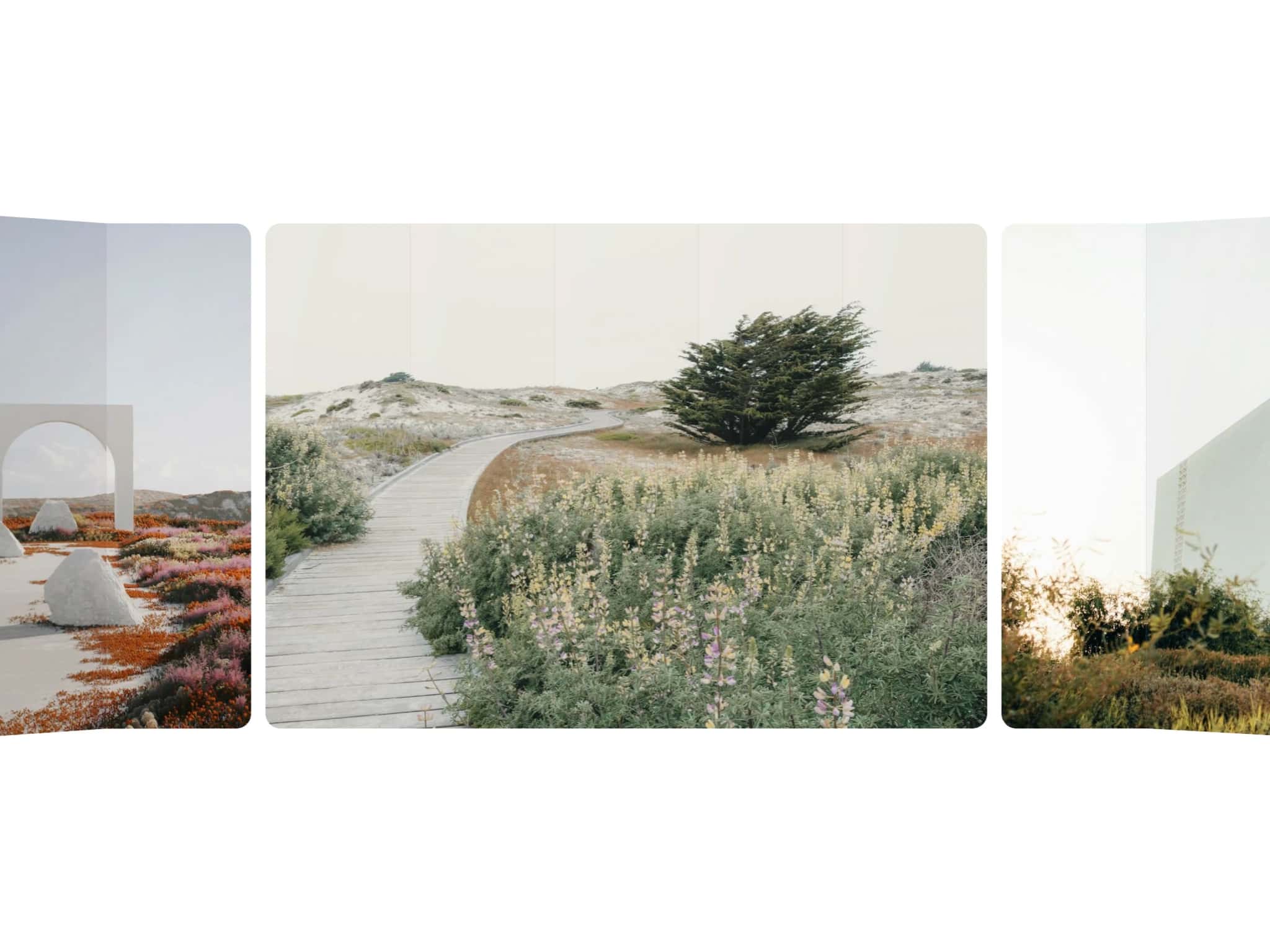
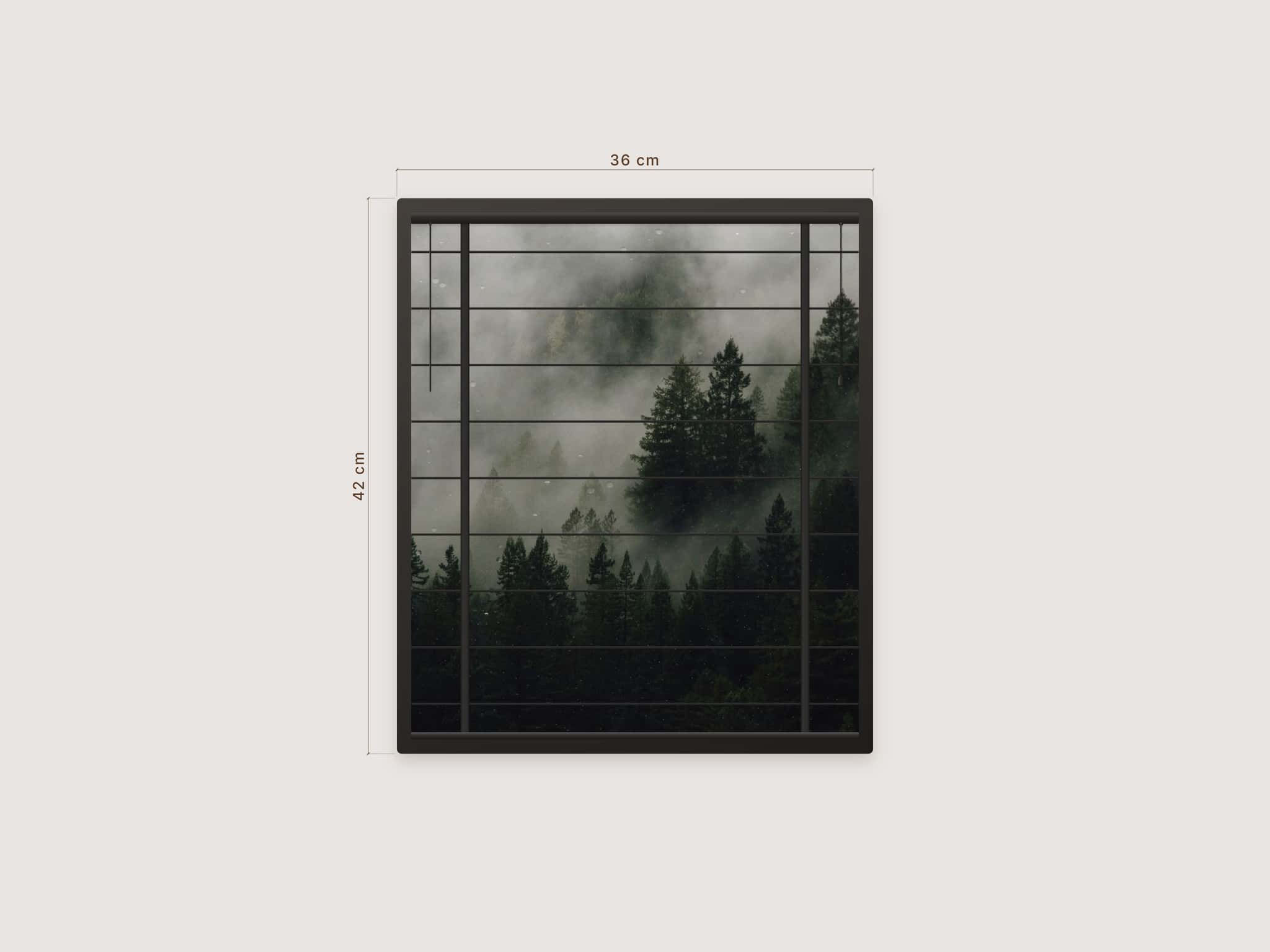
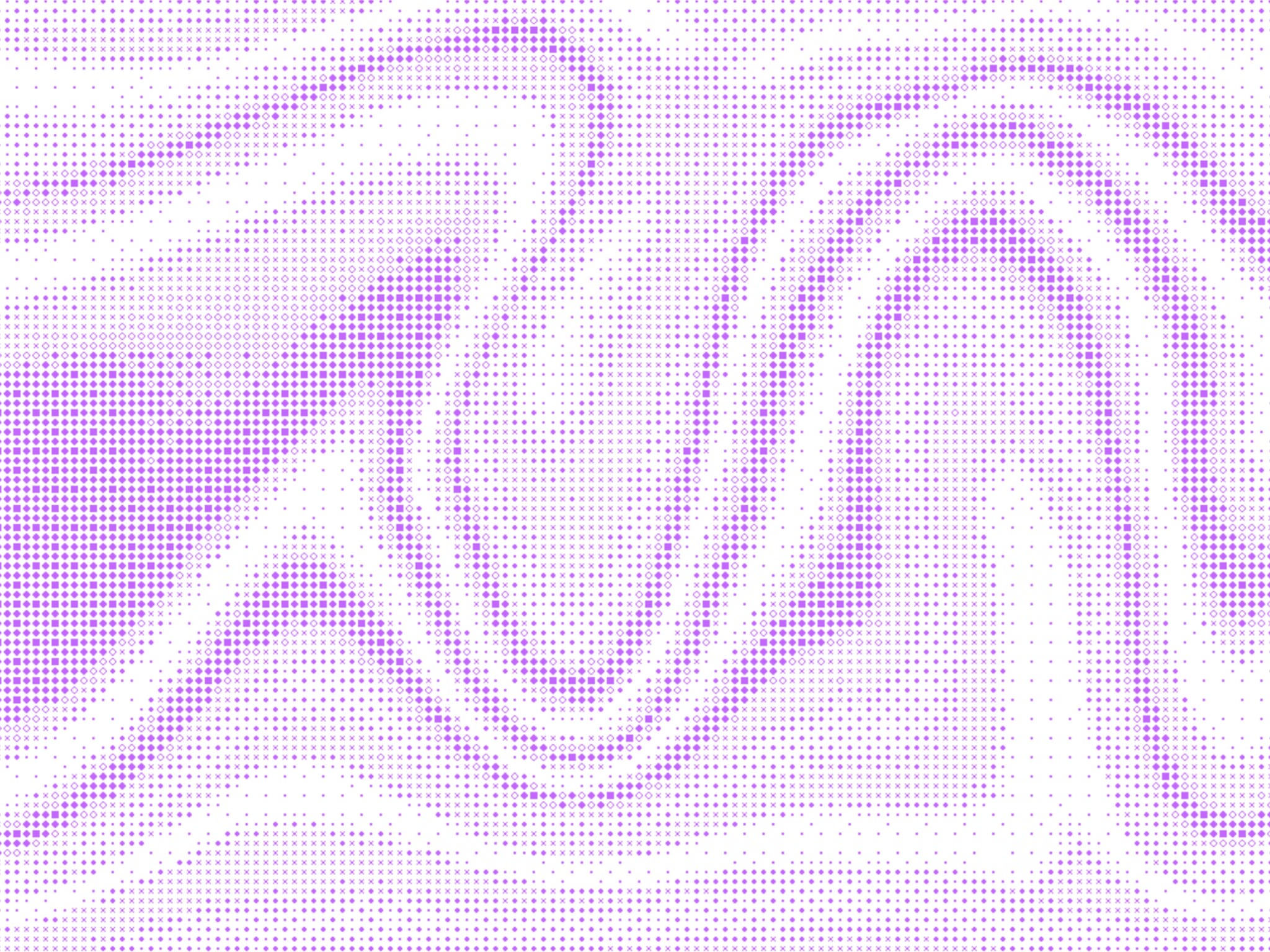
Glyph Trail turns an image into a field of small shapes and lets the cursor paint over it. Move the mouse and a trail of glyphs follows, then fades back into the pattern.
Every cell becomes a shape picked by how dark that spot is. Light areas get tiny dots, darker ones get pluses, crosses, rings and diamonds. The result looks like a dither but reads more like a pattern than pixels.
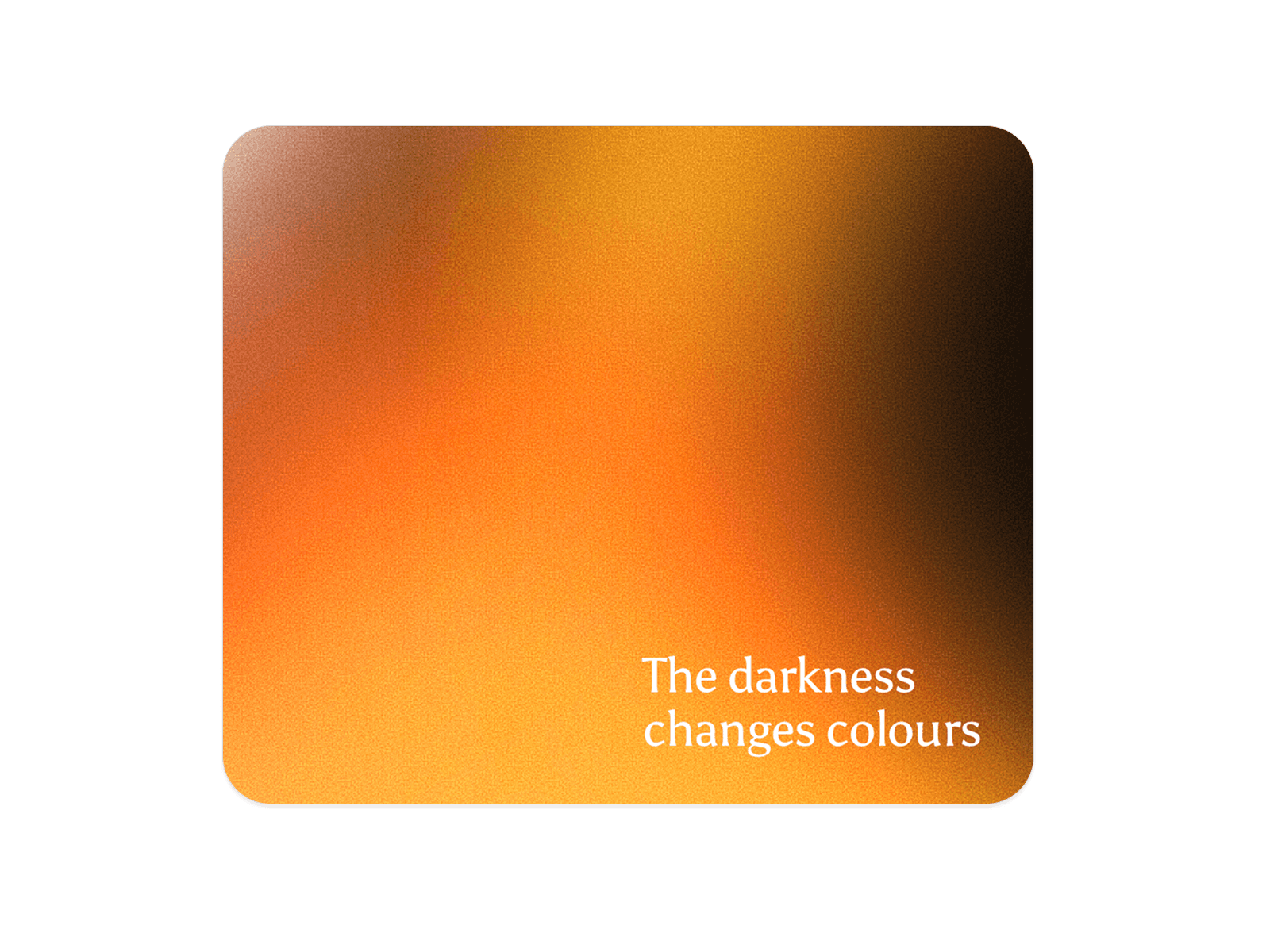
Drop in your own image, or leave it empty and use the built-in drifting gradient.
What you can customize
Four glyph sets: Mixed, Circles, Lines, Crosses
Three trail styles: Beads, Stars, Frames
Background, ink and trail colors
Cell size, contrast, brightness, invert
Trail radius, strength, fade time and spread
Drift speed of the built-in gradient
Option to turn the trail off on touch devices
See it in action - remix the example file
Works as a full-bleed background, so text and buttons on top stay clickable. Shows a still frame in the editor and comes alive in preview and on your site.