About CinematicCardDeck
Cinematic Card Deck — Scroll-Linked 3D Card Stack for Framer
Not another card component. A cinematic experience that turns a standard feature section into the most memorable moment on your website.
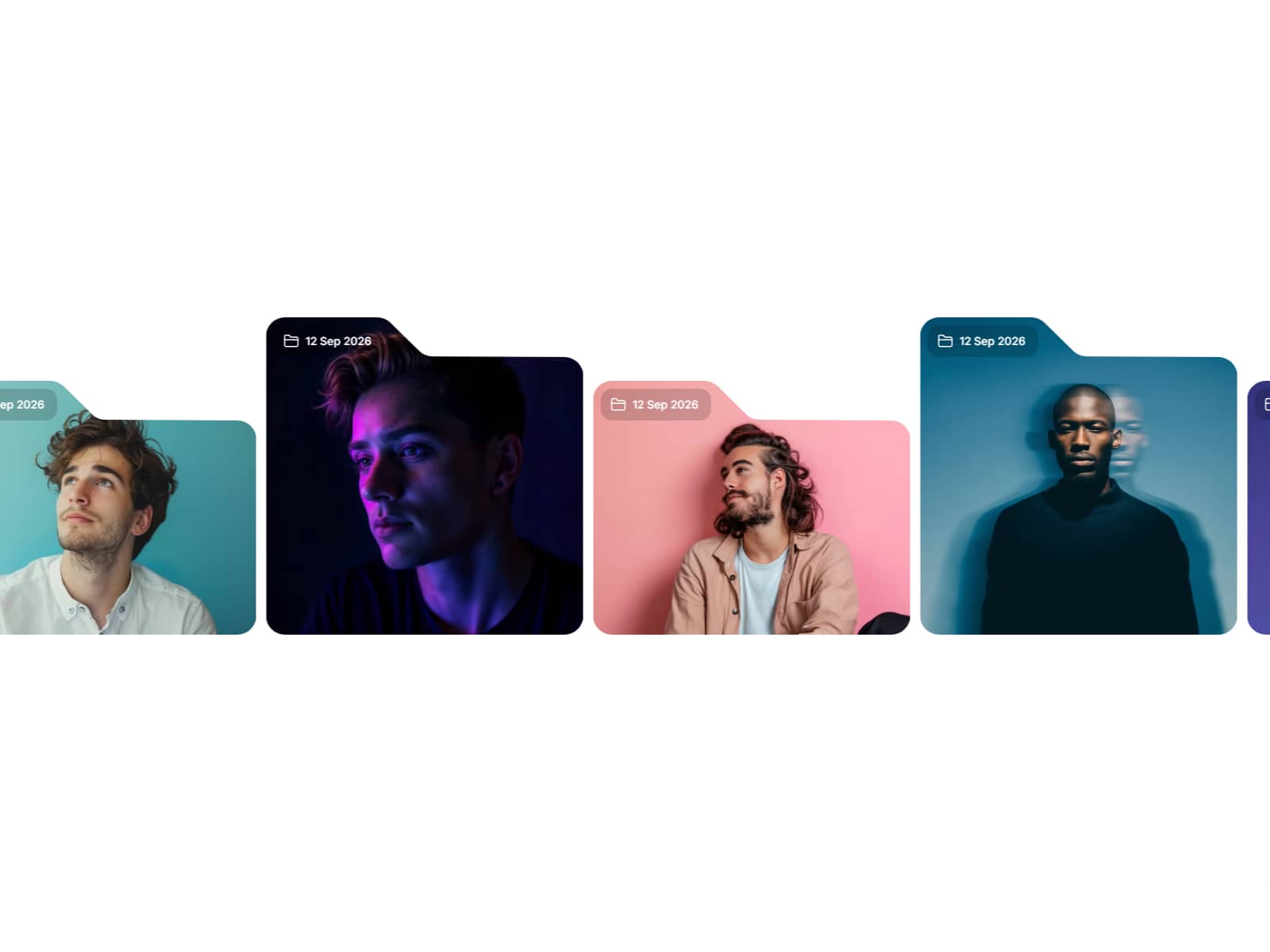
Each card in the stack exists in real 3D space — with depth, blur, scale, and perspective that make you feel the weight of the pile. As your visitor scrolls, cards peel off the stack and fly away, revealing the next. The ambient glow shifts color. The active card tilts with the cursor. The text layers float at different depths. Every scroll position is a new frame of a film.
This is what separates a good Framer site from a great one.
What Happens When You Scroll
The stack comes alive the moment a visitor starts scrolling through your section. Here is exactly what they experience:
The top card sits sharp, fully lit, slightly tilted toward their cursor. Behind it, the next card is smaller, slightly blurred, set deeper in space. The card behind that is smaller still — and so on, up to 8 levels of visible depth.
As they scroll forward, the top card peels upward, rotates on its X-axis, fades out — and the second card smoothly rises to the front. The ambient glow behind the stack transitions to the new card's accent color. The progress indicator on the side pulses.
Scroll backward and everything reverses — perfectly, frame-accurately, because every animation is tied to scroll position, not a timer.
Every Layer of Immersion, Explained
Real 3D Depth with Perspective
Cards behind the active one are not just smaller — they are pushed back along the Z-axis using true CSS perspective and translateZ. Combined with progressive scale reduction, blur, and opacity, the stack looks like a physical object you could reach into the screen and touch.
Cursor Tilt on the Active Card
The front card tracks the mouse cursor and tilts up to 6 degrees toward it using spring-smoothed motion values. The effect is subtle enough to feel natural, dramatic enough to feel premium. It disappears cleanly when the cursor leaves.
Inner Parallax on Text Layers
Title, description, and tag each move at different speeds as a card enters or exits the active position. The title shifts 1.6× faster than the description. This creates the illusion that text elements are floating at different depths inside the card — like a real 3D object.
Per-Card Ambient Glow
Each card has its own accent color. When a card becomes active, a radial gradient glow behind the stack transitions to that color — bathing the entire section in a new atmosphere. Orange card, orange glow. Purple card, purple glow. Smooth crossfade between each transition.
Spring Physics Scroll Smoothing
All animations run through Framer Motion's useSpring — not a CSS transition, not a linear easing. A real spring with stiffness, damping, and mass. Scroll fast and the animation lags behind with inertia. Scroll slowly and every card position is perfectly controlled.
Progress Indicator
A minimal vertical dot indicator appears on the left or right side of the section. The active dot scales up and glows. All others fade to hints. Purely informational, visually satisfying.
3 Intensity Presets
Subtle
Gentle depth and rotation. Cards shift slightly in scale and Z-position. Ideal for corporate sites, editorial publications, or any context where restraint is a virtue. Still far more premium than a standard card component.
Standard
The balanced preset — maximum visual impact without ever feeling excessive. The default for SaaS landing pages, portfolios, and agency sites. This is the sweet spot for most projects.
Cinematic
Maximum depth, maximum perspective, maximum exit drama. Cards fly off the stack with a steep rotateX, deep Z-offset, and aggressive blur. For designers who want visitors to physically react when they see the section. Best used on hero sections and full-screen storytelling moments.
Full Property Panel Control
Every parameter is exposed as a native Framer property control. No code editing required after installation.
Per card (up to 8 cards):
Title
Description
Tag / label
Background color — text contrast adapts automatically
Accent color — drives the glow, dot, and bar for that card
Global:
Intensity preset: Subtle · Standard · Cinematic
Exit direction: cards fly upward or downward
Background color for the section
Card width and height
Border radius
Scroll length — total scroll distance to reveal all cards
Smoothing — spring inertia from instant to butter-smooth
Accent elements on/off — dots and bars
Progress indicator on/off — left or right position, color
Ambient glow on/off — with independent intensity slider
Smart Auto-Contrast
Card text color adapts automatically to each card's background. Dark cards get white text. Light cards get dark text. No manual adjustment needed, even when mixing light and dark cards in the same stack.
Built for Production
Scroll architecture: sticky section + useScroll targeting the full section height
Animation engine: Framer Motion useTransform + useSpring — no CSS transitions
GPU compositing only: opacity, transform, filter — never layout or paint
Zero layout shift on scroll
Cursor tilt uses useMotionValue + spring — no DOM event listeners that break SSR
Responsive: adapts to any container width set on the Framer canvas
Mobile: touch scroll fully supported, cursor tilt gracefully inactive
No external dependencies beyond Framer Motion (already included in Framer)
Compatible with Framer auto-sizing and layout system
How to Set Up
Install from the Framer Marketplace
Place the component on your canvas in a full-width section
Set the component height to at least 300–400vh — this is the scroll space
Edit your cards from the right panel: title, description, tag, colors, accent
Choose your intensity preset, adjust smoothing
Publish — the experience is identical on your live site
Perfect Use Cases
Hero feature sections — One card per core product feature. Scroll through your value proposition like flipping pages of a product catalogue.
Case study breakdowns — Challenge, Approach, Execution, Result. Four cards. Four atmospheric transitions. The most engaging way to present project work.
Service pages — Each service gets its own card and color atmosphere. Visitors scroll through your offer one chapter at a time.
Manifesto and about pages — Bold beliefs, one per card. The Cinematic preset with short punchy text is devastating.
Product launch sections — Use accent colors that match product visuals. The ambient glow creates an emotional connection between the card and its content.
Agency and studio portfolios — The effect itself signals craftsmanship before a single word is read.
Frequently Asked Questions
How many cards can I add? Up to 8. For Cinematic intensity, 3–5 cards gives the best pacing. For Subtle intensity, 6–8 cards works beautifully.
How do I control the scroll speed of the animation? Use the Scroll Length control. A value of 400vh means the full animation plays over 4 screen heights of scrolling. Increase for more cards, or for a slower, more deliberate reveal.
Does the cursor tilt work on mobile? The cursor tilt is mouse-driven and gracefully inactive on touch devices. All other animations work identically on mobile.
Can I bind card content to Framer CMS? Yes. All string and color properties accept variable binding, making this component fully compatible with CMS-driven content.
Does the ambient glow affect page performance? No. The glow is a single div with filter: blur() and opacity — two GPU-composited properties. It does not trigger layout or paint on transition.
Tags
cinematic card stack · 3d card animation · scroll card deck · scroll-linked animation · framer 3d · cursor tilt · parallax cards · ambient glow · premium framer component · framer motion · scroll reveal · card peel animation · sticky scroll · depth animation · framer scroll component · card deck framer · interactive cards · scroll interaction · feature section · storytelling component · product showcase · landing page framer · spring physics animation · immersive scroll · portfolio component · framer marketplace · card stack animation · scroll progress