About CMS Carousel Field
About
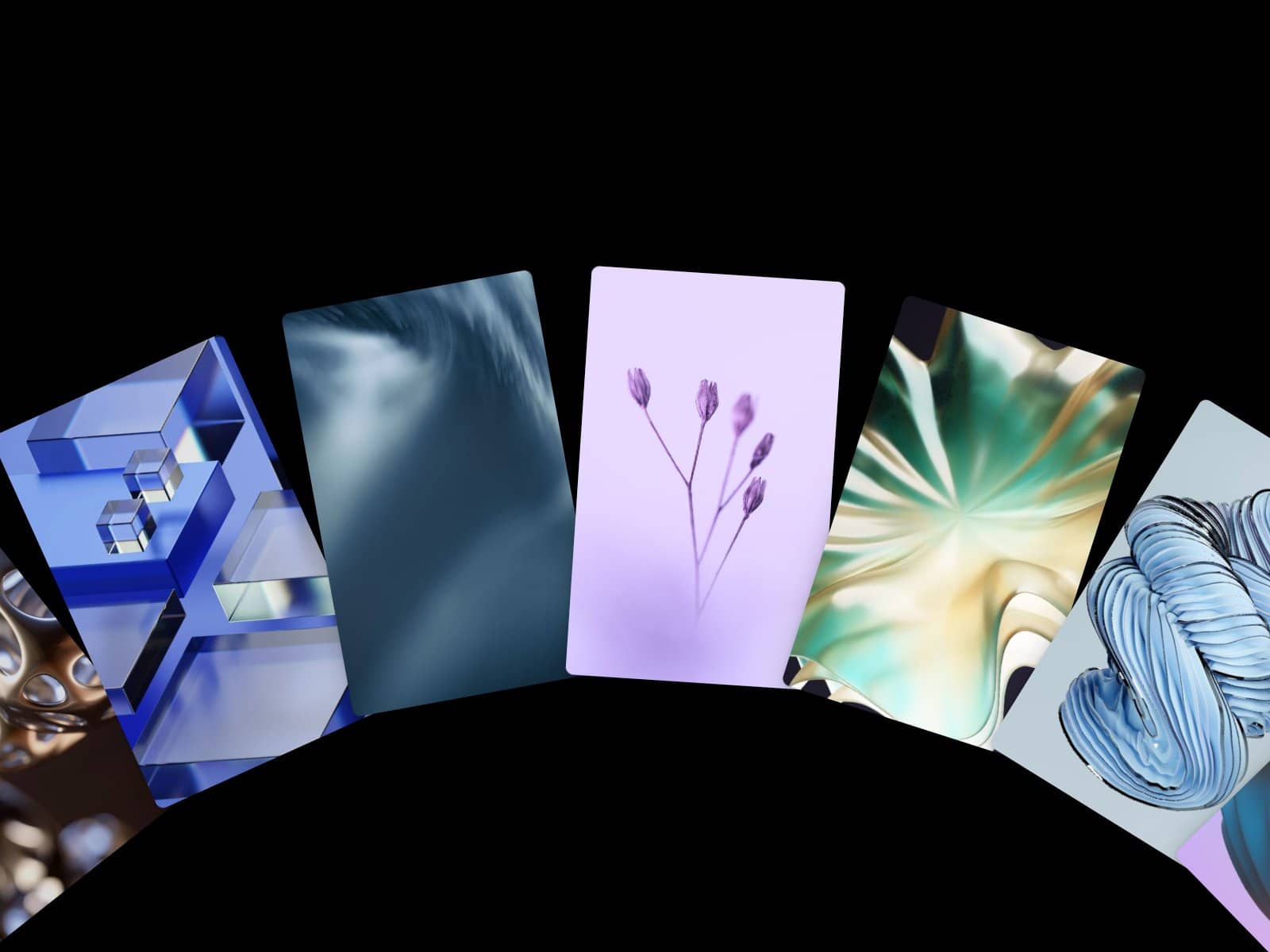
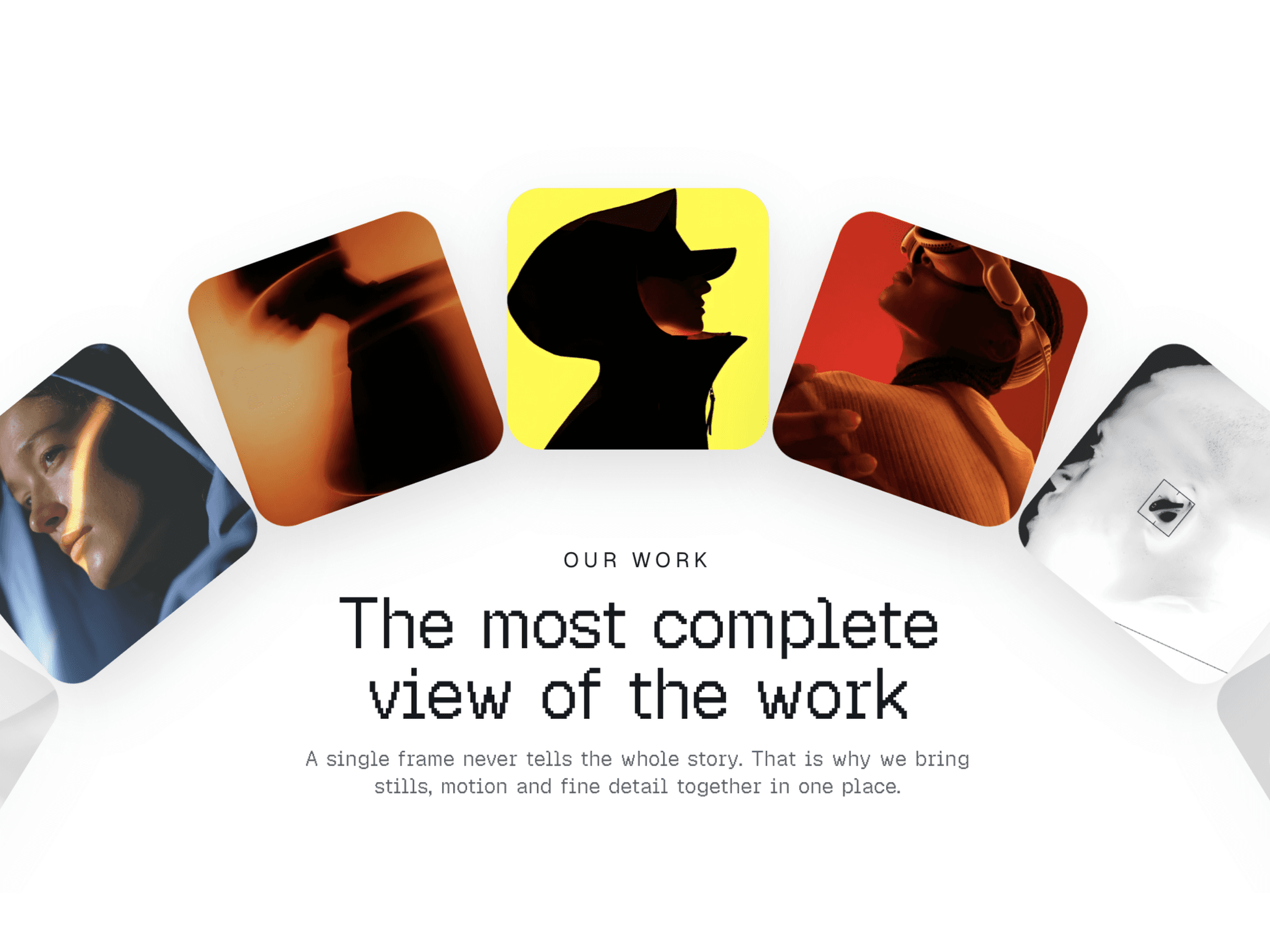
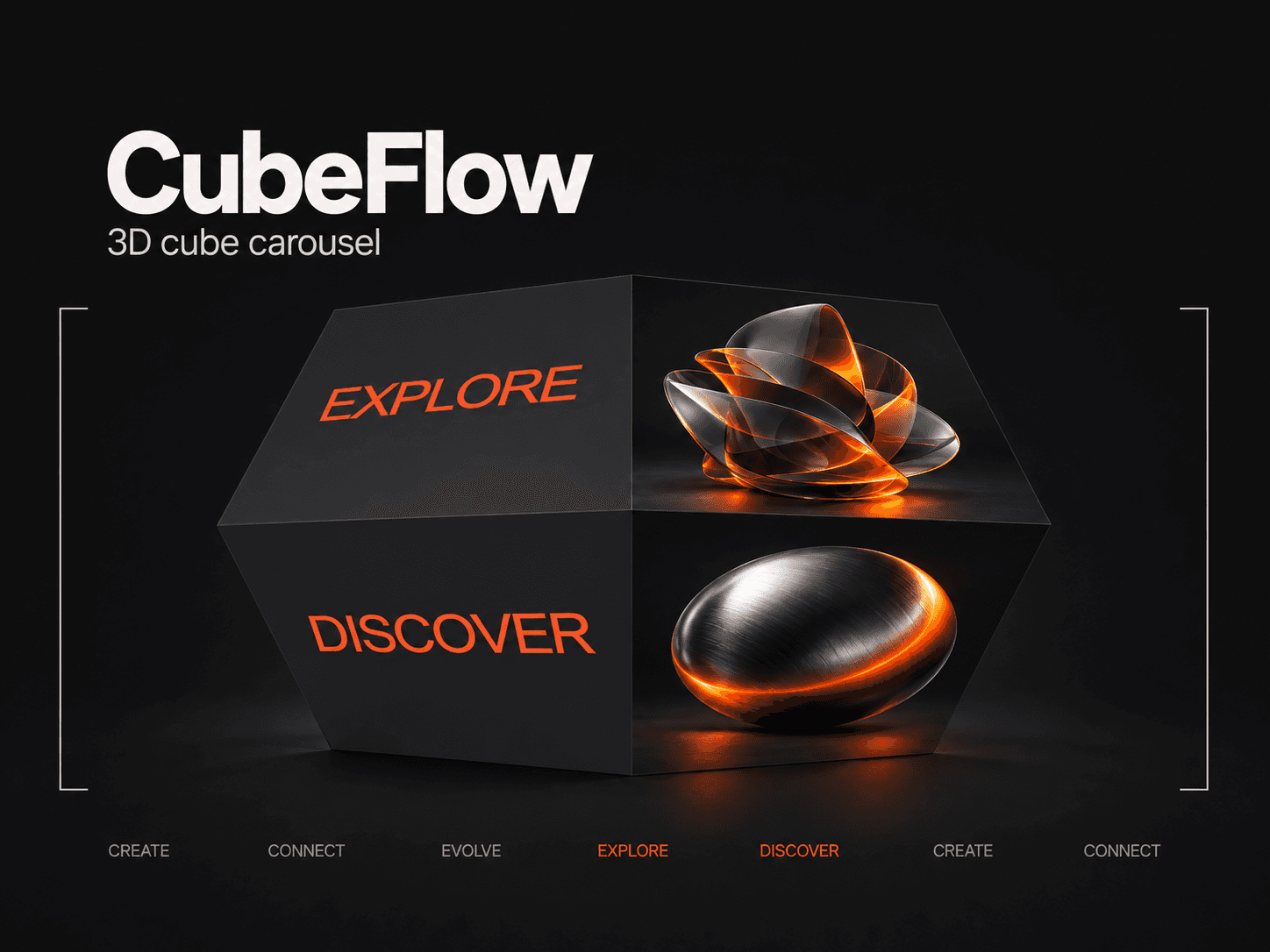
Add any number of images to a CMS rich text field/formatted field, connect it to the component and cycle it as a Image carousel. This component is useful because it provides an easy way to create an image carousel from CMS formatte field content rather than manually create a field for each individual image.
This component a part of the 400+ components, layouts, templates, UI Kits and code overrides from SegmentUI PRO. Click here to see the full library
Instructions
Create a formatted text field
Add Images to the field
Connect the formatted text field to the component
Configure and publish!
How It Works
You can input rich text content with images. You can choose how images fit the frame, set transition effects between slides, and adjust arrow navigation appearance. There's an option to show only the first image or allow cycle through all images.
What You Get
When you purchase this component, you'll receive:
The Component Itself - Full access to the component all future updates
Remix File with Component Setup - A complete Remix file with the component pre-configured and ready to integrate into your project.
Setup Instructions - Clear, step-by-step instructions to help you implement the component quickly and correctly.
Dedicated Support - Direct access to our team for assistance if you encounter any issues during setup or implementation.
Support
For any queries and help setting up the component, contact hello@segmentui.com
Refund Policy
If a component does not function as advertised and the issue cannot be resolved, you are eligible for a full refund under our quality guarantee. Refunds will not be provided for any other reasons, including change of mind, accidental purchase, lack of use, or expectations of features not explicitly advertised.