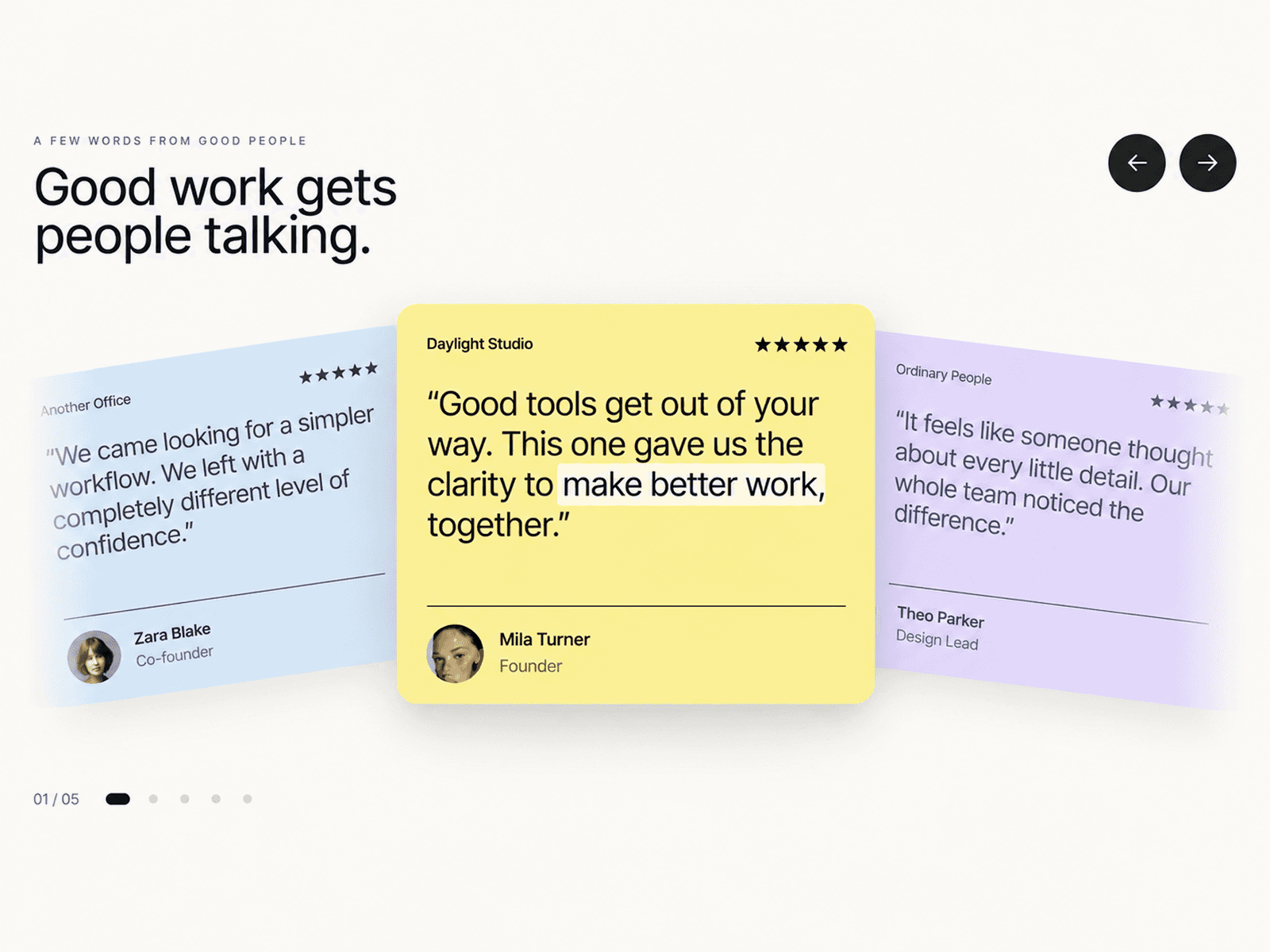
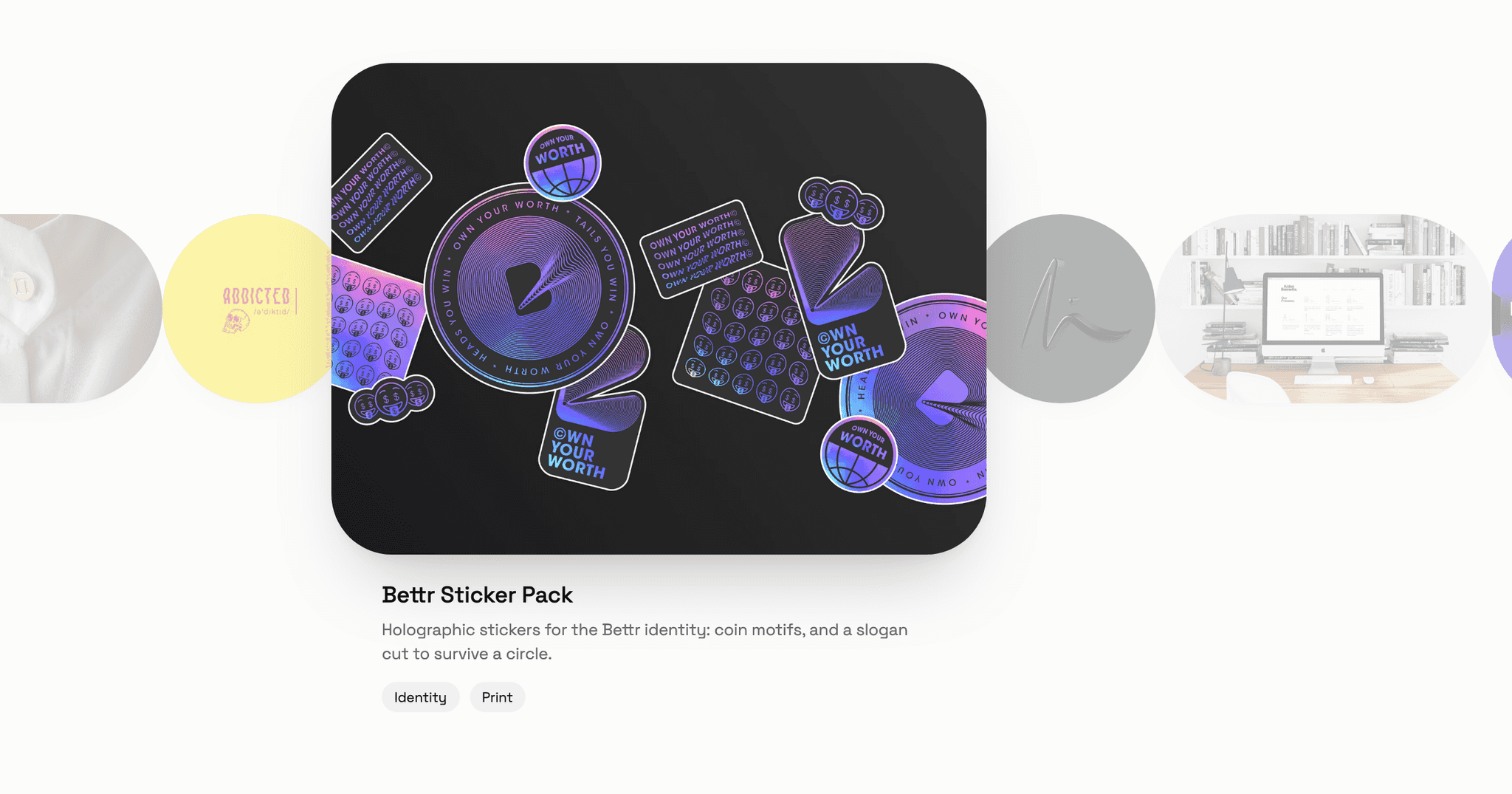
About CMS Carousel 5 Style
⚠️ If you wish to have the exact same Carousel but with Videos & Images, 10+ CMS collection lists connexion simultaneously, a new display style, and overall improved features, it's here : https://www.framer.com/marketplace/components/cms-vid-img-carousel/ 🎯 Purpose & Objective
This ultimate CMS Carousel component transforms your Framer CMS content into stunning, interactive image carousels with professional-grade animations and transitions. Perfect for showcasing portfolios, product galleries, testimonials, or any visual content that needs elegant presentation.
🔌 Data Source Flexibility
Collection Lists - Connect directly to your CMS collections for dynamic content
Gallery - Use Framer's native gallery component for quick image sets
Static Items - Add individual components for custom layouts
🎨 5 Professional Styles
Simple - Clean horizontal sliding transition
Fade - Smooth opacity crossfade between slides
Peek Edges - Preview adjacent slides for context
Cards Expand - Dynamic scaling with depth effect
Coverflow 3D - Apple-inspired 3D rotation effect
⚙️ Core Features
Content Mode : select if you want to display Images or Custom Components that you created in Framer
Autoplay with customizable intervals (800ms - 8000ms)
Pause on Hover - Intelligent interaction detection
Image Ratio Control - Preserve original ratios or set custom dimensions
Flexible Navigation - Arrows inside/outside, 6 position options
Dot Indicators - Visual progress tracking
Infinite Loop - Seamless continuous scrolling
Keyboard Support - Arrow key navigation
Touch/Swipe - Mobile-friendly gesture controls
Click-to-Navigate - Optional side-click advancement
🎛️ Customization Options
Visual Theming - Control colors, backgrounds, opacity
Animation Speed - Fine-tune transition timing (0.1s - 1.2s)
Border Radius - Rounded corners (0-50px)
Object Fit - Cover, contain, fill, or scale-down modes
Gap Control - Spacing between slides (0-80px)
Size Constraints - Min/max width and height settings
🚀 Performance Features
Smart Preloading - Three strategies: All, Current+2, or Lazy
Optimized Rendering - Efficient DOM manipulation
Loading States - Built-in spinner animation
Responsive Design - Adapts to container dimensions
📋 How to Set Up
Drop the component into your Framer project
Choose your data source (Gallery/Collection/Static)
Connect your content (images or components)
Select your preferred style preset
Configure interaction settings (autoplay, navigation, etc.)
Customize appearance (colors, spacing, animations)
Fine-tune performance options if needed
💡 Best Use Cases
Product showcases in e-commerce sites
Portfolio presentations for creative work
Client testimonial rotations
Hero banner slideshows
Image galleries with professional transitions
Before/after comparisons
Team member spotlights
Event photo collections
3 Data sources (Gallery, Collection List or Static Images) :
For any question about the setup of the component, updates or improvements, please send us a mail at framermaster1@gmail.com. If you encounter an issue with your purchase, please contact us within 7 days and we’ll do our best to resolve it. Because this is a digital product, all sales are considered final. Once you complete your purchase, you'll get instant access to the Framer component. Since digital items can't be returned, we're not able to offer refunds, exchanges, or cancellations. Refunds are only issued in cases of duplicate charges.Please make sure to review the features and preview materials before buying. If you're unsure or have any questions, feel free to reach out — we're happy to help before you commit.
By completing your purchase, you're confirming you understand and accept these terms.