About CMS Fan Cards
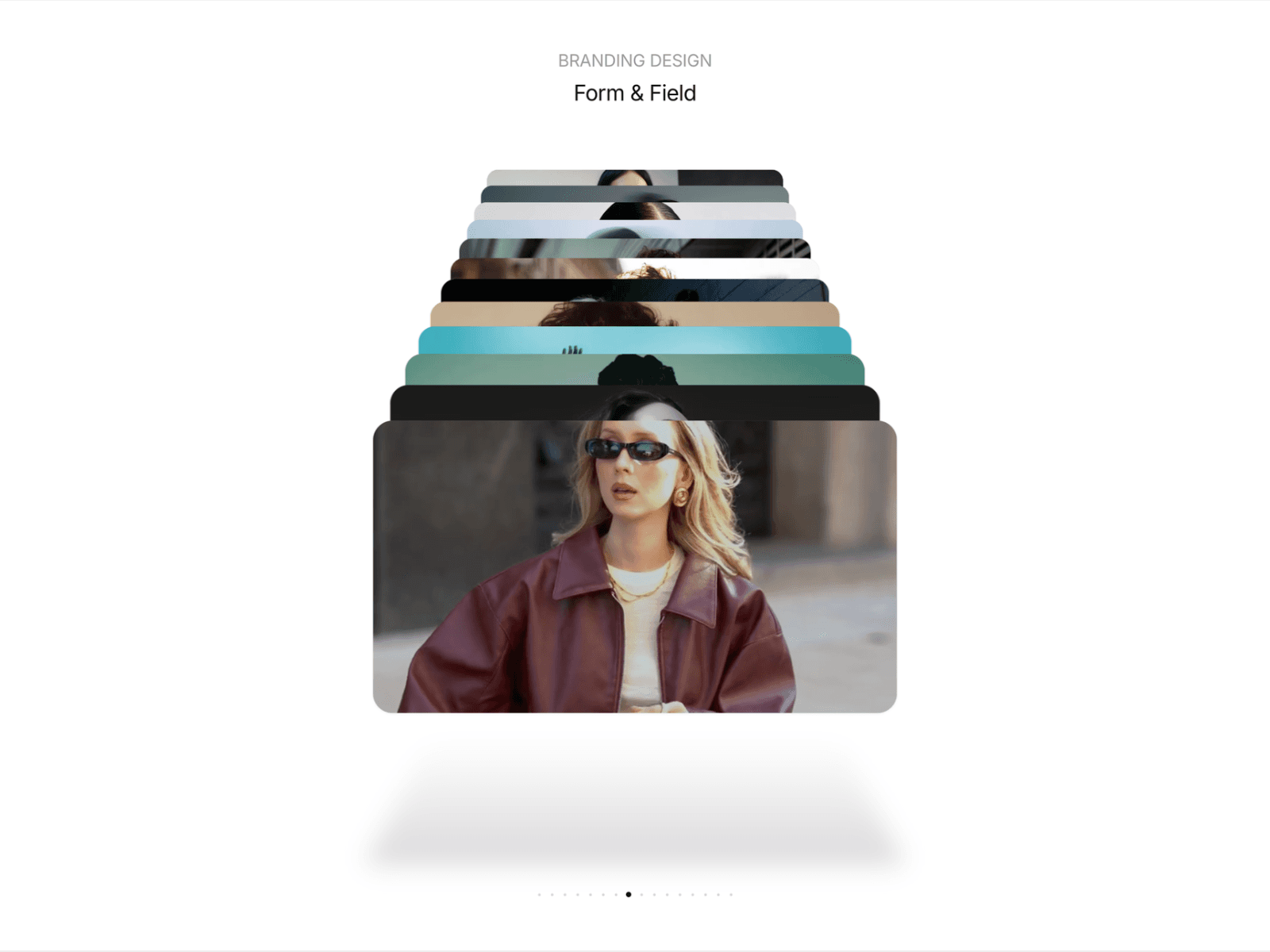
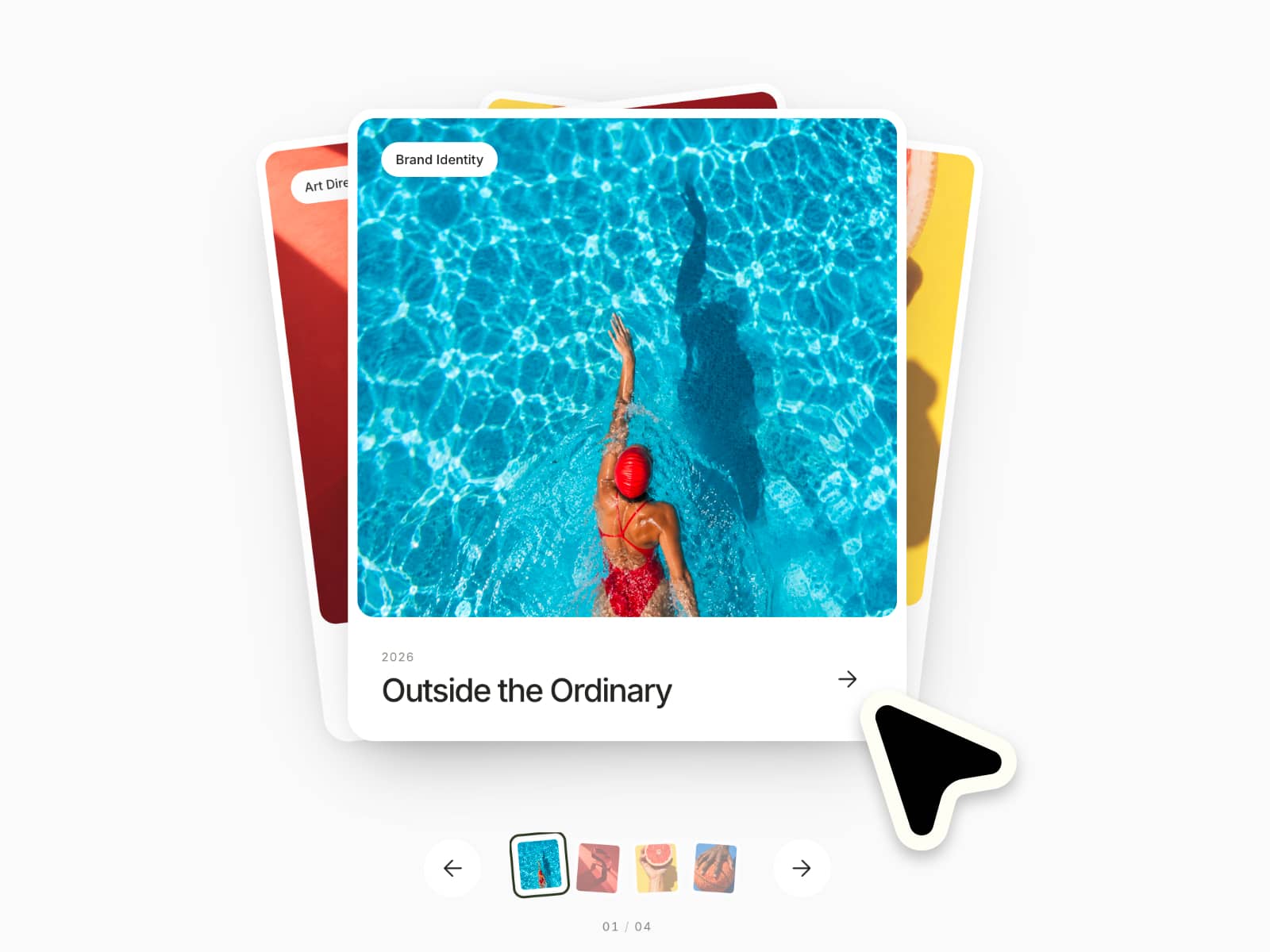
CMS Fan Cards is a Framer card carousel with overlapping images, a focused front card, and smooth swipe transitions. Introduce your team or showcase projects, products, and profiles using editable images, titles, descriptions, and optional meta text.
Explore more components here →
Features
Swipe, drag, and click — Browse cards with touch or a mouse. Click a side card to bring it forward.
Autoplay — Set the Time per Card. Playback pauses over the cards, during keyboard focus or dragging, and when the browser tab is hidden.
Individual links — Connect each card to a Framer page or URL. Select a card, then click it again to open its link.
Flexible proportions — Set Card Width and Card Height independently for square, portrait, or landscape layouts. Cards scale down while preserving their proportions.
Editable captions — Customize each card’s Title, Description, and Meta. Adjust typography, colors, Caption Gap, and Text Gap.
Refined appearance — Control corner radius, background, side shading, and the active outline’s color and width.
Adjustable motion — Change Settle Time to tune how quickly cards come to rest.
Keyboard support — Navigate with arrow keys, Home, and End. Respects reduced motion preferences.
How to Use
Add CMS Fan Cards to your Framer page.
Open Cards to upload images, edit text, reorder items, and add links.
Adjust Layout, Text Settings, and Appearance to suit your design.
Enable Autoplay if needed, then test interactions in Framer Preview.
Perfect For
Team pages, agency websites, creative portfolios, product showcases, and profile galleries.
Framer card carousel, fan cards, stacked cards, team showcase, swipe gallery, autoplay carousel, portrait cards.
Made by Zelo Studio 💙