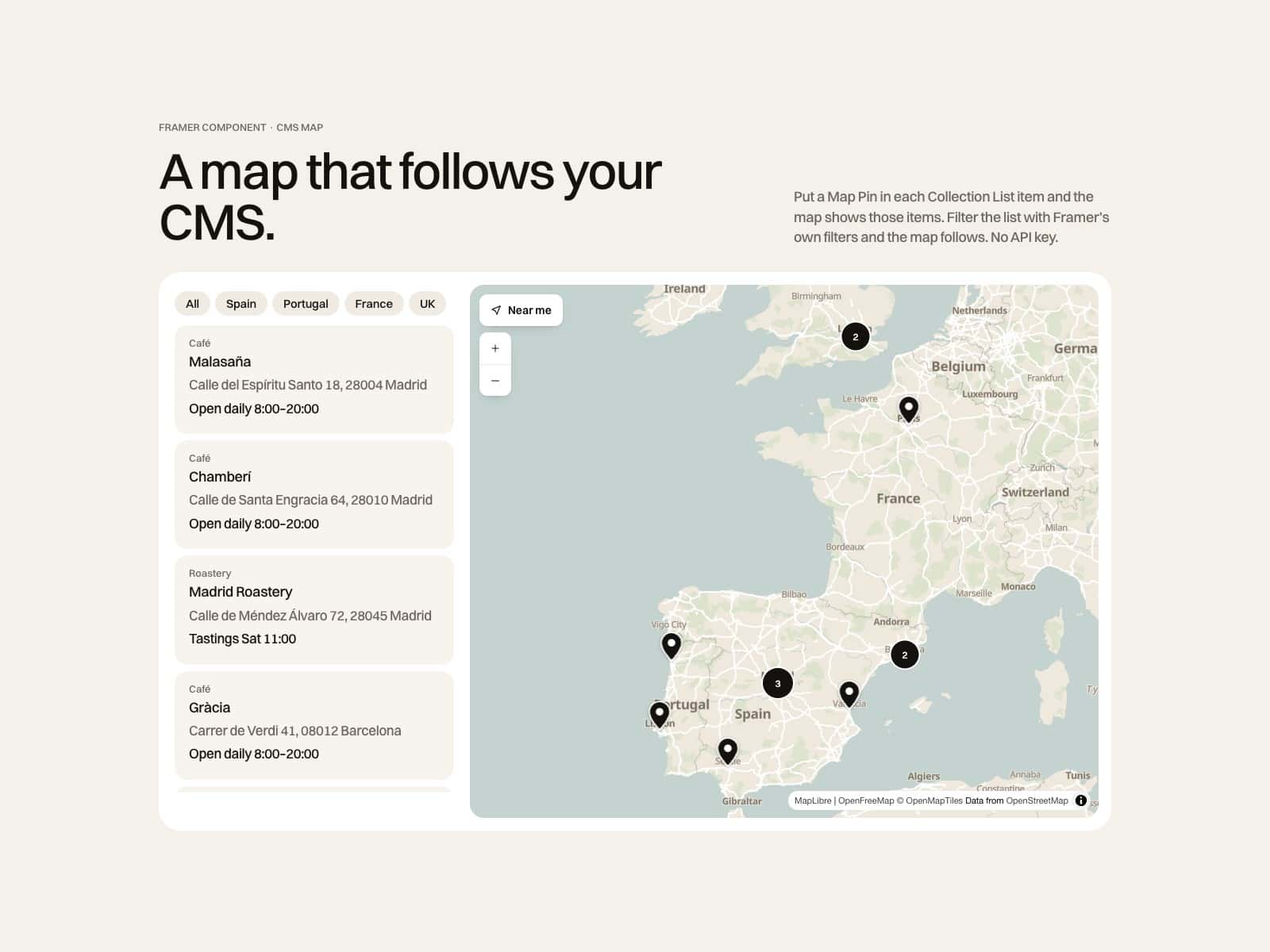
About CMS Gallery Kit
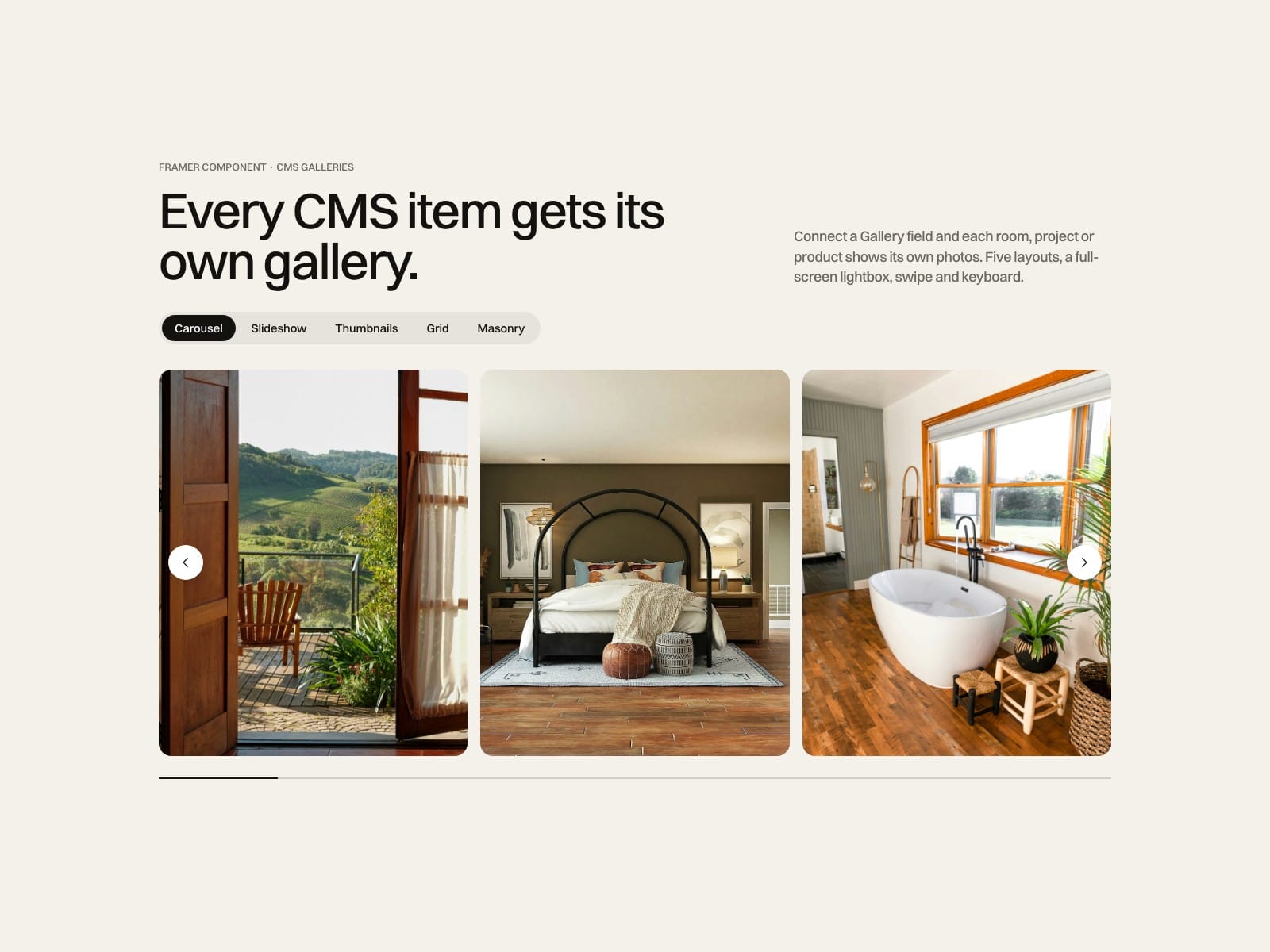
Finally, your CMS galleries in a carousel. Connect a Framer CMS Gallery field to the Slides property and every item gets its own gallery, with a lightbox.
How to use
Paste CMS Gallery Kit into your Framer project
On a CMS detail page or inside a Collection List item, connect Slides to your Gallery field (map Image to image)
Pick a layout: carousel, slideshow, thumbnails, grid or masonry
Style arrows, dots, captions and radius to match the site
Key features
Reads Framer CMS Gallery fields on detail pages and inside Collection List items, or images you add by hand
Five layouts with swipe, drag, keyboard and loop
Full-screen lightbox with captions, swipe and focus trapped
Autoplay that pauses on hover, focus and when off screen
Responsive images with srcset and lazy loading
Aspect ratios, captions below or over the photo, arrows in three styles
No network requests of its own
Full documentation: miguelrecio-components.framer.website/cms-gallery/docs
One-time payment: 1 designer, unlimited client projects. Questions: info@miguelrecio.es.