About CMS Locations Map
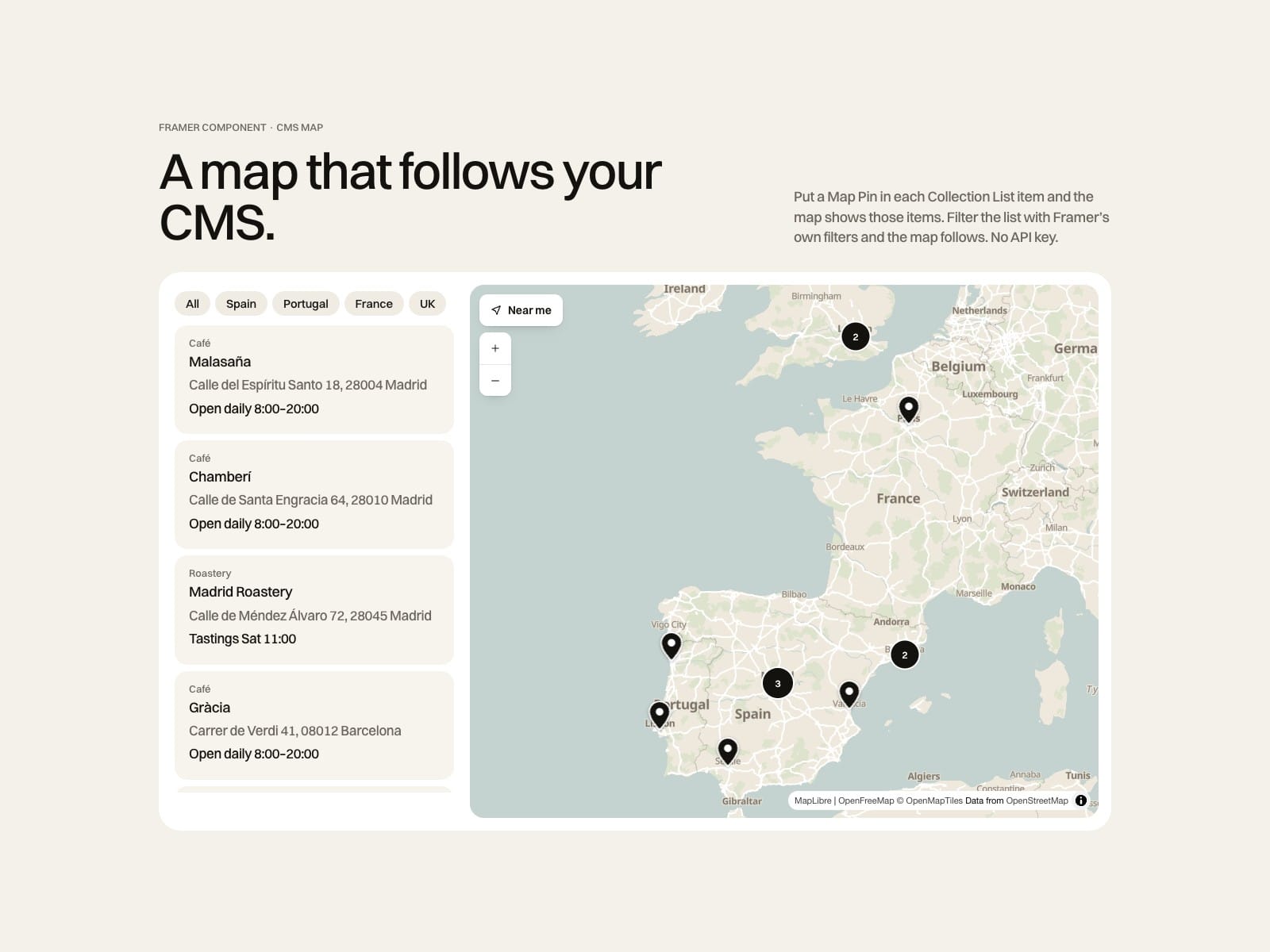
A map that follows your CMS. Put a Map Pin in each item of a native Collection List and the map shows those items. Framer's own filters, sorting and pagination keep working.
How to use
Add Latitude and Longitude to your collection (the docs show how to copy them from Google Maps)
Put a Map Pin in your Collection List item and connect its fields
Place the Map anywhere on the page
Choose a style or your brand colours
Key features
Native CMS: filtered items leave the map, new items appear on their own
Click a card and the map flies to it, hover highlights the pin
Brand colours for land, water, roads and labels, or light and dark styles
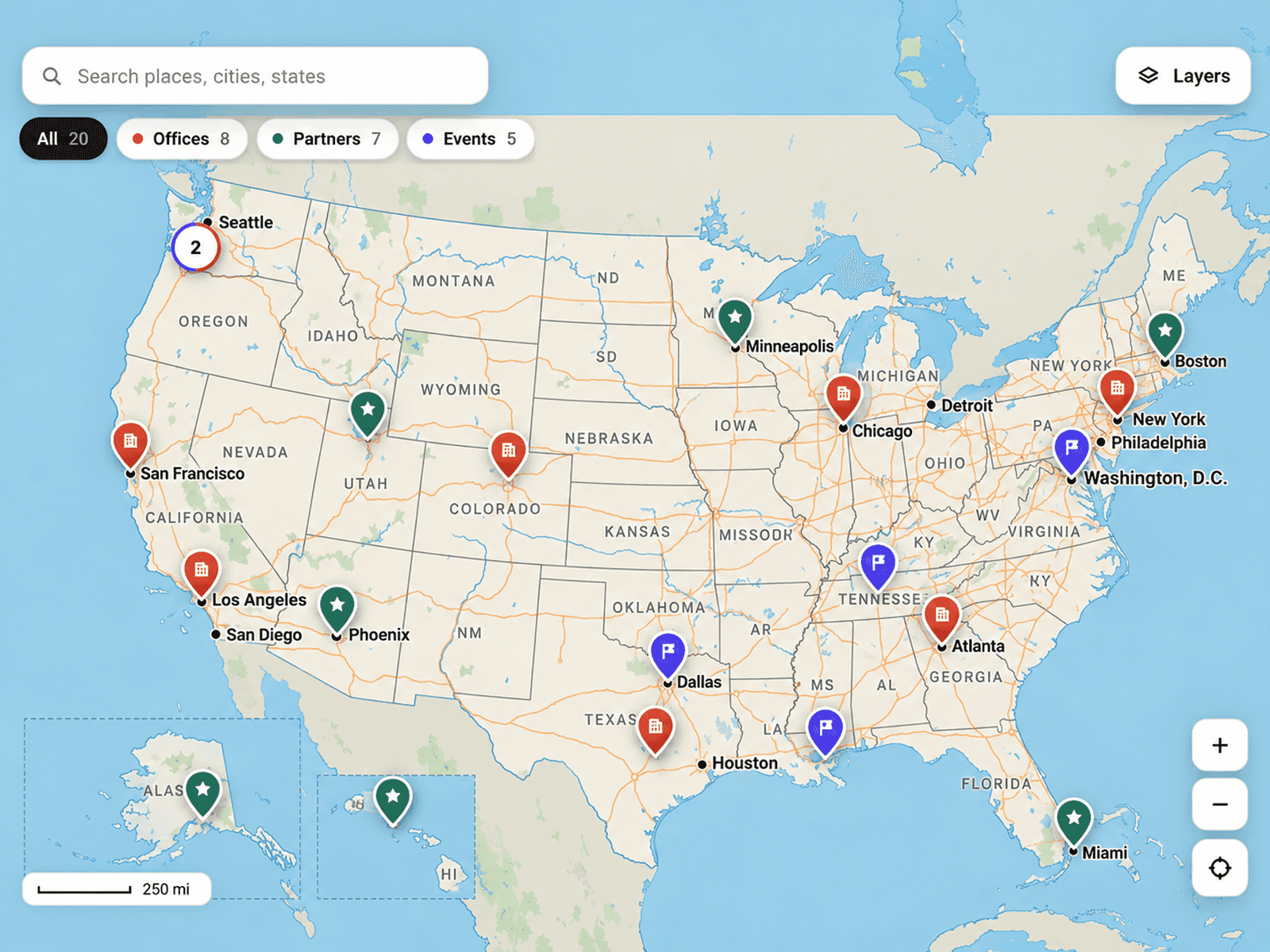
Clusters, popups with Directions to Google Maps, Near me with distances
No API key: tiles from OpenFreeMap, a fixed host
Cooperative gestures so the map never hijacks the page scroll
Keyboard accessible markers and popups
Full documentation: miguelrecio-components.framer.website/cms-map/docs
One-time payment: 1 designer, unlimited client projects. Questions: info@miguelrecio.es.