About CMS Sideshow Gallery
About
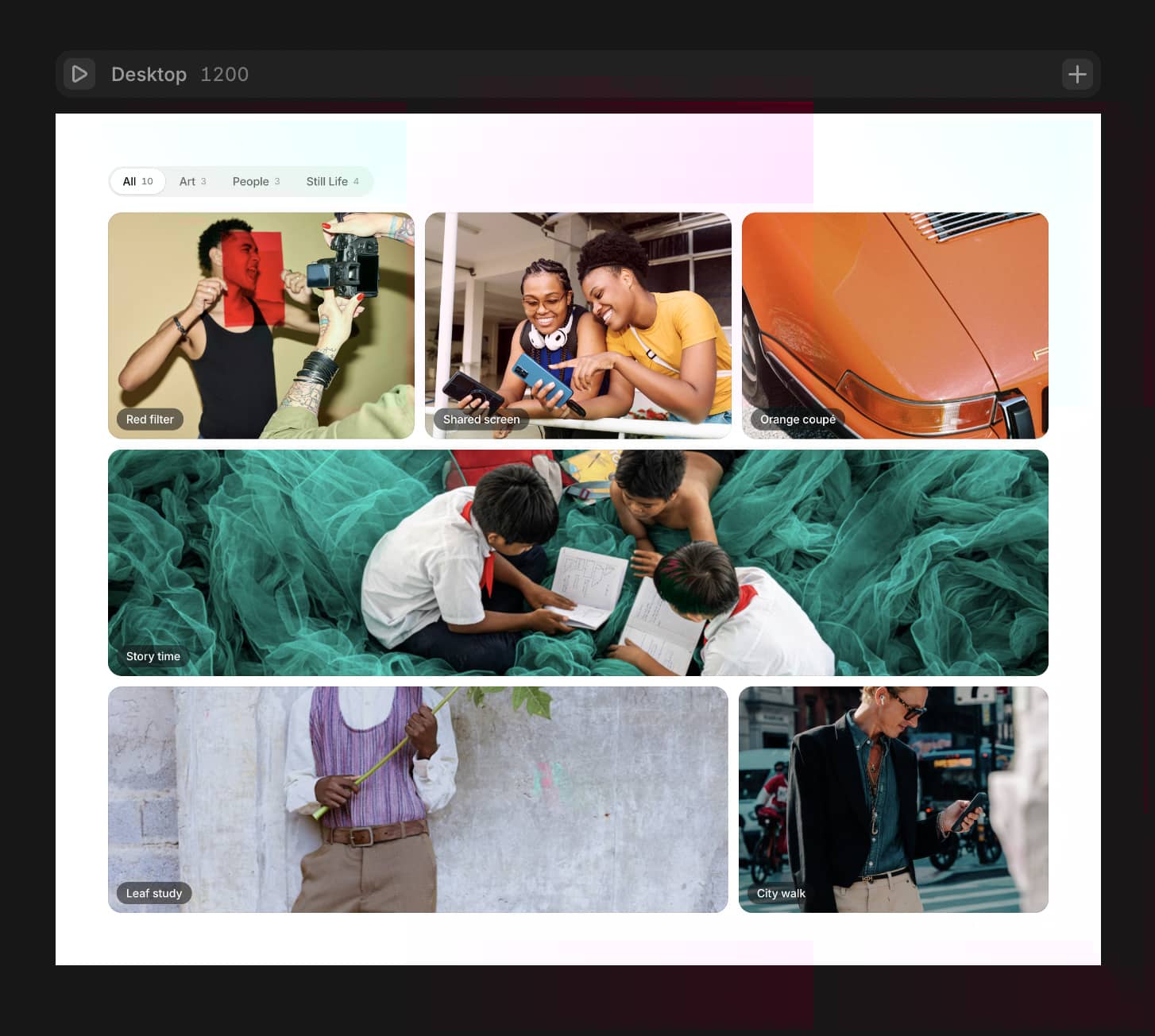
This component creates an image gallery with a main display image and a row of thumbnails. It extracts images from rich text content, displays the main image, and allows users to switch between images by clicking on thumbnails. This component is helpful as it allows each CMS entry to kind of have its own 2D array of images rather than creating a field for every image. Ideal for creating image galleries, product showcases, e-commerce or portfolios.
This component a part of the 400+ components, layouts, templates, UI Kits and code overrides from SegmentUI PRO. Click here to see the full library
Instructions
Add the ThumbnailGallery component to your CMS details page
Create a formatted text field with images only
Connect the formatted field to the component
Adjust the properties in the property controls to change the sizing and padding
How It Works
This component works by extracting images from a formatted text field and showing it as a thumbnail slideshow. It kind of acts as a 2D array for images by making use of the formatted text field. After extracting and connecting the component, you can customize values for sizing, padding and layouts - including options for grids and lightboxes, arrows and images ratios.
Support
For any queries and help setting up the component, contact hello@segmentui.com
Refund Policy
If a component does not function as advertised and the issue cannot be resolved, you are eligible for a full refund under our quality guarantee. Refunds will not be provided for any other reasons, including change of mind, accidental purchase, lack of use, or expectations of features not explicitly advertised.