About CMS Social Shares
Share buttons that just work with your CMS
Drop the component onto a CMS detail page and you’re done. It shares the page a visitor is on, so every post, product, or case study shares its own link automatically. No setup per item.
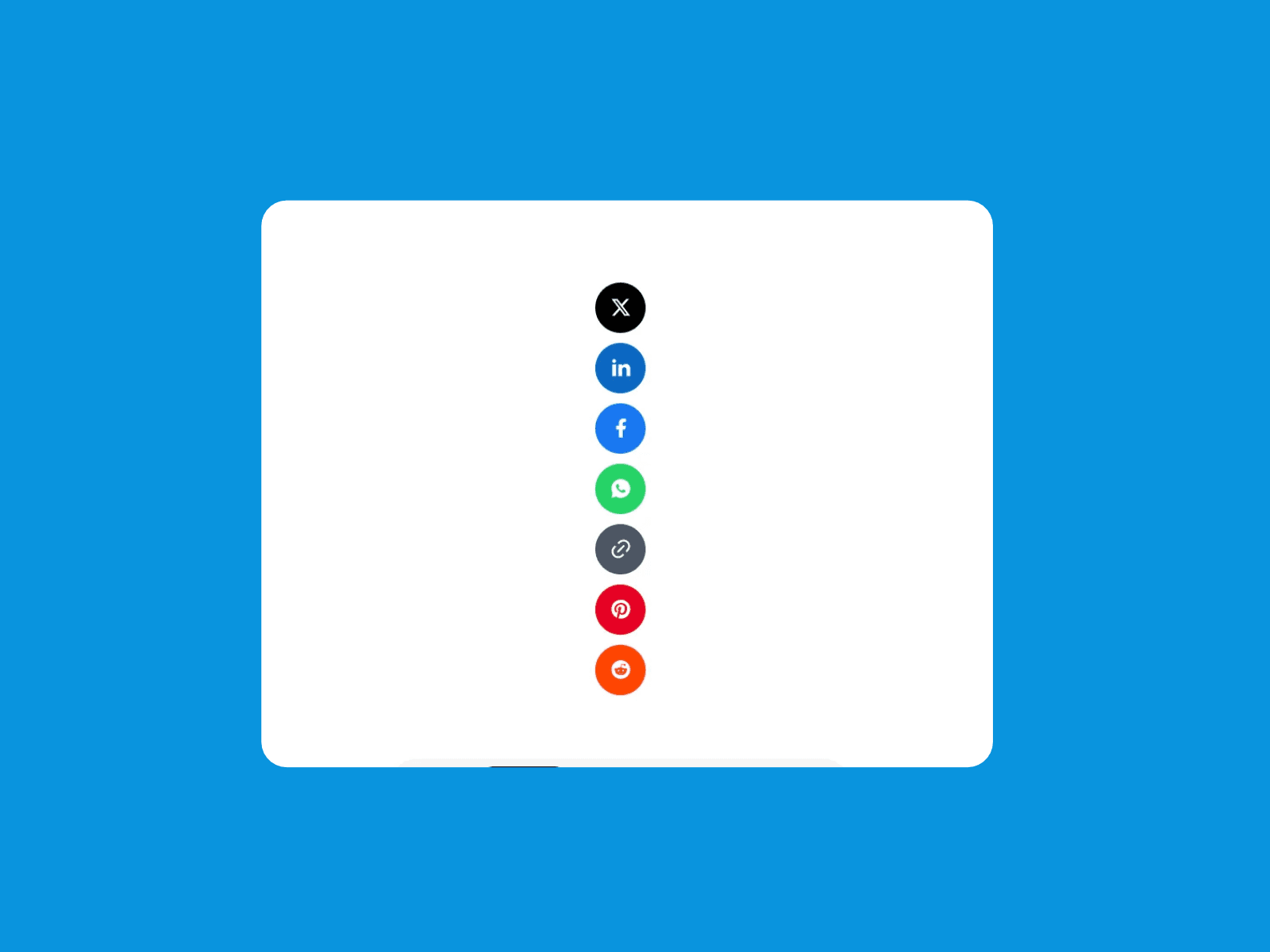
13 platforms X, LinkedIn, Facebook, Threads, Bluesky, Reddit, Pinterest, WhatsApp, Telegram, Email, Copy Link, Print, and the Device Share Sheet, which opens the phone’s own share menu. Add only what you need and drag to reorder.
Your own share message Write a message like “Check out ‘{title}’” and each CMS item fills in its own title. Use {title} and {description}, or set a different message per platform.
6 styles Solid, Soft, Outline, Minimal, Monochrome, or Custom. Pair with circle, rounded, square, or custom shapes, and show icons, icons with labels, or labels only.
Fully on brand
Rename any button and change its color
Upload your own SVG or PNG icons, recolored to match or kept as-is
Control size, padding, icon size, font, borders, and hover effects
Horizontal or vertical layout, plus an optional heading
Built for growth
UTM tags show which platform sent each visitor
Clean URLs keep every share pointing to one address
Hashtags and a “via @yourbrand” credit on X
Pinterest pins each item’s own CMS image
Trigger Framer interactions when someone shares
Smooth for visitors
Copy Link confirms with a checkmark and “Copied!”
Opens in a popup or new tab; phones open the app directly
Hides the share sheet in browsers that can’t use it
Keyboard accessible and labeled for screen readers
No accounts, no API keys, no code.
Tip: link previews on LinkedIn, Facebook, and WhatsApp come from your page’s SEO settings. Connect your CMS detail page’s social image and description to your CMS fields so every shared link shows the right picture.


![Button Set [Aura]](/creators-assets/_next/image/?url=https%3A%2F%2Fy4pdgnepgswqffpt.public.blob.vercel-storage.com%2Fmedia%2Fab7c3e96-c7db-4058-8c57-3baeabd8685a%2F01a0b3ab-fc72-71fc-869b-fbf574d66234.jpg&w=2048&q=70)

