About CMS Gallery Popup
CMS Gallery Popup
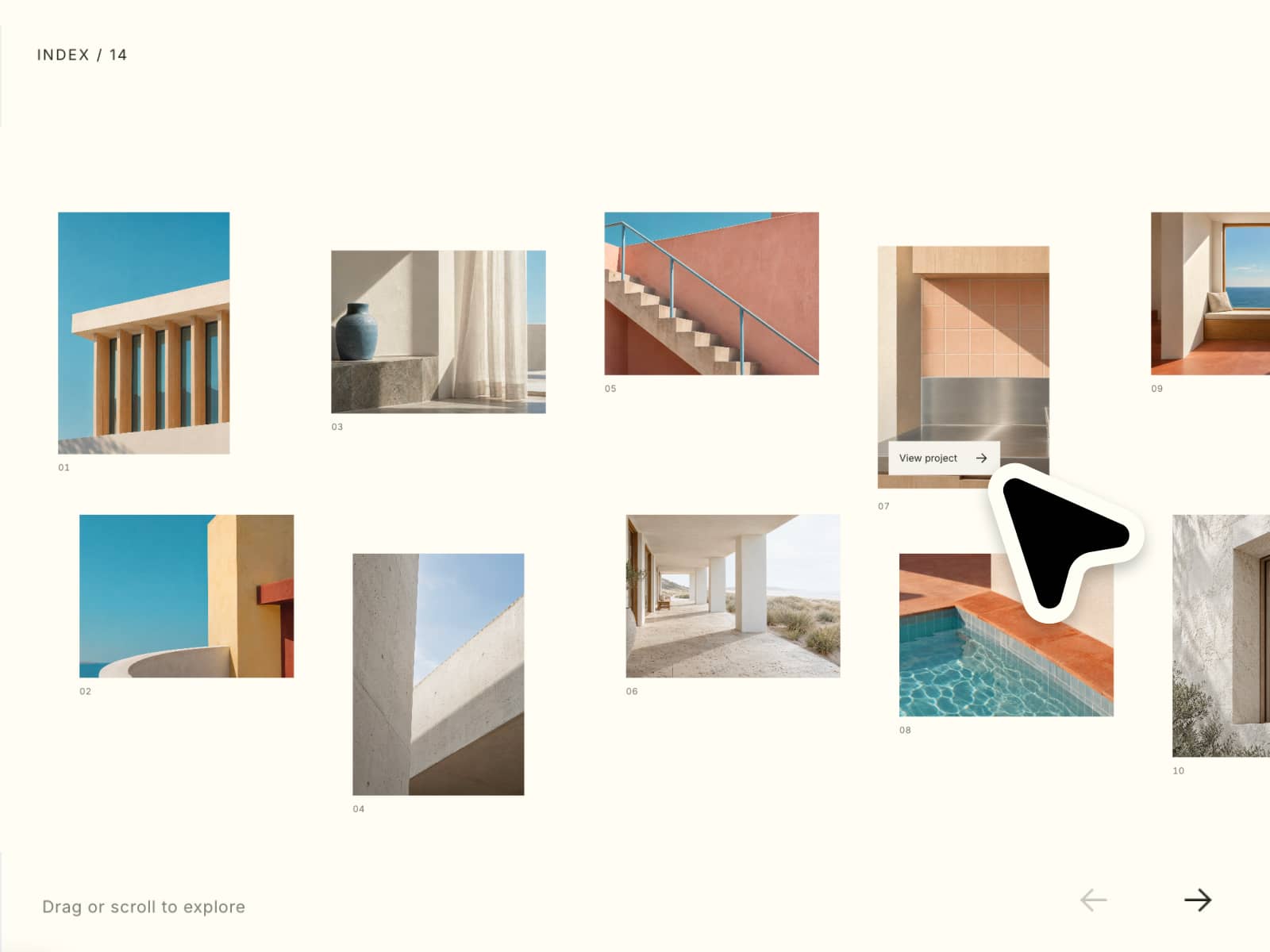
A powerful and flexible image gallery component designed for Framer's CMS. It seamlessly integrates with your CMS data to create stunning lightboxes with thumbnail navigation.
Features
CMS Integration Connect directly to your CMS collections. Automatically detects images from gallery fields and nested content.
Thumbnail Navigation Intuitive thumbnail strip for easy browsing. Position thumbnails at the bottom, top, left, or right.
Responsive Design Adapts perfectly to all screen sizes. Thumbnails automatically reposition on smaller devices for optimal mobile experience.
Customizable Styling Full control over colors, borders, shadows, and spacing. Customize arrows, close buttons, and badges to match your brand.
Keyboard & Touch Support Navigate with arrow keys or swipe gestures on touch devices. Includes escape key support to close the popup.
Use Cases
Product Galleries — Showcase product images in a detailed lightbox with zoom capabilities.
Portfolio Projects — Display high-resolution project images with a clean, professional gallery interface.
Real Estate Listings — Create immersive photo tours for property listings directly from your CMS.
How to Use
Installation
Find CMS Gallery Popup in the Framer Marketplace.
Click "Copy" or "Add to Project".
Paste the component onto your canvas.
Connect the "CMS Gallery" property to your CMS collection's gallery field.
Customization
Source Options
CMS: Pulls images directly from a CMS Gallery field.
Normal: Manually add images via the property panel.
Override: Use for advanced scenarios with overrides.
Popup Settings
Transition: Choose from Slide, Fade, Scale, SlideScale, or SlideFade animations.
Speed: Adjust animation speed for transitions.
Backdrop: Customize the overlay color and opacity.
Thumbnails
Position: Place thumbnails relative to the main image.
Styling: Adjust size, gap, borders, and active/inactive opacity.
Responsiveness: Set a breakpoint to automatically stack thumbnails on mobile.
Controls
Arrows: Customize icon, size, color, and hover effects.
Close Button: Style the close button and position it as needed.
Badge: Show image count (e.g., "1/5") with custom styling.
License
Single Use License — Use in one client project with full commercial rights. No redistribution. 1 license = 1 client.
Refund Policy
Due to the nature of our digital products, we are unable to offer refunds, but we're here to assist you with any questions or concerns!
Why Designers Love This
"The perfect solution for CMS galleries in Framer. It just works, and the customization options are endless!"