About LensZoomGallery
Lens Zoom Gallery
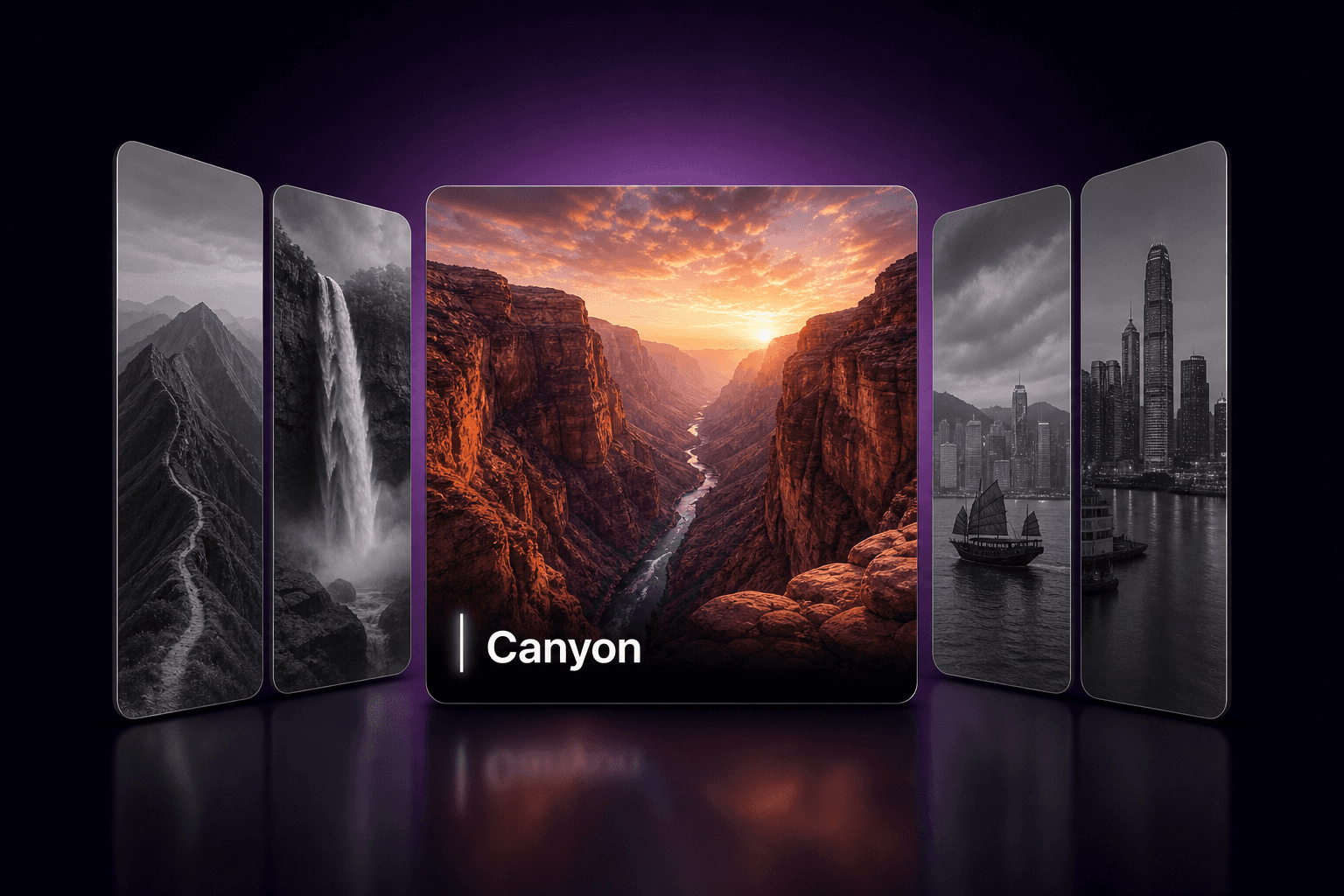
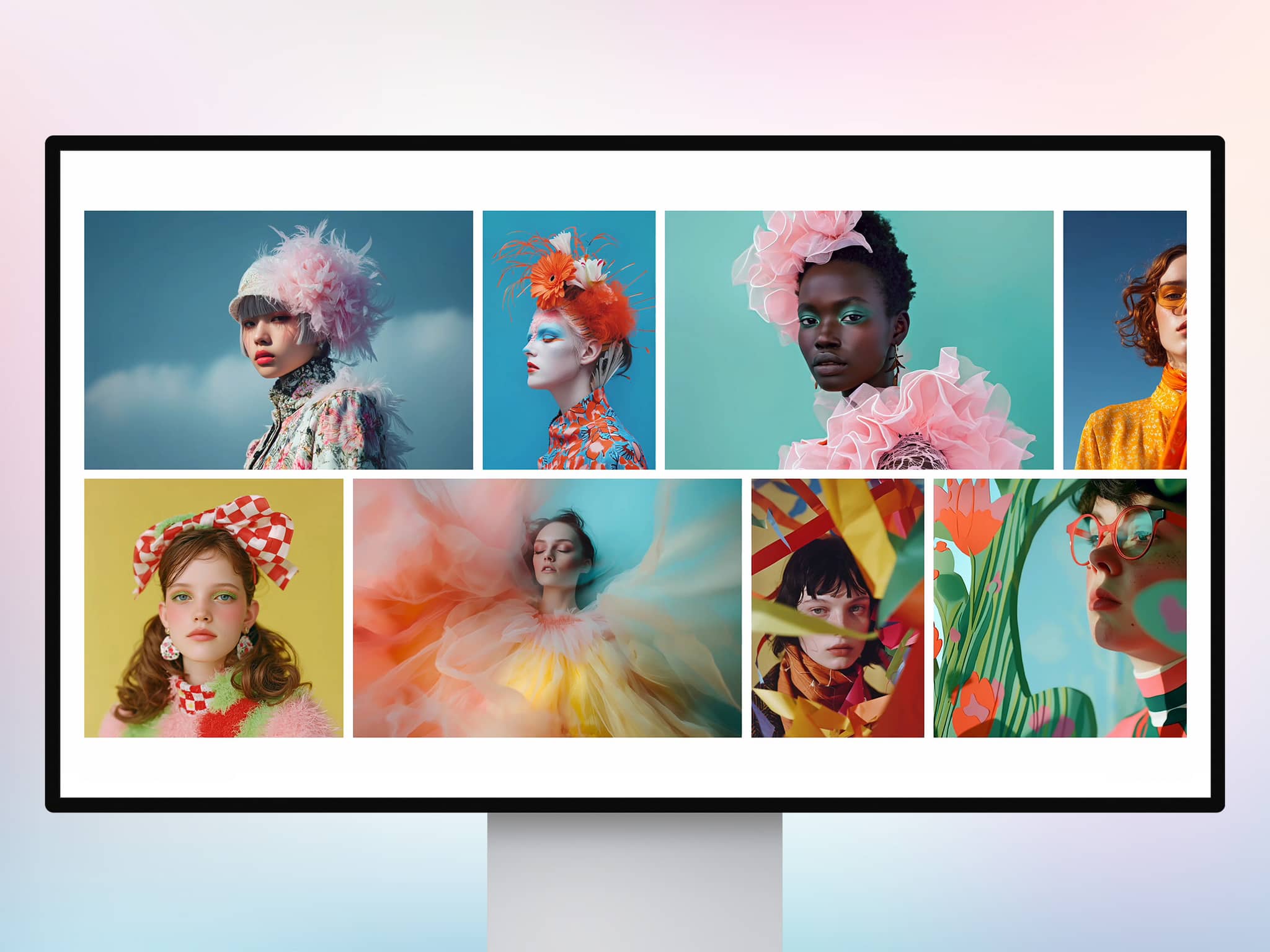
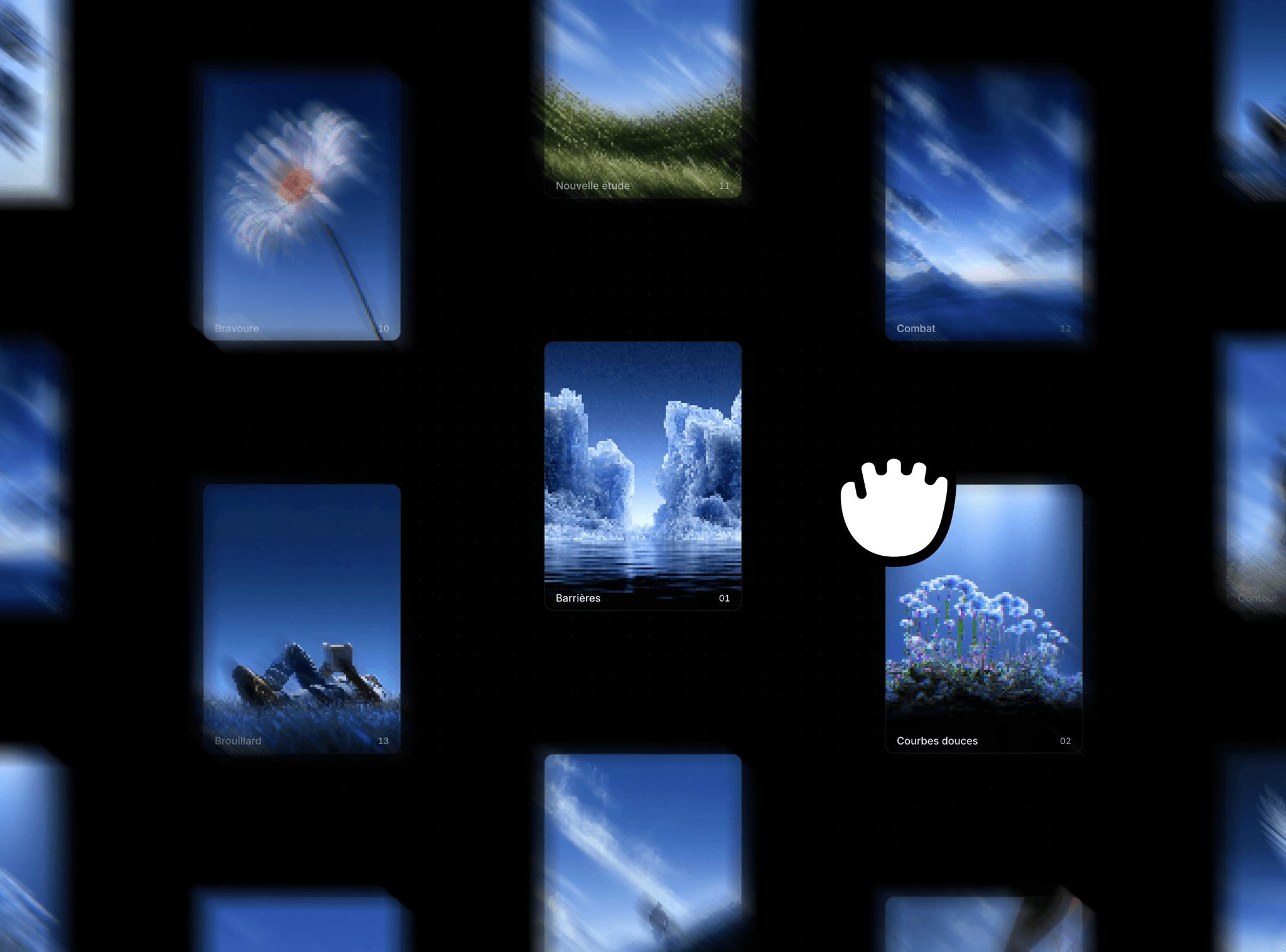
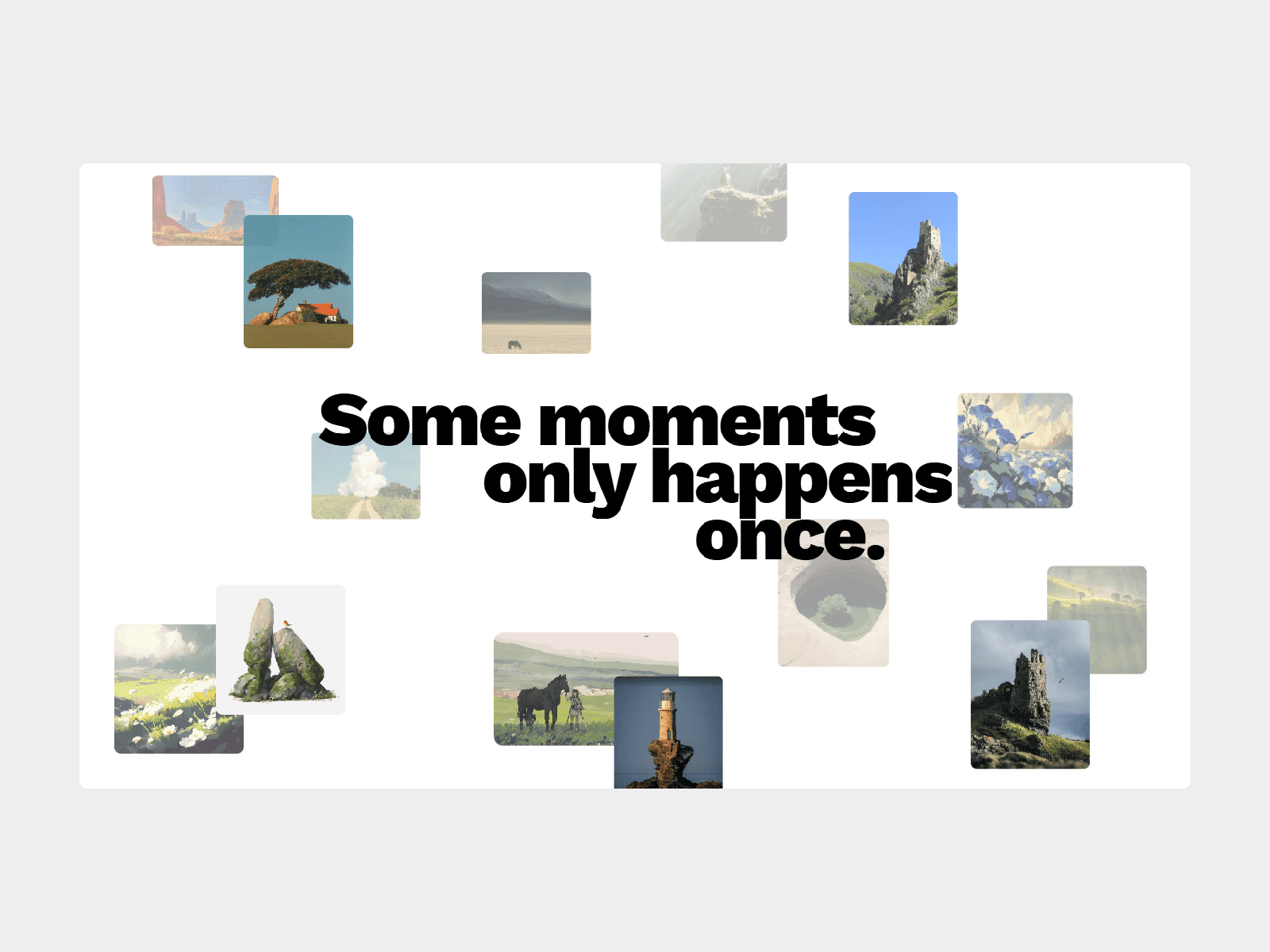
A sophisticated image viewer that adds a magnifying glass effect to your images, perfect for product showcases or detailed photography.
Features
Magnifying Lens Hover over the image to reveal a magnifying lens that zooms into the details.
High-Res Support Seamlessly switch to a higher resolution image within the lens for crystal clear zooming without loading heavy assets for the main view.
Customizable Design Adjust the lens size, shape (circle/square), borders, and shadows to match your brand.
Smooth Experience Enable smooth movement for a premium, weighted feel as the lens follows the cursor.
Flexible Sizing Control how your image fits within the container (Cover, Fit/Contain, or Stretch), ensuring varied aspect ratios work perfectly.
Use Cases
Product Details Allow customers to inspect product textures and details closely.
Photography Portfolios Showcase high-resolution photos without compromising initial page load impact.
How to Use
Installation
Copy the component from the marketplace.
Paste it into your Framer project.
Customization
Image Settings
Image: Set the main display image.
High Res: Upload a higher resolution version specifically for the zoomed view (optional).
Sizing: Choose between Cover, Fit, or Stretch.
Lens Settings
Lens Size: Control how large the magnifying glass appears (50px - 500px).
Zoom: Set the magnification level (1.1x - 10x).
Shape: Choose between Circle or Square lens.
Smoothness: Add physics lag for a premium feel.
Styling: Customize borders, shadows, and glass reflection effects.
License
Single Use License — Use in one client project with full commercial rights. No redistribution. 1 license = 1 client.
Refund Policy
Due to the nature of our digital products, we are unable to offer refunds, but we're here to assist you with any questions or concerns!