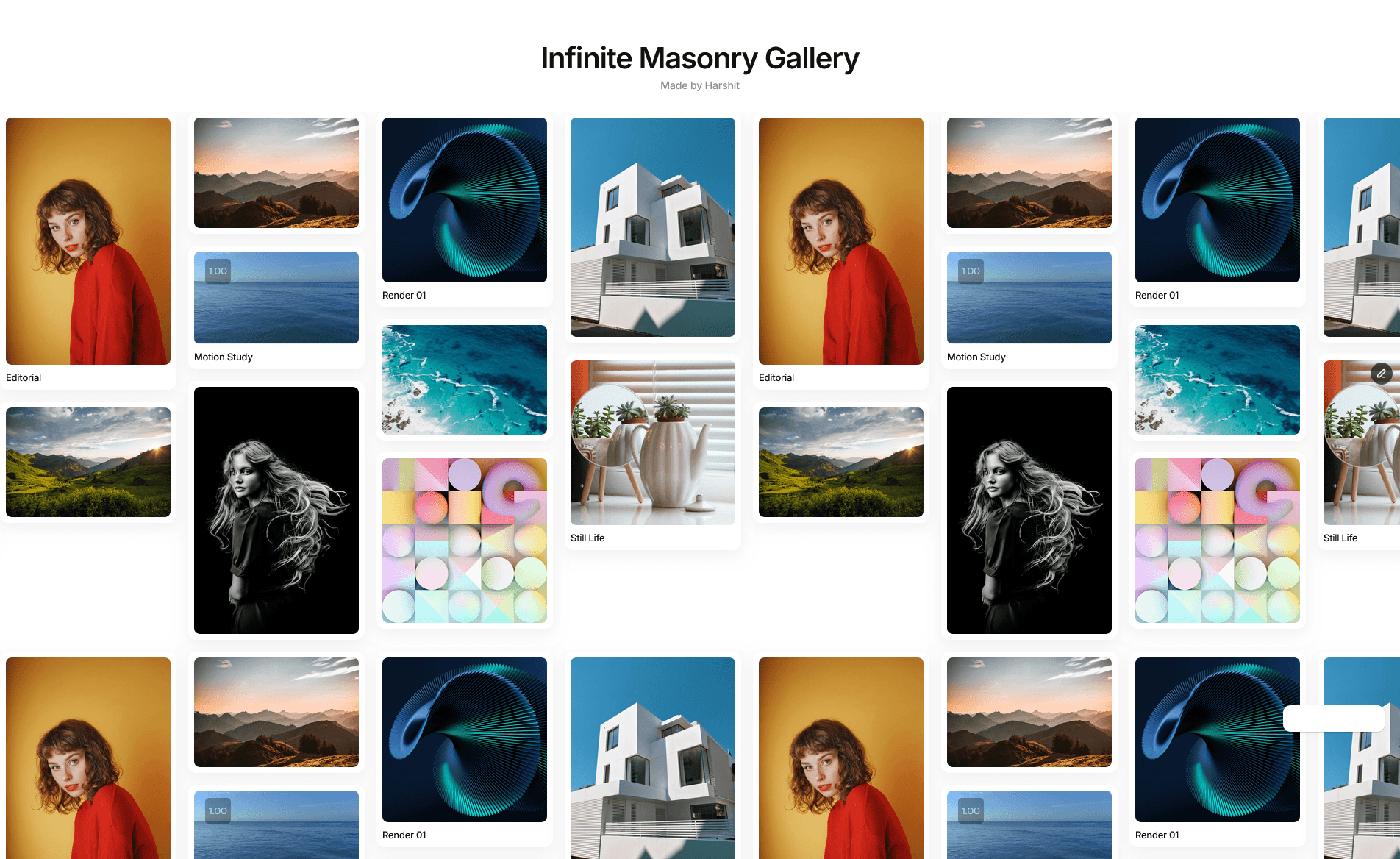
About CMSGalleryLightbox
Overview
A powerful CMS masonry gallery component with built-in G-Lightbox support, smart image extraction, and interactive hover effects. Easily connect your Framer CMS collection to display images and videos in a beautiful, fully responsive masonry grid. Features include intelligent extraction of images from custom nested gallery components, customizable hover animations (scale, fade, slide, bounce), overlay colors, icons, and dynamic lightbox captions styled directly from the properties panel. Perfect for creating stunning portfolios, photography grids, and media galleries.
Features
Native Masonry & Grid Layouts
Smart Image Extraction (Supports Custom Components)
G Lightbox Integration (Images & Video)
Interactive Hover Effects (Scale, Fade, Slide, Bounce)
Customizable Captions
Use Cases
Portfolio Galleries — Display your creative work with a dynamic masonry layout and professional lightbox experience.
Photography Showcases — Build a stunning, Pinterest-style photography grid that effortlessly scales across devices.
Video Galleries — Showcase your video content natively within a lightbox from your CMS URLs.
Properties
Layout: Toggle Masonry/Grid, Columns, Gap, Item Radius, Shadow
Hover: Hover Animation, Overlay Color, Overlay Icon, Show Icons
Caption: Show Caption, Caption Styles, Description Box
Customization
Connect your Framer CMS collection to the component slot. Adjust the columns, gap, and layout modes to perfectly fit your content. Customize the hover animations, overlay colors, and lightbox caption typography to match your brand directly from the Framer properties panel.
License
Single Use License — Use in one client project with full commercial rights. No redistribution. 1 license = 1 client.
Refund Policy
Due to the nature of our digital products, we are unable to offer refunds, but we're here to assist you with any questions or concerns!
Version
1.0.0