About Compare two Images
Image Compare for Framer
What it is?
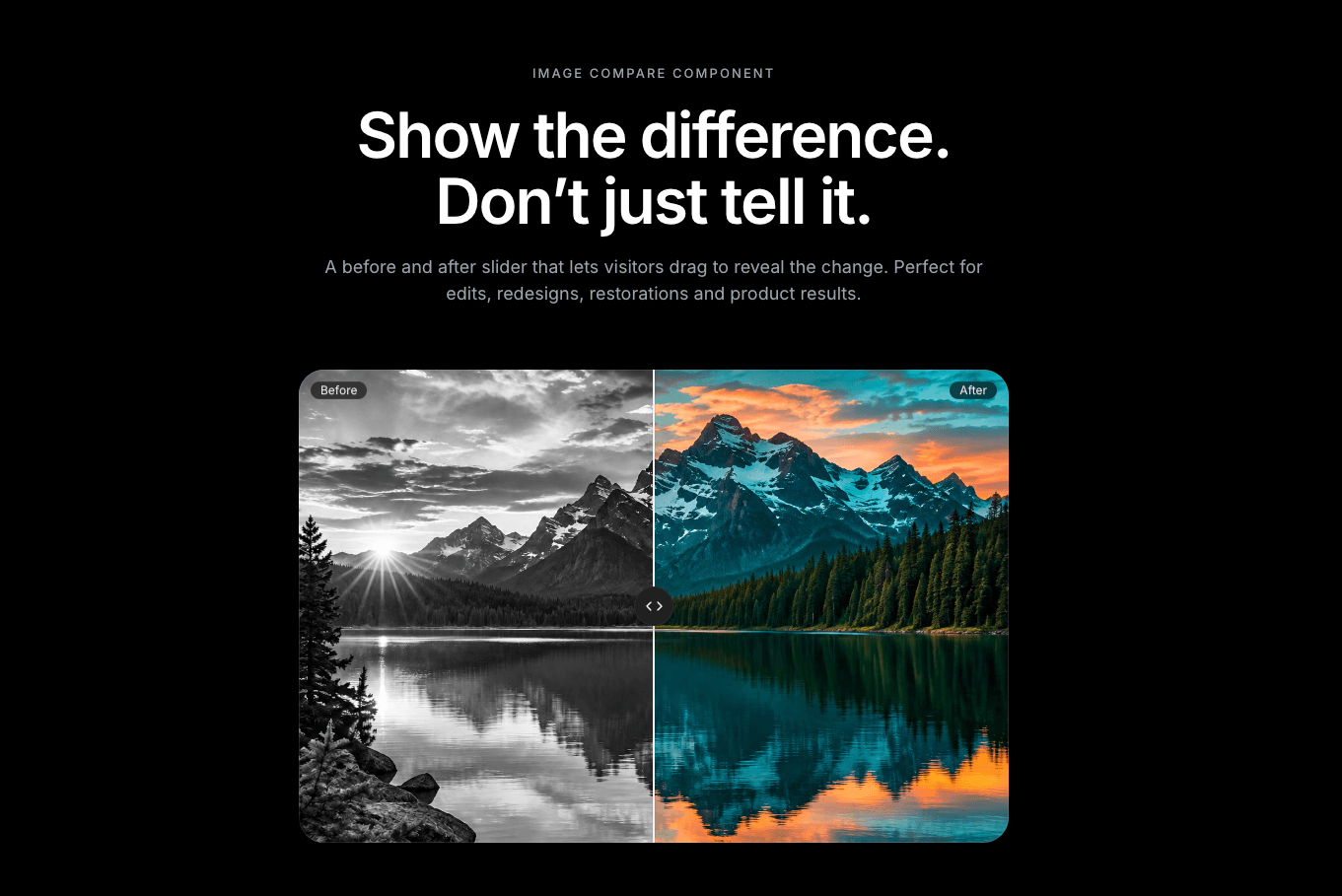
A before and after slider. Visitors drag a handle to reveal the change between two images. Use it for photo edits, redesigns, restorations, and product or service results.
Why you need it
It proves your results. Visitors see the difference for themselves, which builds more trust than a caption does.
It’s easy to use. Drag with a mouse or finger, in a horizontal or vertical direction.
You control the look. Set your own labels (such as “Before” and “After”), the starting position, corner radius, line color, font, and a Light or Dark theme.
It’s accessible. Both images have alt text, and the slider has an accessible name. You can also trigger an action when it changes.
How to use it
Drop the component onto your page.
Add your “before” and “after” images and their alt text.
Choose the direction, starting position and labels.
Match the theme and radius to your brand, then publish.
Need help? Email me at wailelmachti6@gmail.com and I’ll help you get set up.
Built something with it?
Share it and tag me on X: https://x.com/Waeldesignz. I’d love to see it.
Made by Wael!💙