About ContentGate
What it does
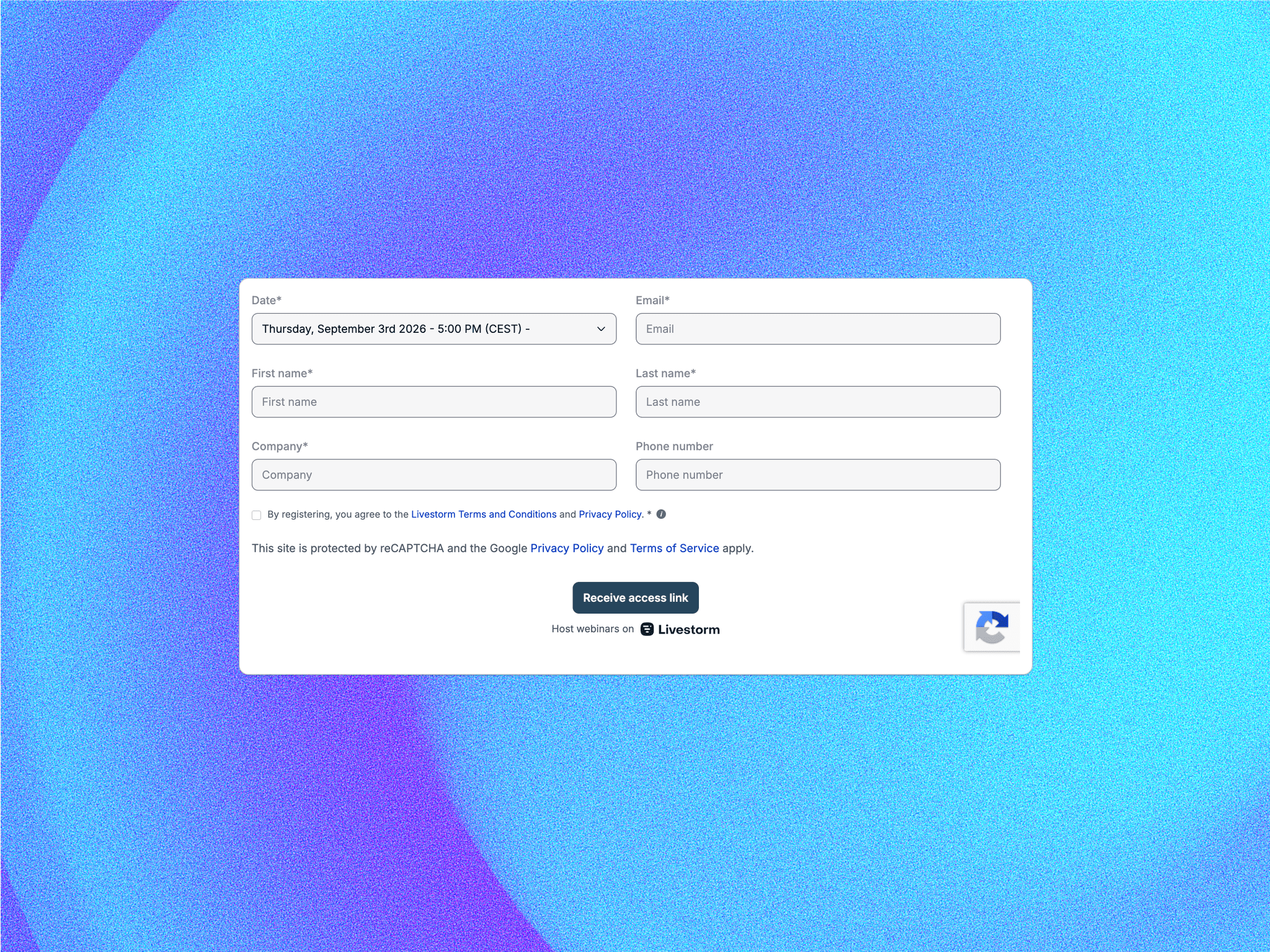
ContentGate lets you wrap any Framer content block and hide it behind a paywall, signup wall, membership gate, or custom access check. Show a polished locked state with teaser copy, plan badges, feature list, CTA buttons, and optional blurred preview content. When access is granted, the gated content is revealed with a smooth transition.
Features
Gate any child content inside Framer. Choose from local access flag, authenticated user plan, or custom JavaScript check. Support allowed plan lists such as Pro, Team, and Enterprise. Read access from localStorage, accept a controlled userPlanprop, or call a custom function available on window. Locked state includes editable title, description, feature list, pricing or plan badges, primary CTA, secondary CTA, and premium-content label. Optional blurred preview lets visitors see a softened version of the gated content behind the overlay. Smooth opacity and blur transitions make the lock/unlock state feel polished. Fully customizable colors, radius, typography, spacing, borders, shadows, CTA styling, and blur intensity.
How to use
Place ContentGate on your Framer canvas and put the content you want to protect inside it. Choose the gate mode in the property panel. Use localFlag for simple demos, downloads, or manual unlock flows. Use authProp when your site or app passes a user plan into the component. Use customCheck when integrating with an external payment, subscription, or auth provider. Add your allowed plans, teaser headline, description, feature list, CTA labels, and payment or signup links. Enable blurred preview if you want visitors to see that premium content exists before unlocking.
Ideal for
Paid newsletters, premium blogs, course pages, SaaS documentation, AI tool dashboards, gated templates, resource libraries, member-only downloads, paid research reports, private communities, client portals, and any Framer site that needs to separate free content from premium content without building a custom paywall UI from scratch.