About Currency Carousel
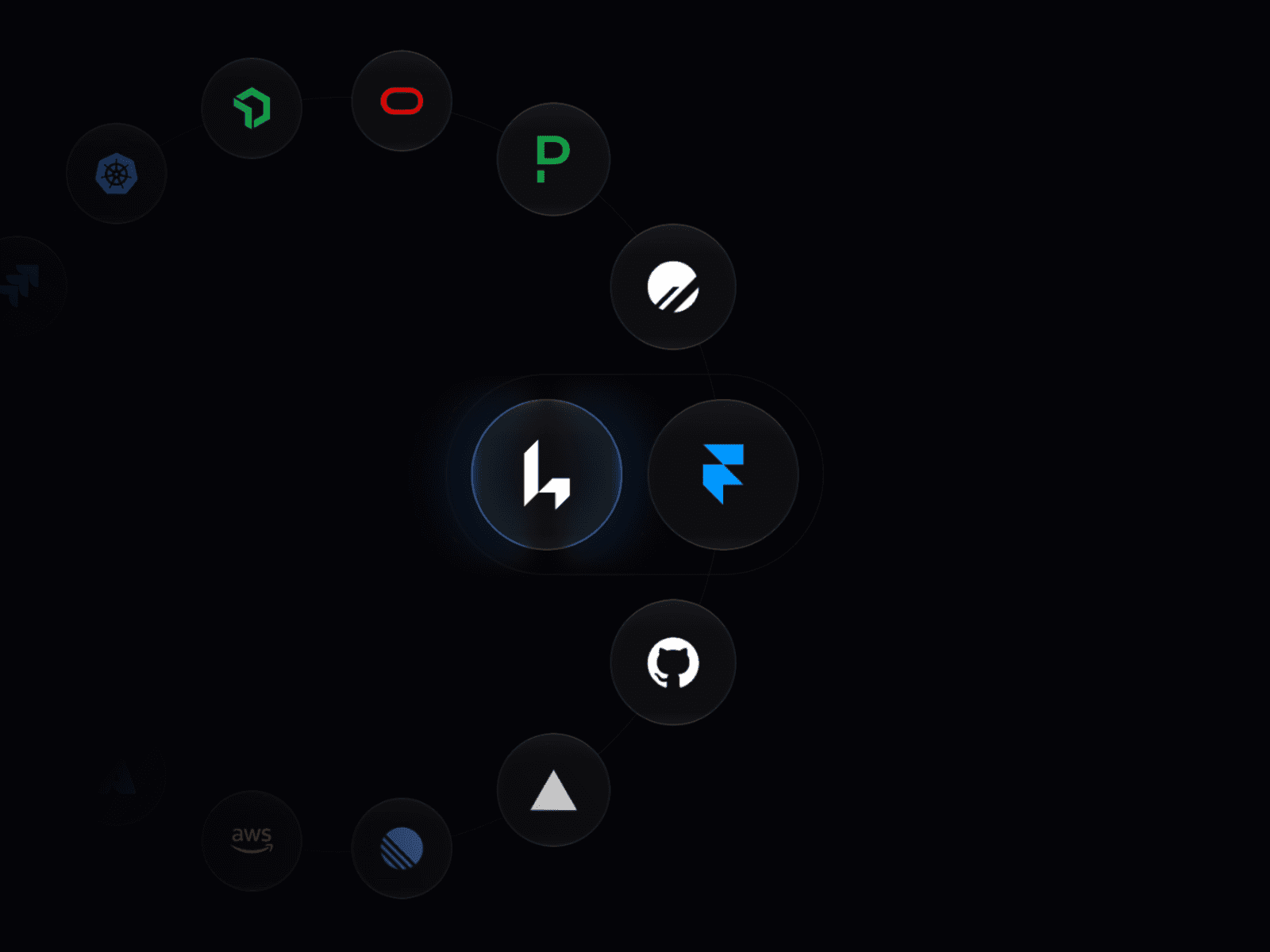
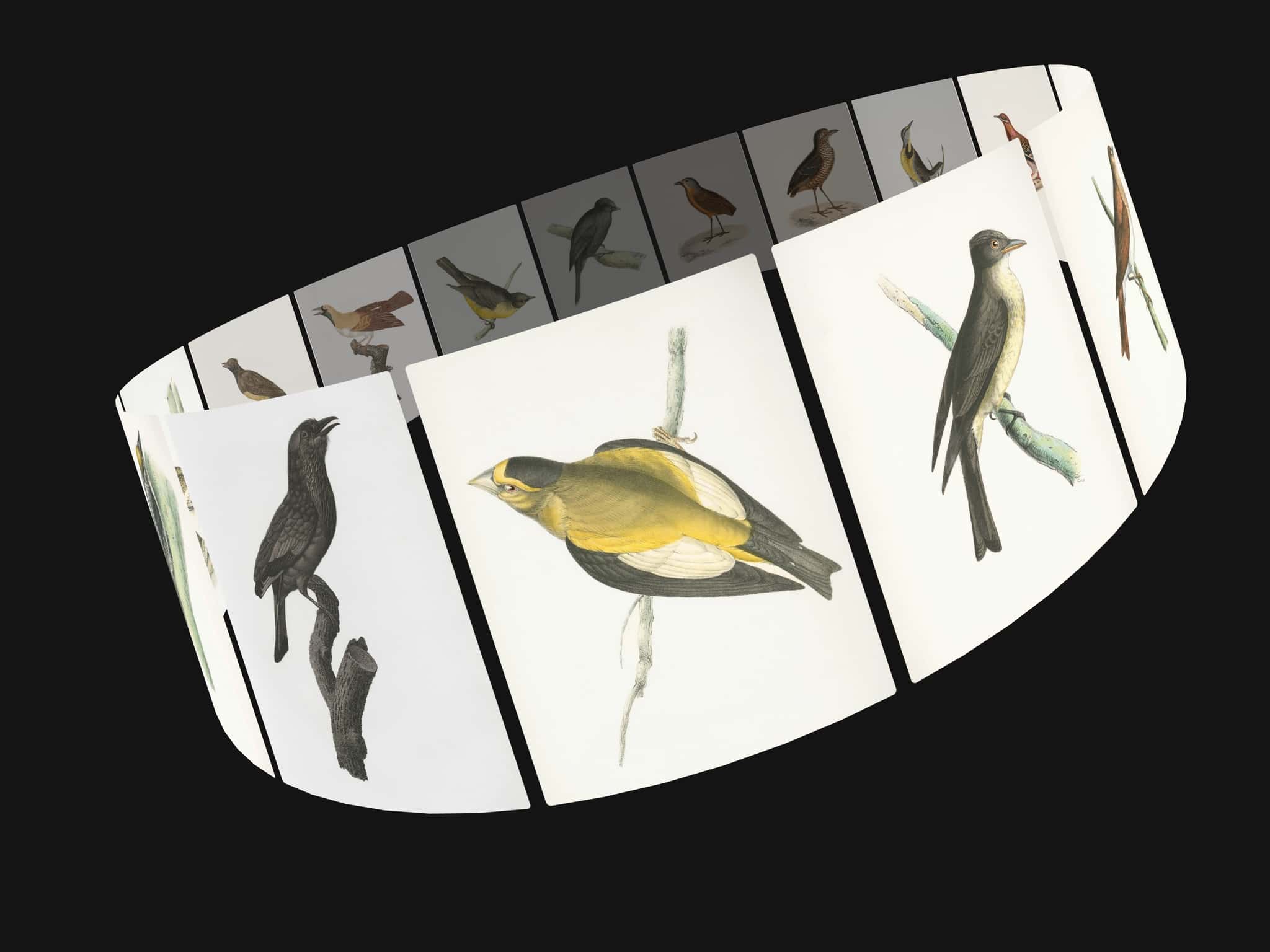
Tube Carousel is a professional-grade 3D WebGL component designed to capture attention. By combining custom GLSL shaders for glass refraction with a smooth, infinite particle-flow animation, it transforms static logos or icons into an immersive 3D experience. It is fully responsive and integrates directly with Framer’s native design tools.
Key Features
Smart Auto-Theming: Simply pick your Environment Background and Master Accent color. The component automatically calculates the perfect harmonic lighting—including key, fill, and rim lights—to match your brand identity perfectly.
Dual Display Modes: Choose between sleek rounded 3D cards or classic metallic coin shapes for your floating items.
Custom SVG Logos: Upload your own SVG files or use direct URLs to generate perfect, 3D extruded logos for every item in the stream.
How to Use
Define Your Items: Add icons, logos, or coins to the "App Items" array in the property panel.
Assign Assets: For each item, choose between a direct URL or a local SVG file upload and set individual base/logo colors.
Refine Physics: Adjust the Flow Speed, Cylinder dimensions, and entrance animations to match your site's motion profile.
Theme It: Use the Global Theme controls to sync the 3D environment with your site’s primary accent color.
Customization Options
Global Theme: Show/Hide Background, Environment Color, and Master Accent color.
Surface Materials: Full control over cylinder roughness, metalness, Fresnel glow strength, glass opacity, blur, and refraction (IOR).
Geometry Setup: Adjust the radius, total height, center gap size, and wall thickness.
Transform Controls: Fine-tune the Pitch, Yaw, Roll, and Z-Distance to position the cylinder perfectly in your frame.
Animation & Flow: Toggle between "Fly In" or "Scale Up" entrance styles and precise flow speed control.
Icon Setup: Toggle between Card or Coin styles, adjust the scale of icons, and set the vertical item spacing.