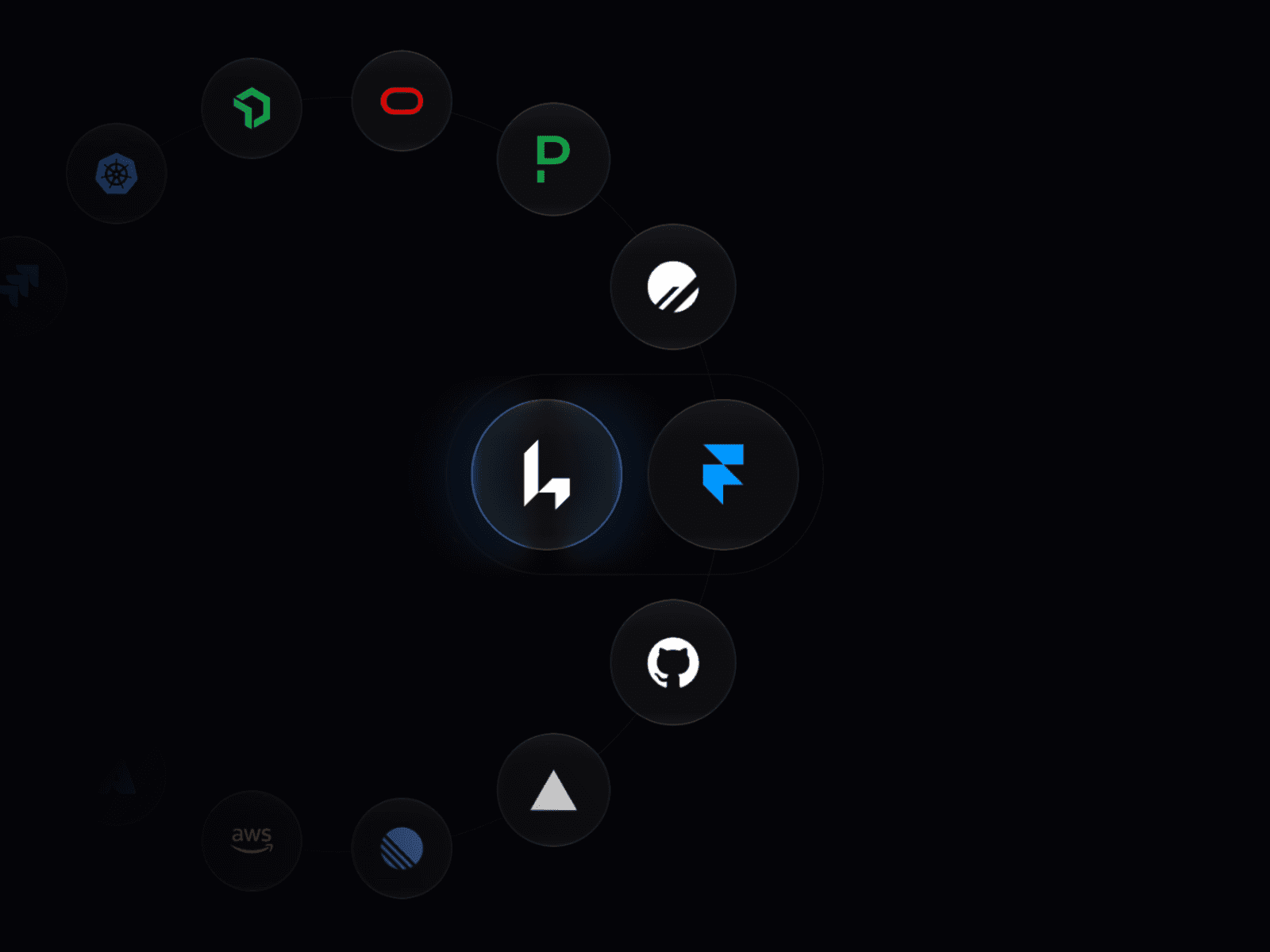
About Coin Carousel
This component creates a fully animated 3D coin carousel with real lighting and depth. You can use SVG logos from a URL or upload your own files. Everything is customizable from the Framer panel.
Features
SVG to 3D: Turn any standard SVG icon into a 3D coin with real physical depth.
Material Presets: Quickly switch between Matte, Metal, and Plastic styles.
Custom Motion: Adjust carousel rotation, individual coin spin, and stagger effects.
Matcap Support: Use custom Matcap textures for professional grade reflections.
Responsive Scaling: The 3D scene automatically adapts to any frame size.
Property Controls: Edit colors, reflection intensity, and coin thickness without touching code.
How to Use
Add the Component: Paste the component URL onto your Framer canvas.
Upload Your Icons: In the 'Coins' property, add a new item and upload your SVG file or paste an icon URL.
Style the Materials: Use the 'Material' and 'Lighting' sections to adjust the look of the metal and the strength of reflections.
Refine the Motion: Set your preferred 'Spin Speed' and 'Tilt' in the Motion tab to create a dynamic carousel effect.
Adjust Sizing: Resize the component frame on your canvas; the 3D coins will scale automatically to fit.
Best for
Landing pages
Brand showcases
Product highlights
Hero sections
Interactive UI experiences
DemoCustom Matcap Demo