About Deckflow 3D
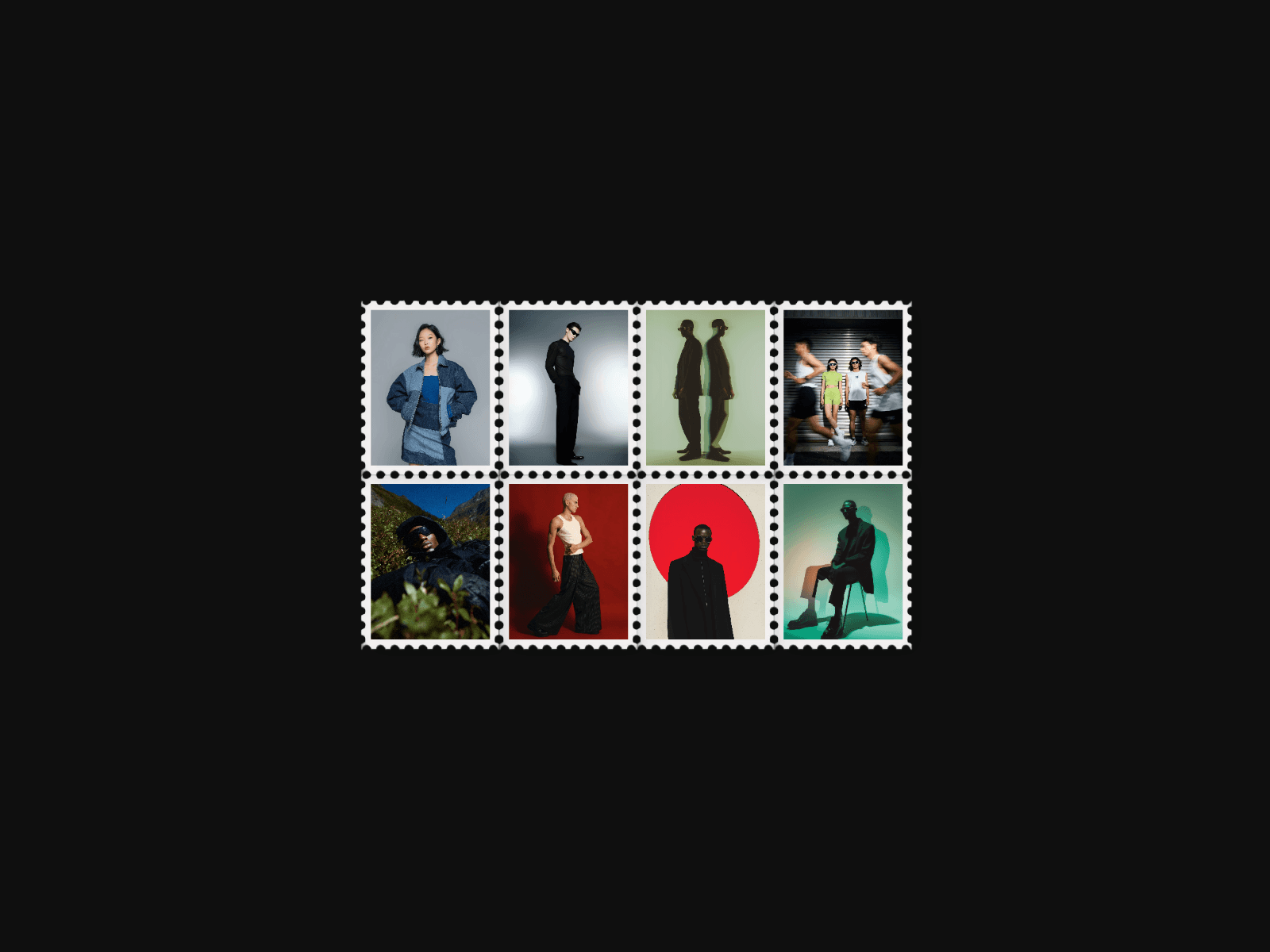
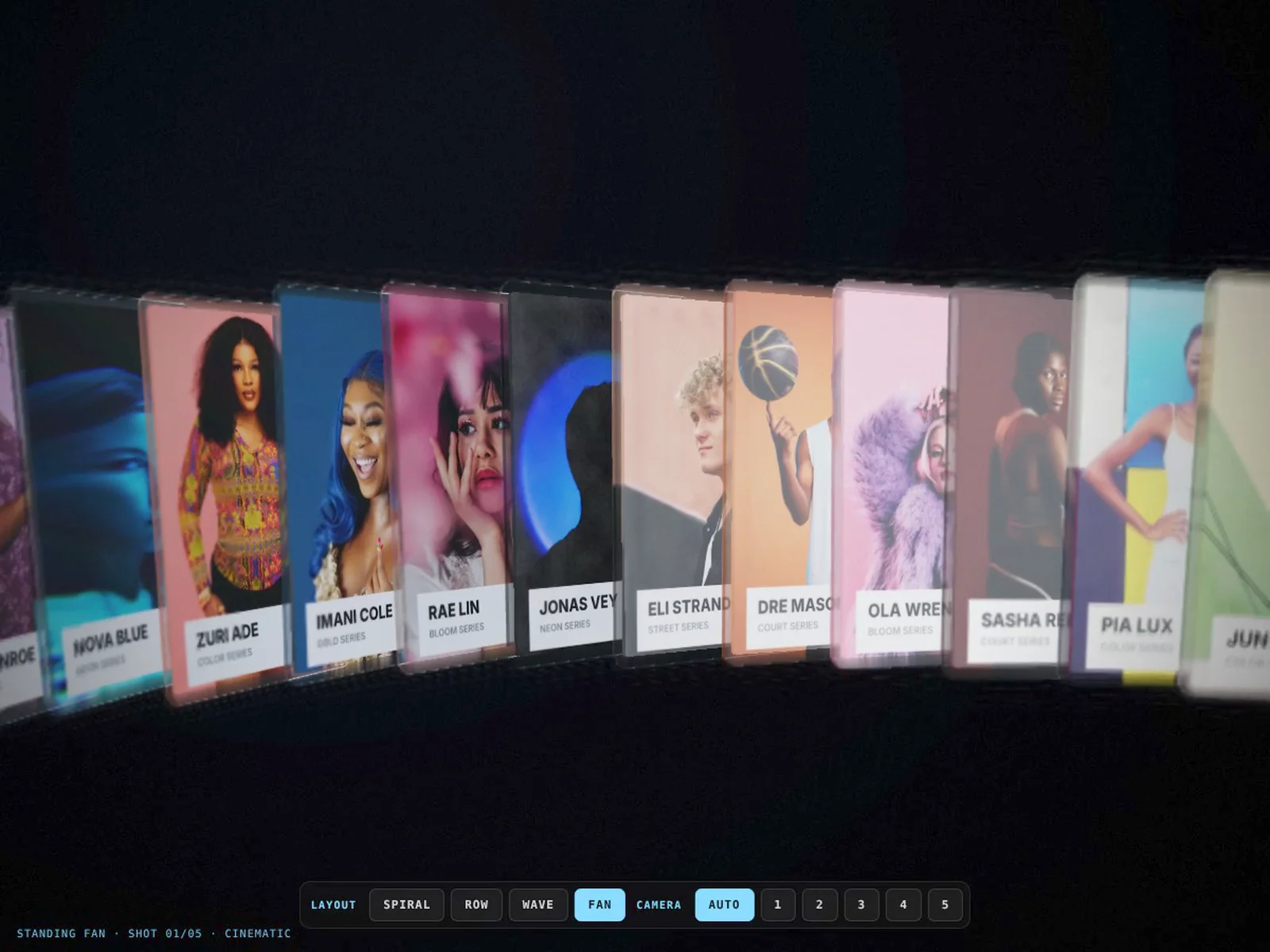
Deckflow 3D flies your images through real 3D space as glass trading cards, shot like a film. Cards stream along a path while a cinematic camera zooms in, sweeps past and whips to the next angle. Each card has a glass edge that catches light, real shadows, depth of field and motion blur.
Four layouts Spiral, Straight Row, Wave and Standing Fan. Each layout has its own five camera shots: Opening, Side Sweep, Low Angle, Close Up and Wide. In Wave, the cards ride a ripple that moves with your scroll.
Camera Cinematic plays through the shots on a loop, and you can set the hold time, entry time and whip spin. Fixed Shot locks one angle. Scroll Driven moves the camera as the page scrolls. Closeness sets how near the camera sits, and Strand Axis turns the whole flow vertical, horizontal or diagonal.
Interaction Hovering lifts a card straight out of the stack. Feature a Card pulls one forward every few seconds and pauses while the cursor is over the component. Drag to Look lets visitors steer the view. On scroll, the cards can travel along the path or orbit around it.
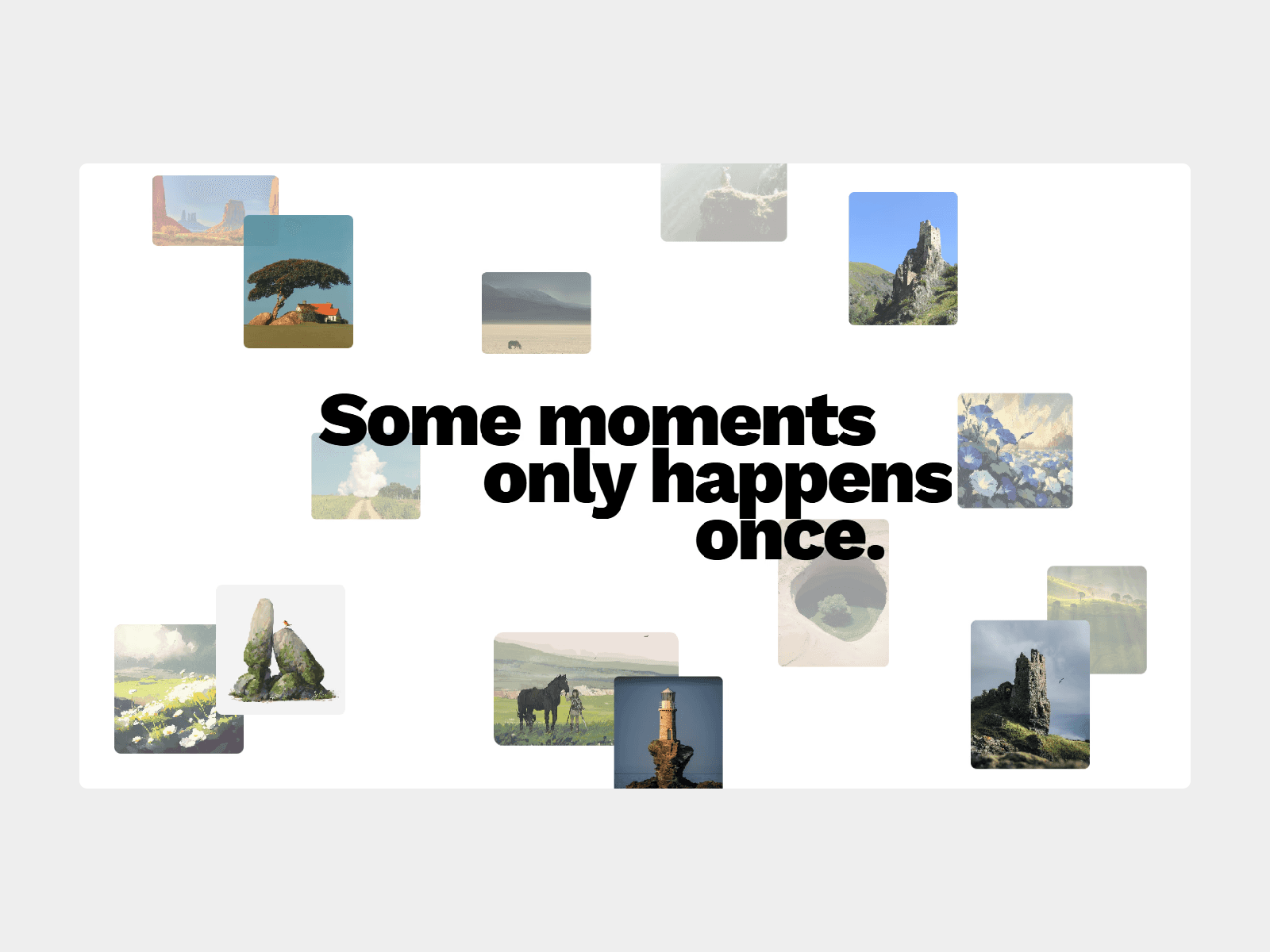
Make it yours Add your own images, titles and subtitles, or hide the labels. You can also set:
the number of cards, from 40 to 300
card size, corners, thickness, spacing and lean
curve size, drift speed and direction
Edge Light colour, background and exposure
a card back that repeats the art or uses a separate design
Performance Built on WebGL. Quality Auto adjusts to the device’s frame rate, and you can also lock it to High, Balanced or Fast. Depth of field and motion blur each have their own slider, so you can tone them down.
Demo Controls An optional bar for previews lets visitors switch layouts and shots live. It’s tinted with your Edge Light colour. Keep it off on real sites.
Need help? Questions or custom work: shubhangchouhan@gmail.com or on X @ShubhUIUX