About Dither Lens
Turn any photo into live retro print - exactly where your visitor looks.
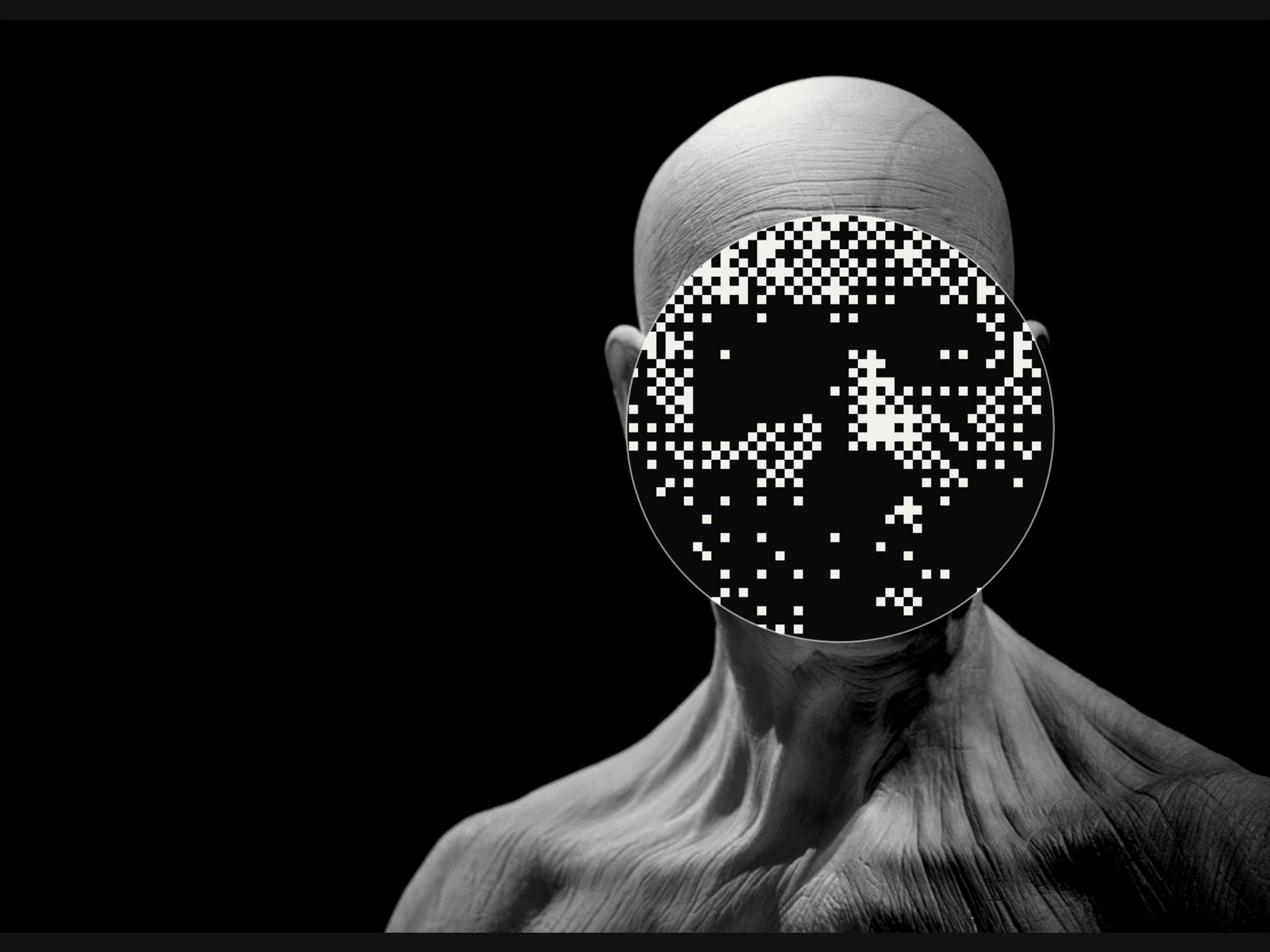
Dither Lens is a cursor-following lens that renders your image as Bayer dither, halftone dots, ASCII, chunky pixels or a line screen in real time. It's the editorial, print-inspired hover effect you see on award-winning studio sites - packaged as one drop-in Framer component with zero dependencies and a 60fps Canvas 2D renderer.
Watch demo: https://youtu.be/-aoEksaQVt4
Key features
5 effects: Bayer Dither (8×8), Halftone, ASCII, Pixelate, Line Screen
Effect inside the lens or everywhere except the lens (reveal mode)
Two colour modes: your two-tone Ink/Paper palette or original image colours
Smooth, configurable lens trailing; idle orbit, centre or hidden when no cursor
Optional thin ring around the lens
Works with uploaded images and CMS image fields
Keyboard-controllable lens, reduced-motion aware, static canvas preview
Pauses off-screen, DPR-capped on phones, effect pre-rendered once per resize
Use cases
Hero images and portfolio covers with a signature hover
Team portraits and founder photos
Product shots on editorial / fashion landing pages
CMS case-study grids where every card reveals its own image
"Behind the scenes" reveals: stylised image, true photo inside the lens
How to use
Insert - Drag Dither Lens from the Assets panel onto the canvas. Size it like any image frame (Fill, Fixed or Relative).
Pick your image - Set Image in the right panel and add Alt Text. Framer-hosted uploads and CMS images work out of the box.
Choose an effect - Effect switches between Dither, Halftone, ASCII, Pixelate and Line Screen. Effect In chooses whether the effect sits inside the lens (Lens) or around it (Around).
Tune the look - Open Look for Cell Size, Contrast, Colors (Ink palette vs Image colours), Ink and Paper.