About Liquid Glass Dock
A dock made of liquid glass.
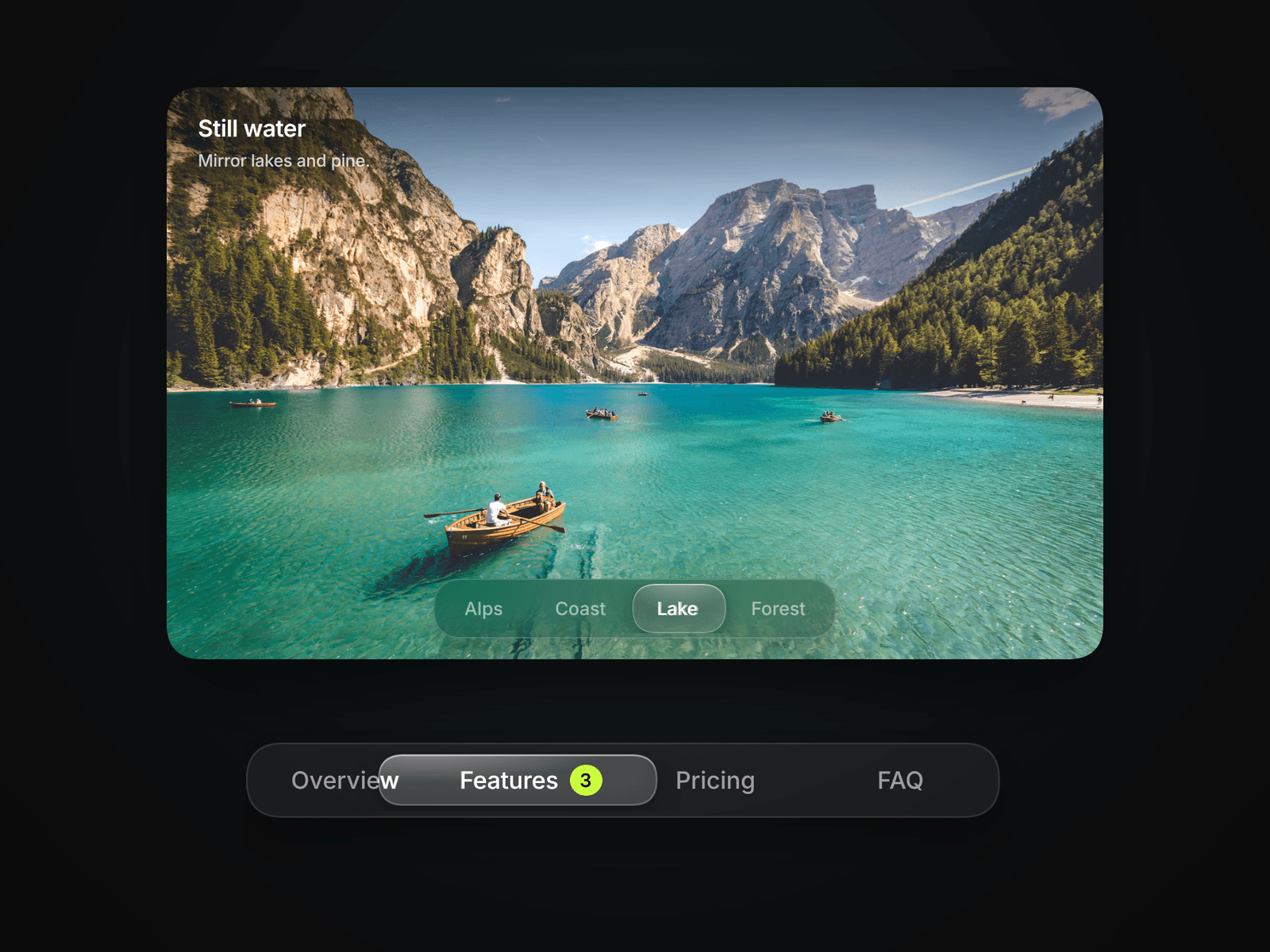
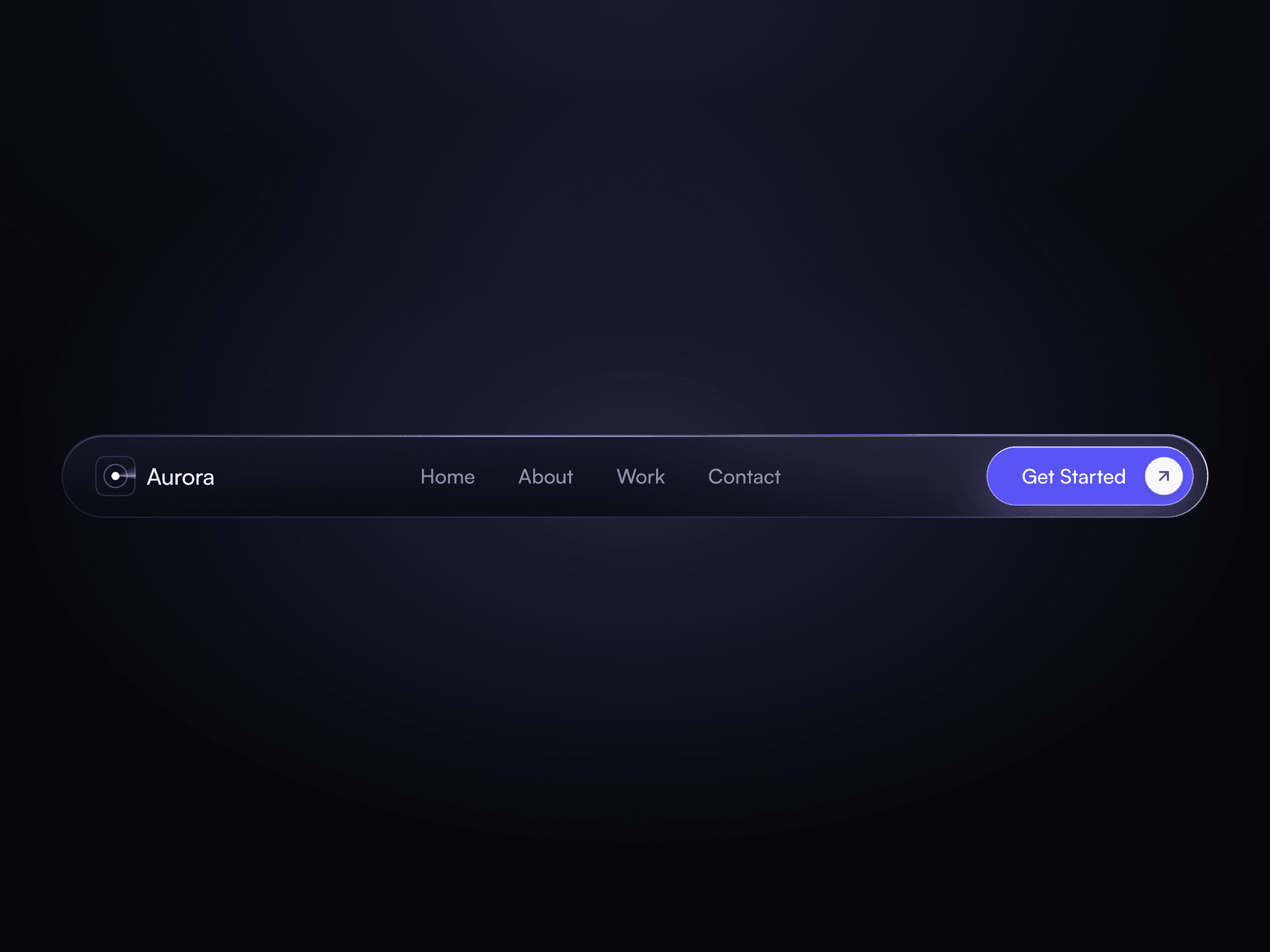
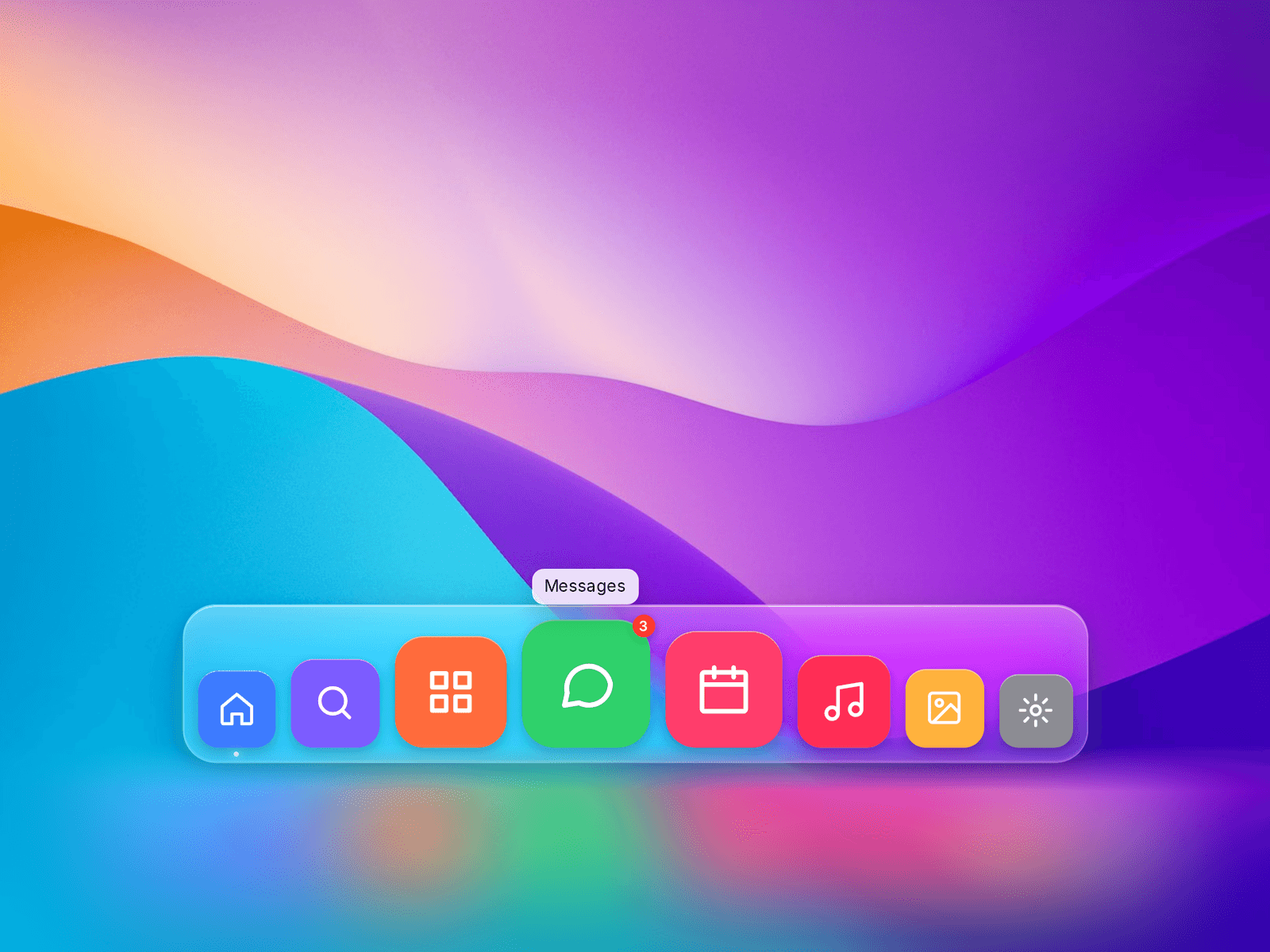
Liquid Glass Dock is a macOS-style dock and navigation bar for Framer. Backdrop blur, saturation, a specular edge and real refraction make it look like a sheet of liquid glass floating over your content. Icons magnify in a smooth fisheye as you move across them. Tooltips, notification badges and active dots are built in, along with 19 icons, your own images or your own icon components. Works horizontally or vertically, with full keyboard support and a calm mobile mode.
Watch demo: https://youtu.be/TIK6R2bIqzk
Key features
Liquid glass material: tint, blur, saturation, specular highlight, edge colour and shadow
Refraction: SVG displacement of the backdrop in Chromium browsers, with an automatic blur-only fallback elsewhere
Fisheye magnification with adjustable peak scale and range, driven by one update per frame
Items with label, built-in icon (19), image, colour, link, active state and badge
Custom Icons slot: replace any icon with your own layer or component
Two tile styles: App Icons (gradient tiles) and Glass Glyphs (coloured glyphs on glass chips)
Tooltips and active indicator dots
Horizontal or vertical orientation
Canvas Hover preview, so the magnified state is visible while designing
Mobile mode: smaller icons, no tooltips, magnification off by default
Use cases
Floating bottom navigation for portfolios and personal sites
App-like landing pages and product mockups
Side rails for dashboards and docs
Social / contact link bars
Mobile tab bars
How to use
Insert: drag Liquid Glass Dock from Assets. It sizes itself (auto width and height) and reserves room above for magnification and tooltips.
Make it float: wrap it in a frame with Position: Fixed, pinned bottom-center (or left-center for vertical), and give that frame a high z-index.