About Dock Gallery Pro
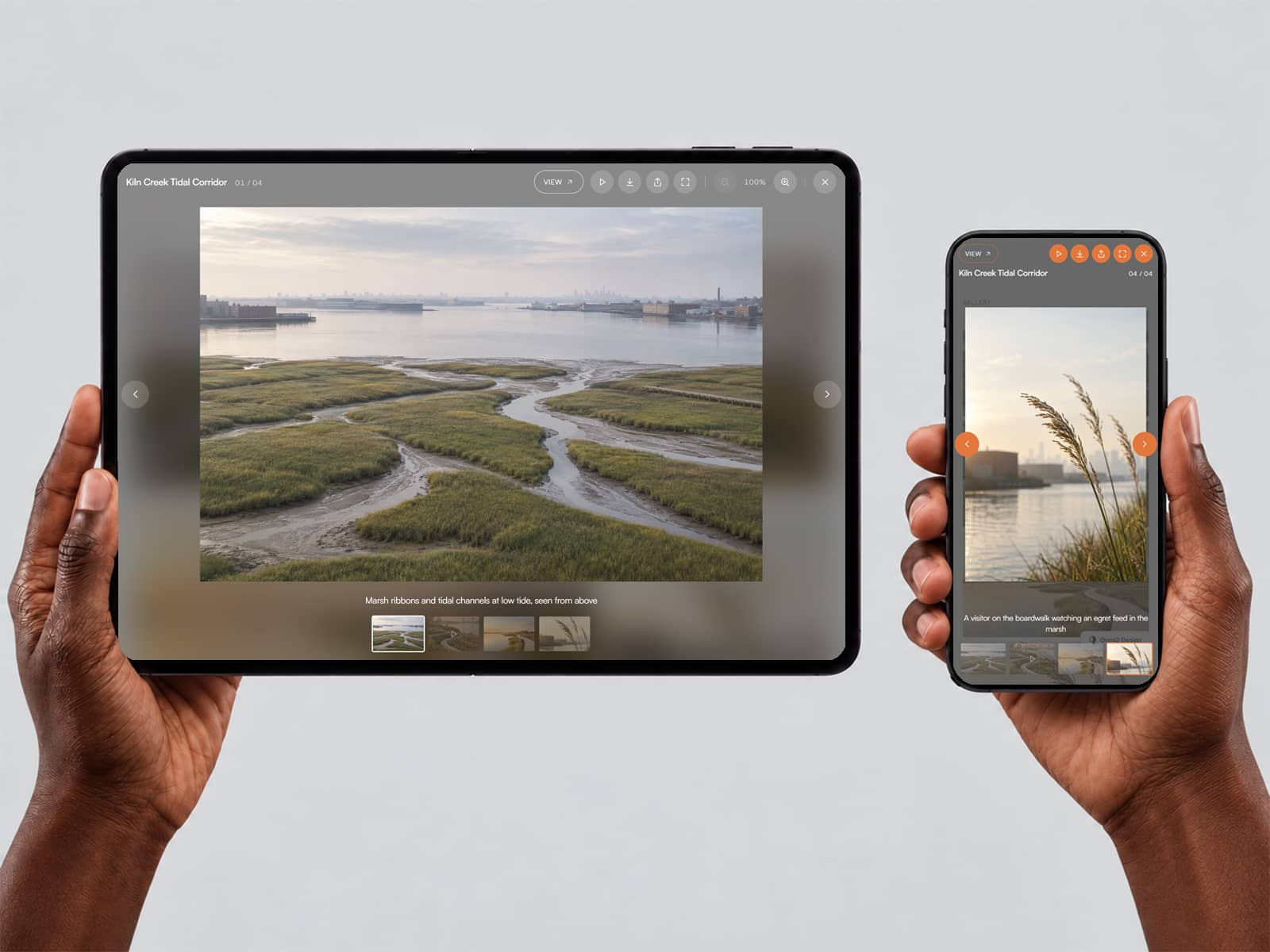
Dock Gallery Pro combines a large featured media display with an animated thumbnail dock that responds to cursor movement. As you move across the dock, nearby thumbnails smoothly expand with spring-like motion, creating a fluid browsing experience. Select any thumbnail to switch the featured image or video, with smooth crossfade transitions and customizable captions.
Key Features
Interactive Thumbnail Dock: Thumbnails dynamically expand as the cursor moves across them.
Smooth Spring Animation: Customize the responsiveness and movement of the dock.
Image and Video Support: Display images and videos in the main featured area and thumbnail dock.
CMS Link Compatible: Add individual links to slides for connected content.
Featured Media Transitions: Switch between slides with adjustable crossfade effects.
Autoplay Controls: Automatically cycle through slides with a customizable interval.
Hover Behavior: Optionally pause autoplay while the gallery is hovered.
Customizable Captions: Add labels and titles with adjustable typography, colors, and positioning.
Flexible Media Display: Choose between cover and contain image fitting.
Customizable Dock: Adjust thumbnail size, hover size, spacing, spread, radius, and tray styling.
Keyboard Navigation: Navigate between slides using the left and right arrow keys.
Reduced Motion Support: Respects the viewer's system motion preferences.
Give Your Gallery a Dynamic Dock
Create a more engaging way to explore visual content with Dock Gallery Pro. Combine fluid thumbnail interactions, smooth transitions, and customizable styling in one polished gallery experience. SEO Keywords: Dock Gallery Pro, Framer Gallery Component, Framer Image Gallery, Interactive Thumbnail Dock, macOS Dock Gallery, Framer CMS Link, Image and Video Gallery, Animated Thumbnail Gallery, Framer Portfolio Component