About Bento Expand
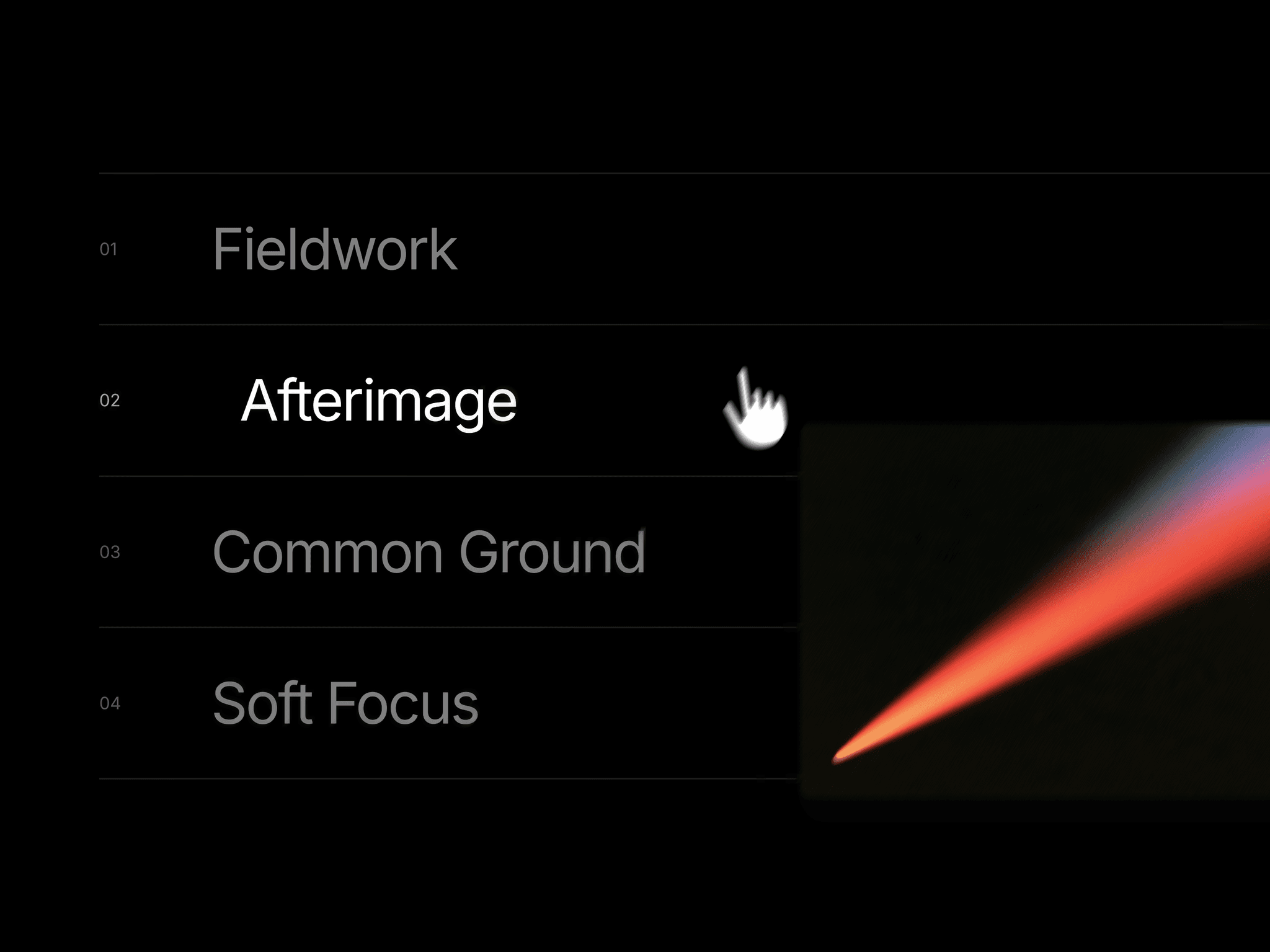
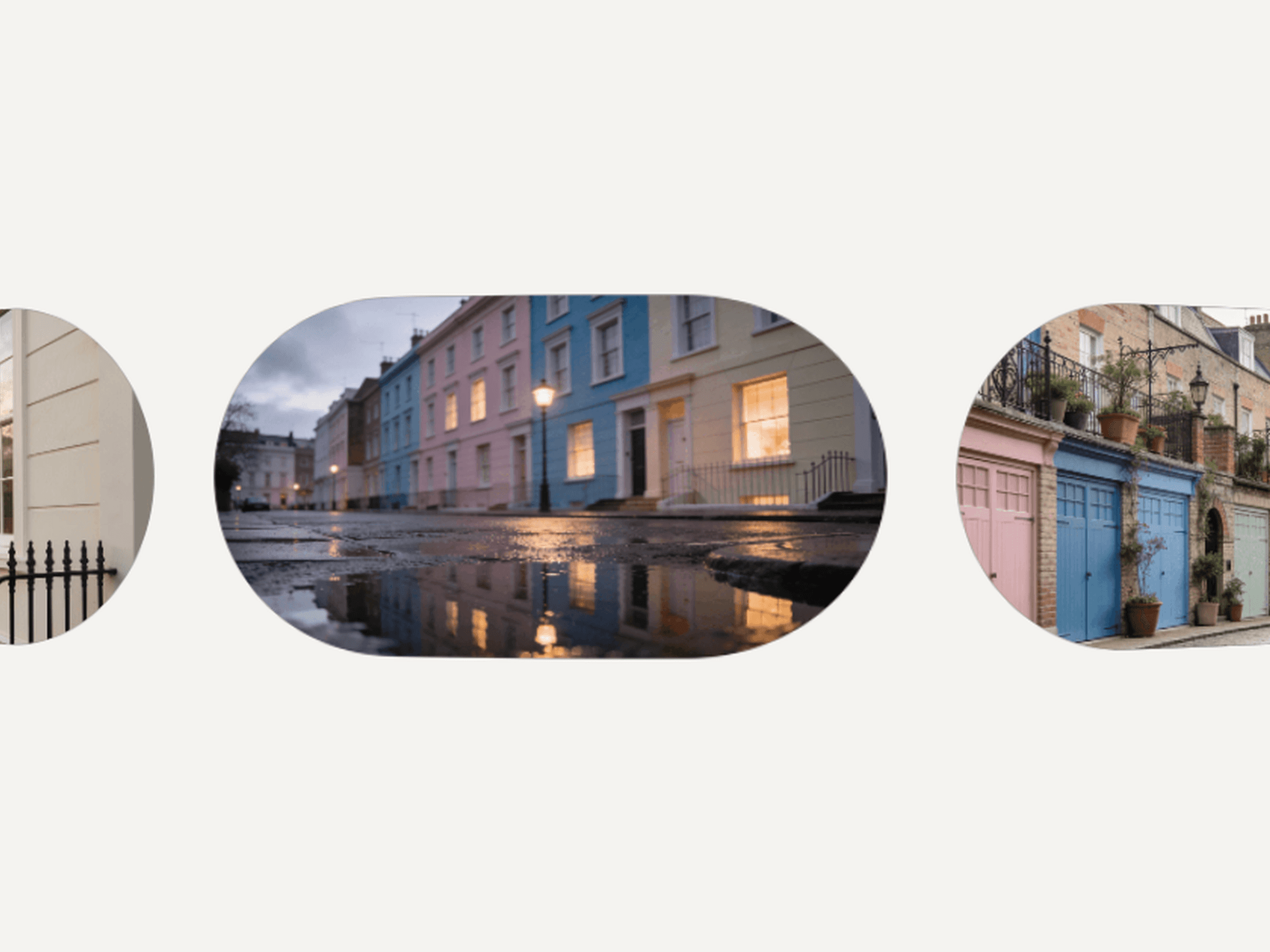
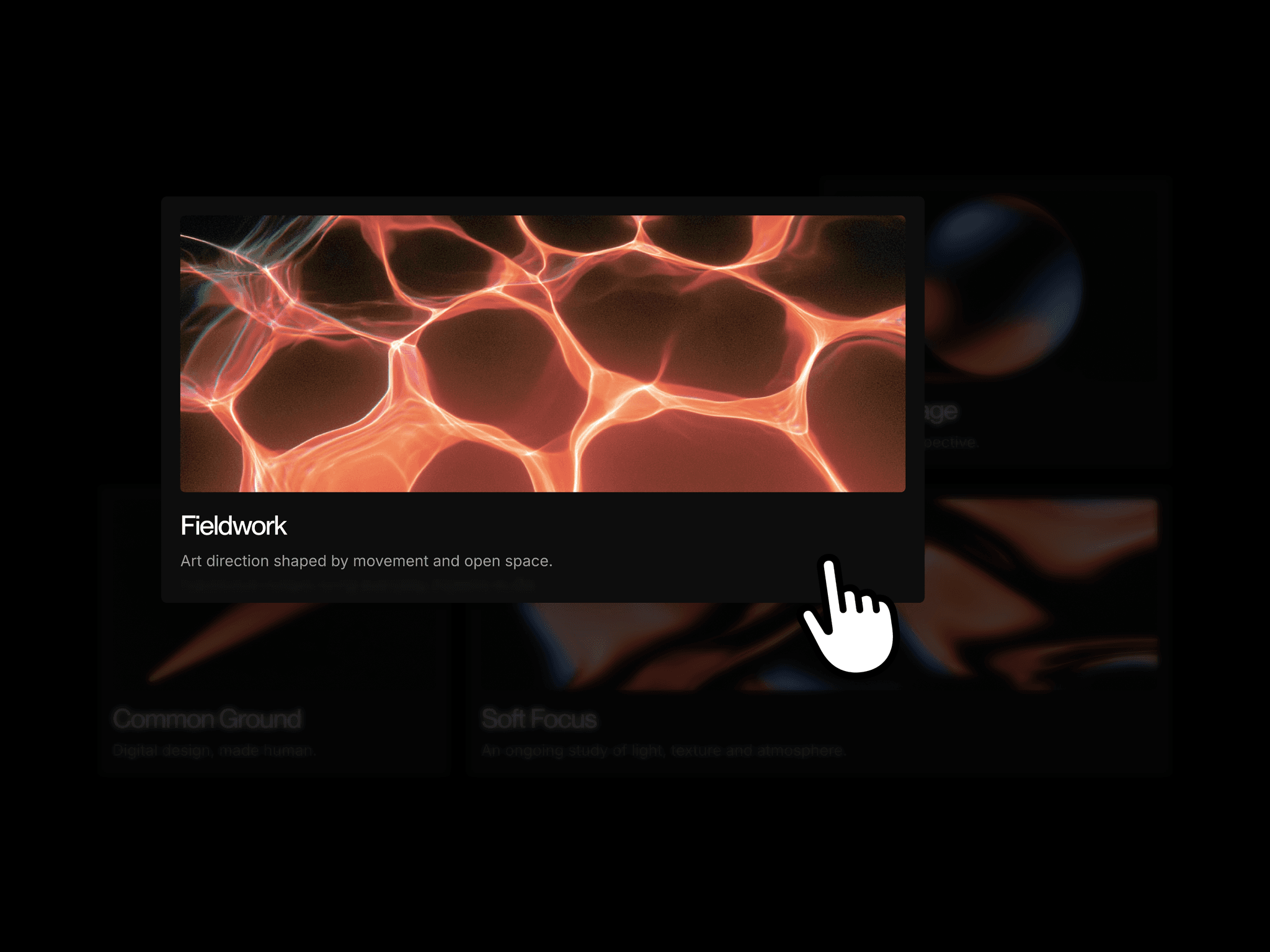
Bento Expand presents four projects in an alternating grid of wide and narrow cards. Each card combines an image, title, and short caption. Clicking a card expands it into a centered viewer, carrying the image and text into the new layout while keeping the text size stable.
The viewer dims and blurs the background, pauses page scrolling, and reveals a longer project description. Visitors can cycle through projects by clicking the image, using arrow keys, or swiping. Pressing Escape or clicking outside returns the current project to its card in the grid.
What you can customize
Replace the images, titles, captions, and expanded descriptions for the four projects. Each project has a short introduction in the grid and more detail in the viewer.
How to use
Copy the component from the Marketplace and paste it onto the canvas
Replace the images, titles, and captions for all four projects
Add the longer descriptions shown in the property controls
Preview opening a card and cycling through projects
Great for
Showcasing selected portfolio projects
Presenting case studies with extra context
Browsing artwork or photography collections
Exploring product concepts and design studies