About Dotted Globe
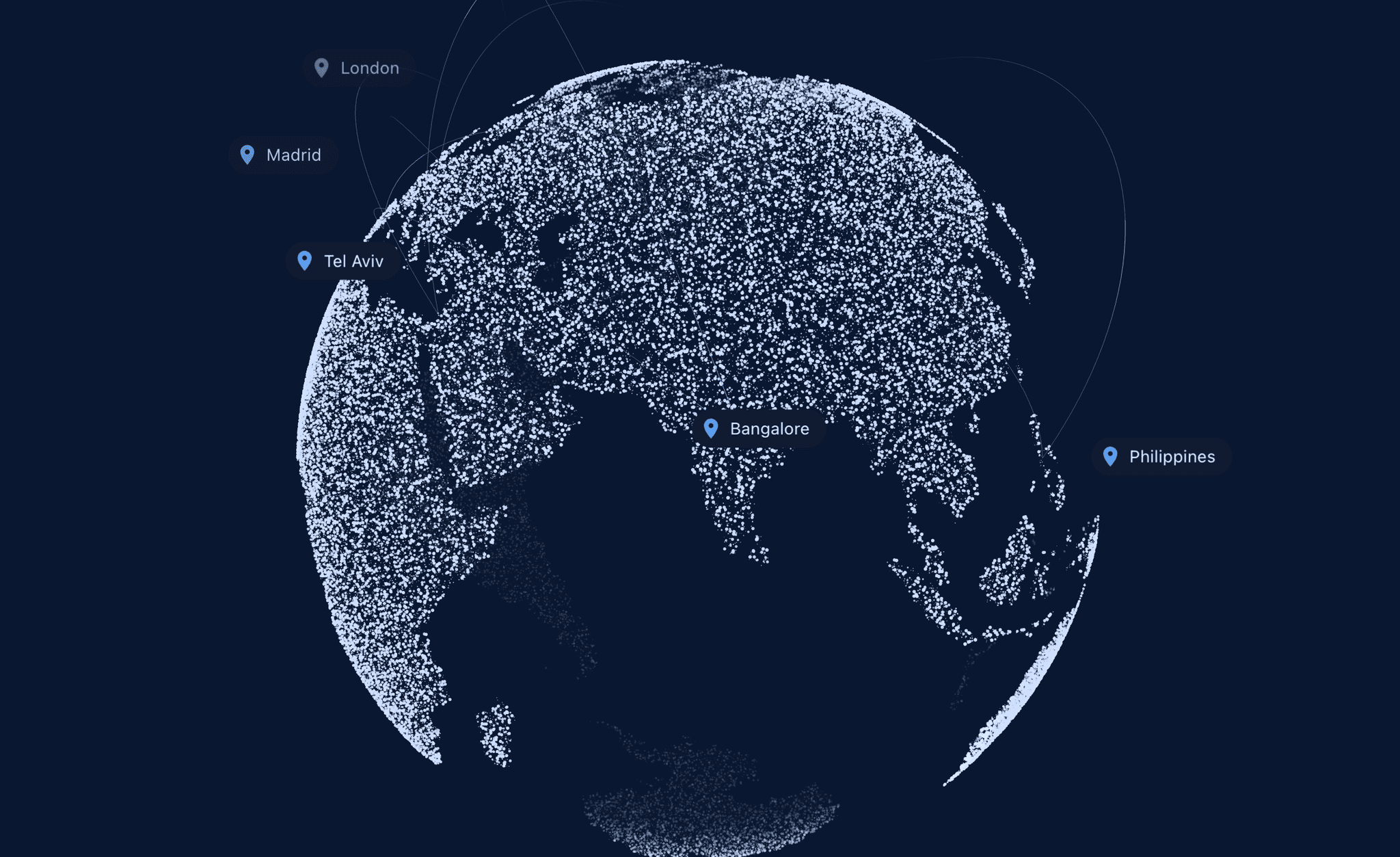
Dotted Globe draws the continents out of real land coordinates, then lets you spin them. Drag to turn the earth, flick it and it keeps going, and the points scale and fade as they travel to the back so the sphere reads with real depth.
Placing a location is the part that saves you time. Instead of hunting for latitude and longitude, you type "Tokyo" or "Mexico City" or "Japan" and the pin lands where it belongs. A gazetteer of 2,824 cities and 244 countries is built into the component, so there is no API, no key, and no network request. Each pin carries a text tag that rides along with it and fades out as it rotates away.
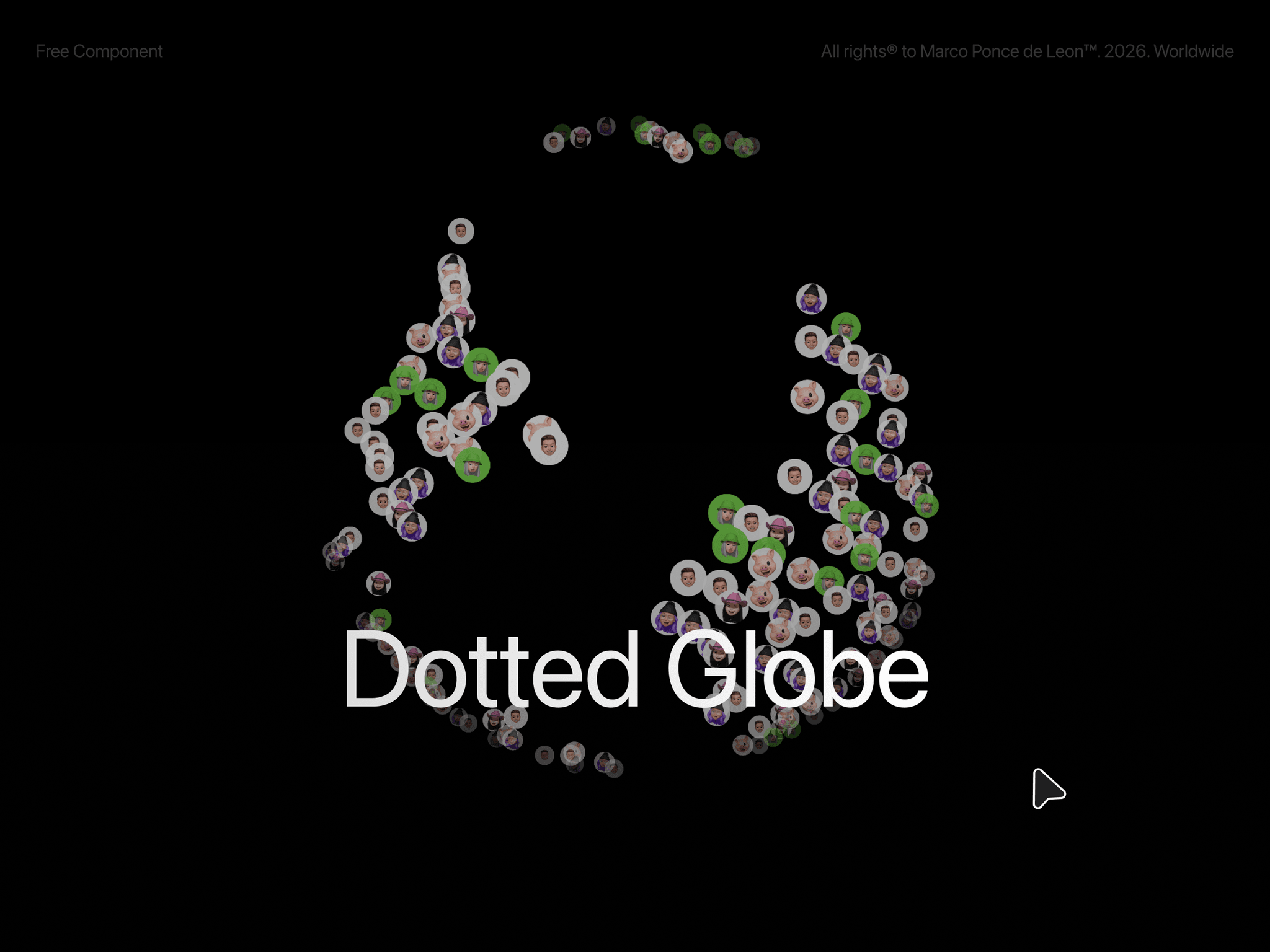
You can also make the globe out of your own images. Add photos and they tile across every point of the map, so the earth is built from your work instead of dots.
Features
Type a place: search 2,824 cities and 244 countries by name, the pin lands on real coordinates
Tags that travel: text labels ride with their pins and fade as they rotate to the back
Point count: one slider takes you from a light constellation to 2,946 dense land points
Photo points: add images and they multiply across every point of the globe
Drag to spin with inertia, flick it and let it settle
Depth that reads: points scale and fade toward the back, the far hemisphere drops away
Pin photos or videos at a location, not just dots
Manual coordinates when you need them: switch any pin to lat and lng
Customization Globe (point count, dot color, dot size, glow, globe size, tilt), Point Images (shuffle, shape, size), Motion (auto spin, speed, draggable, momentum, hide back), Locations (place search or lat and lng, pin type, size, ring), and Tags (size, color, background, offset, fade) are all exposed in the property panel. Every location takes its own tag, and leaving it blank falls back to the place name.