About Endless Int Gallery
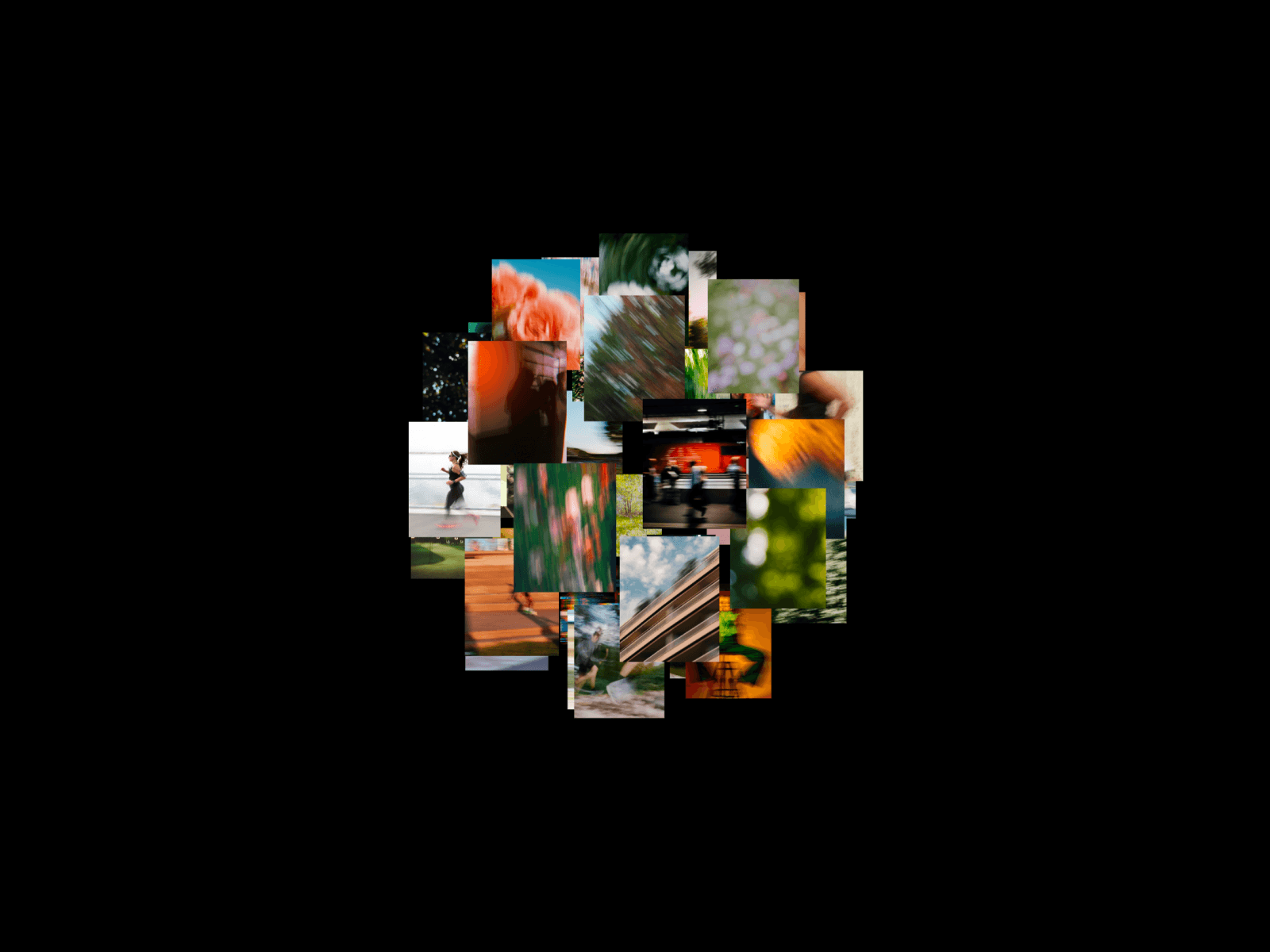
Endless Gallery scatters your images across an endless canvas you can grab and throw in any direction. While you drag, the whole scene zooms out, compresses into the motion, leans with the velocity, and splits into RGB channels for a glitchy split second, then settles back the moment you let go.
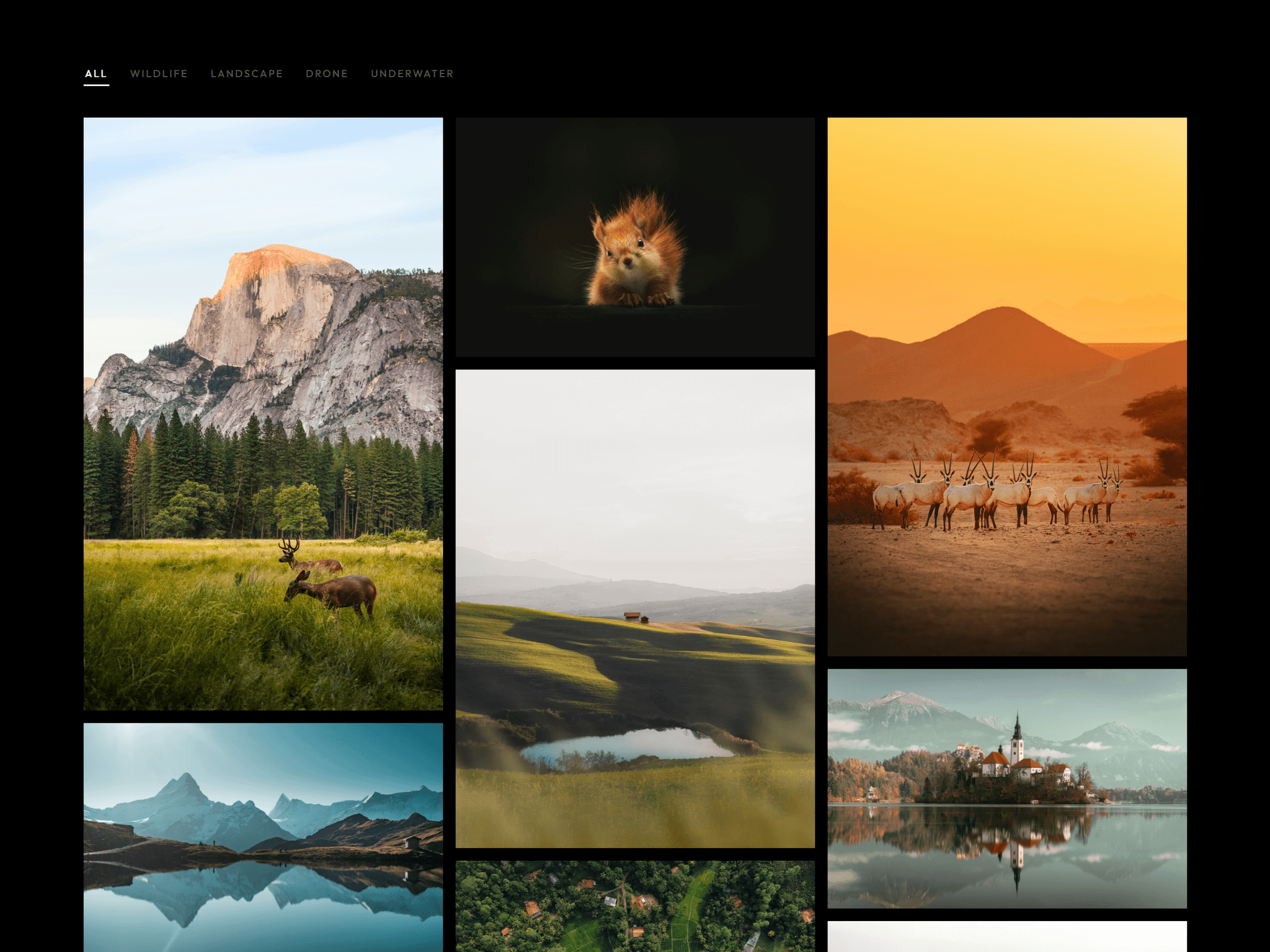
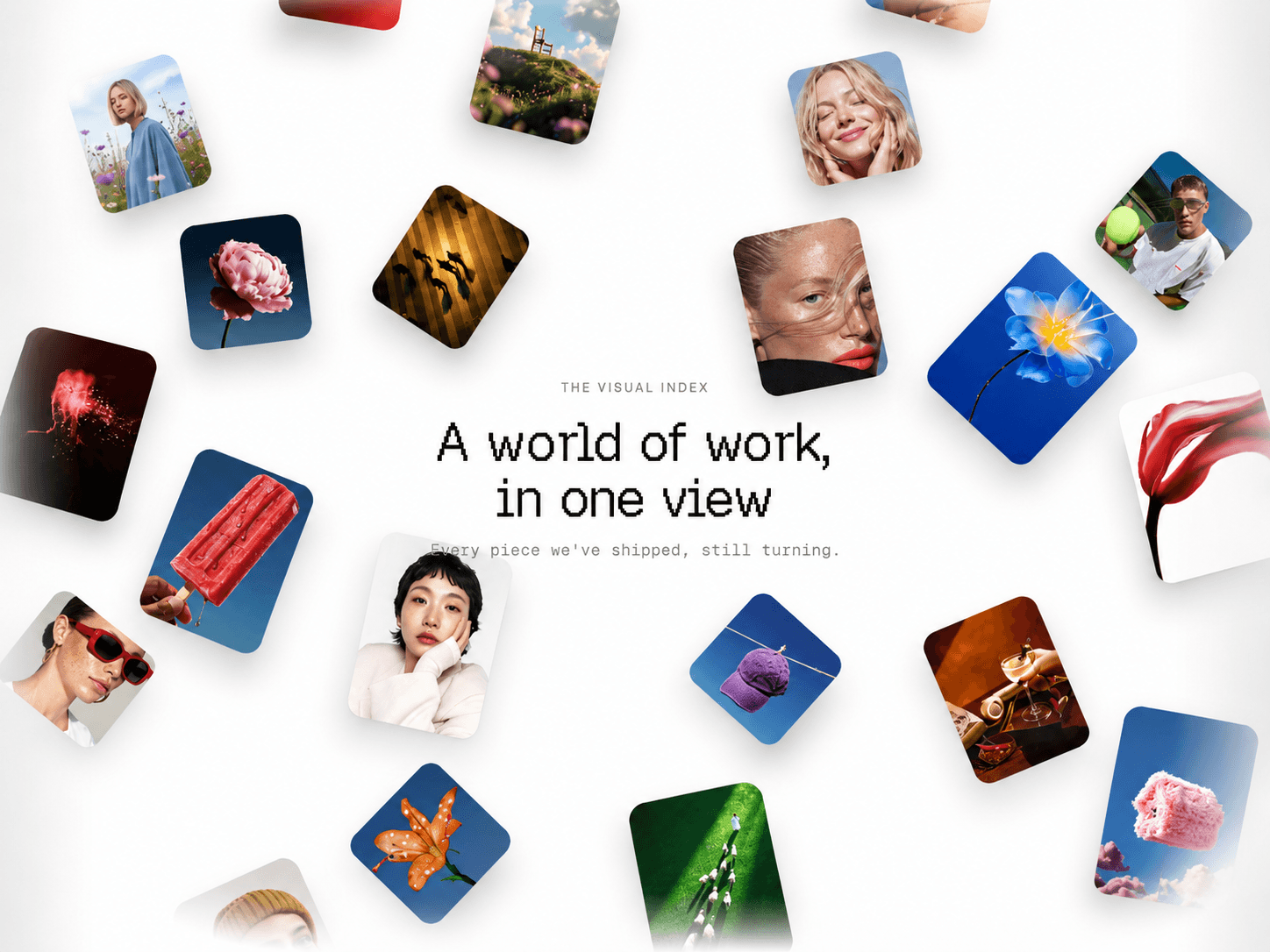
Photos land in a messy, moodboard style layout: varied sizes, varied proportions, empty space that breathes, and a stable seeded randomness so the collage never jumps or reshuffles while you explore. On load, the scene zooms in while photos cascade into place. Each image can carry its own link, so the gallery doubles as a navigable index of your work.
Features
- Endless drag in every direction with throw inertia
- Drag warp: zoom, squash, skew, and RGB split driven by your speed
- Messy collage layout with stable, seeded randomness
- Cinematic intro: staggered reveal while the scene zooms into place
- Clickable images with a link per item
- Arrows and horizontal scroll navigation, vertical scroll stays with the page
- Cursor parallax and an optional 3D arc for depth
- Hover darkens the photo, clean and minimal
Perfect for
- Portfolio indexes and archives
- Photography and art landing pages
- Studio "selected work" sections
- Any page that wants exploration instead of a grid
Customization
Layout (cell size, scatter, size variation, density, labels), Drag Warp (zoom, speed shrink, ease), Drag Morph (squash, skew, RGB split), Intro (duration, stagger), Arc, Parallax, Inertia, and colors are all exposed in the property panel. Every item takes a title, year, link, and alt text.
How to use
1. Drop the component into a full width section.
2. Replace the sample images with your own, add titles and links.
3. Dial in Scatter, Density, and Size Variation for your flavor of messy.
4. Tune the Drag Morph controls for a subtler or glitchier feel.