About Download Picker
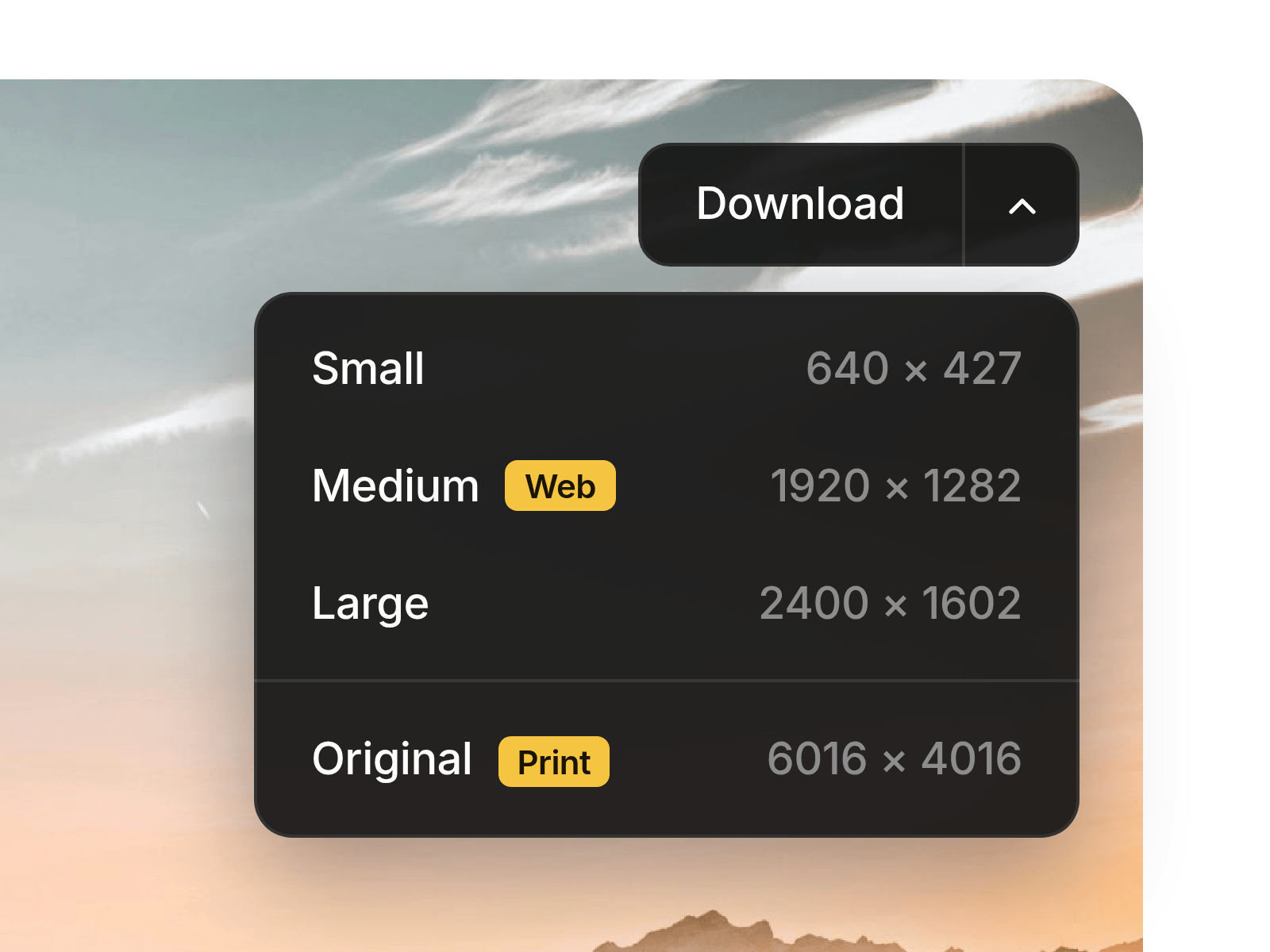
Download Picker turns a single button into a download menu: one click grabs your default file, while the arrow opens a clean list of every version you offer, from image resolutions to logo formats (SVG, PNG, PDF) or a full ZIP kit. Made for brand pages, press kits, and design guidelines.
Made to Fit Your Brand
Download Picker is built for full creative control: every color, border, radius, shadow, and font of the button and menu is customizable, light or dark, with an optional background blur. Go with a split button that downloads a default file, or a single button that simply opens the menu.
Key Features
Button
Split: the main zone downloads your default file, the arrow opens the menu
Single: the whole button opens the menu
Custom label, typography, and optional download icon
Files
Upload any file type, or link to a file hosted elsewhere (opens in a new tab)
Info text per item (size, format, usage), inline or right-aligned
Optional badge per item, like “Web” or “Print”
Separator line to set apart a key item, like the full ZIP
Custom file name for each download
Menu
Opens down or up, aligned left or right
Fill, hover, text, line, border, radius, shadow, and blur controls
Closes on outside click or with Escape
Show Menu toggle to style it right on the canvas
Performance
Nothing is fetched until a visitor clicks, so your page stays light
Uploaded files download instantly under a clean file name
How to Set Up
Drag Download Picker onto your canvas
Add your files under Items, with a label and info for each
Pick Split or Single, then set the Main Item
Style the Button and Menu, then publish
Refund Policy
All sales of digital products are final and non-refundable. Questions? Contact hellonostromostudio@gmail.com before purchasing. Enjoy!